跳至主要内容

Influx

Connect your Influx account to Zendesk for 24/7 customer service

無評級

0 reviews

相容於

Support

開發者

Influx

Influx operates a 24/7, all-hours support team that connects directly to your Zendesk account. Their complete support operation on demand includes the people, management, training and QA to help you answer tickets faster and improve your response quality over time.

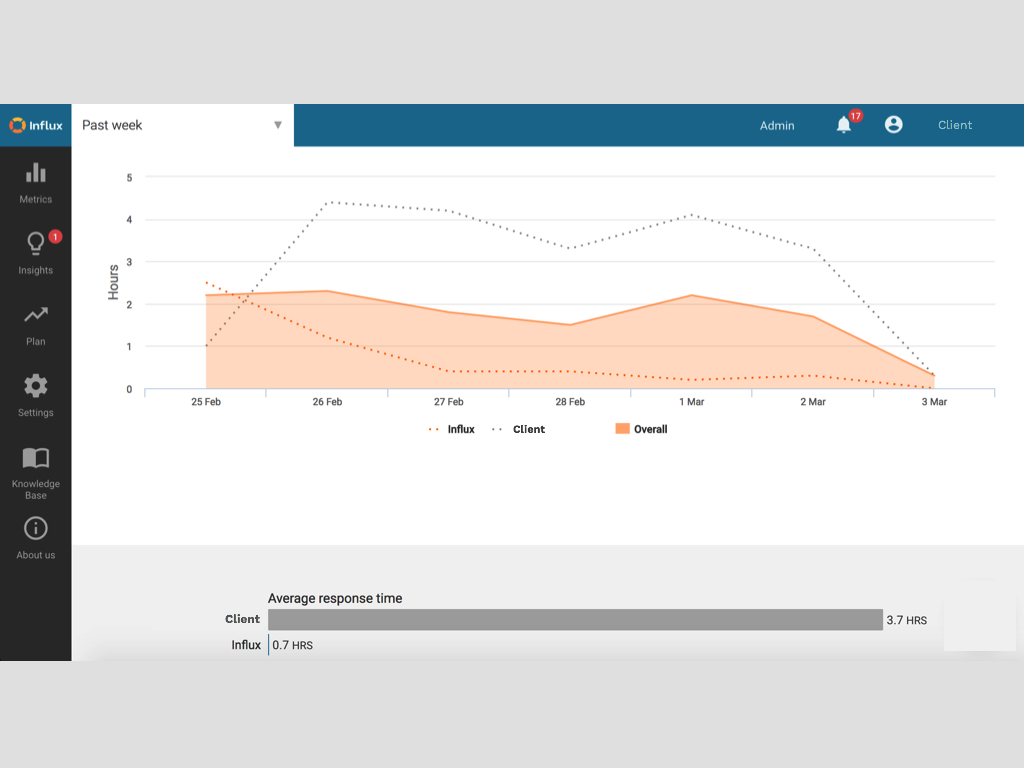
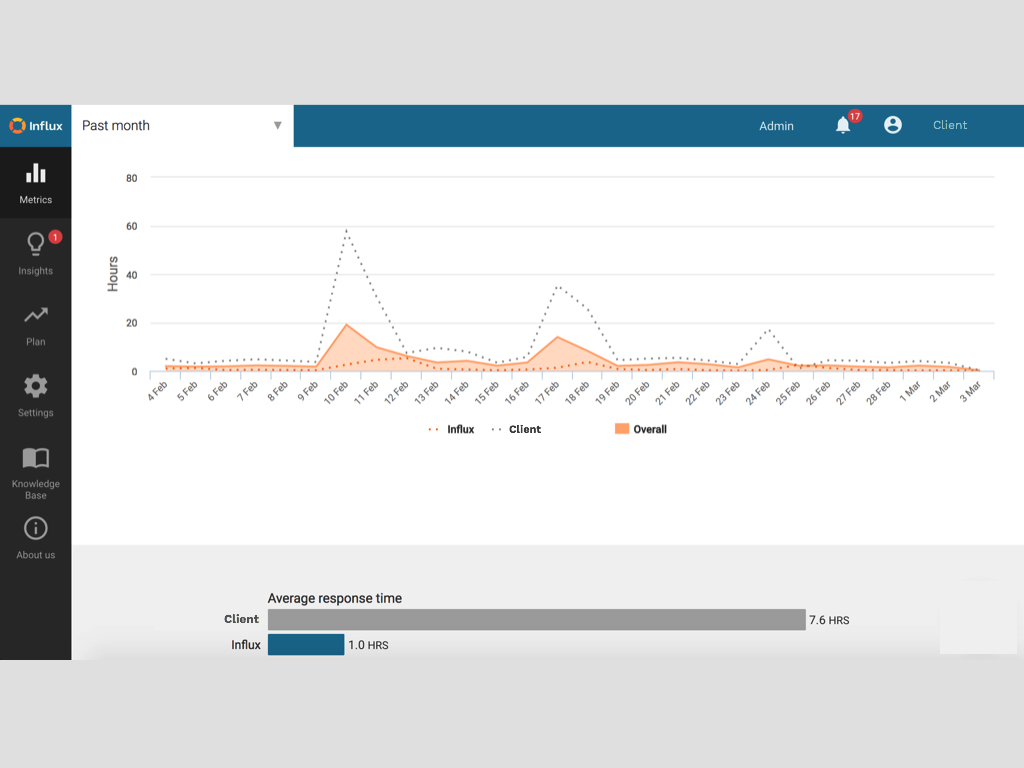
Influx agents connect to your shared Zendesk support channels just as if they were members of your internal team. You can use Zendesk to analyze their ticket volumes, response times, and even review content for QA purposes.

如何安裝

  1. Create an Influx account https://influx.com
  2. Find your Zendesk URL This looks like: mycompany.zendesk.com.

  3. Enter your Zendesk URL in your Influx Dashboard: https://influx.com/dashboard/help_desks/new?vendor=zendesk
  4. Connect Your Account via oAuth.

To do this, you need to be authorized as an admin in Zendesk. If you’re not logged in, you’ll be prompted to log in as part of the authorization process.

公眾評價

留下評論

與其他Zendesk社群分享你的經驗

.zendesk.com