Fusion
Ready for the Next Generation of Zendesk Support. Fusion is a Modern and Flexible Zendesk Theme Built for Exceptional Self-Service Experiences. Seamlessly Supports Help Center API v4, AI Search, and Service Pages.
設計師
Grow Shine Services Private Limited
About this theme
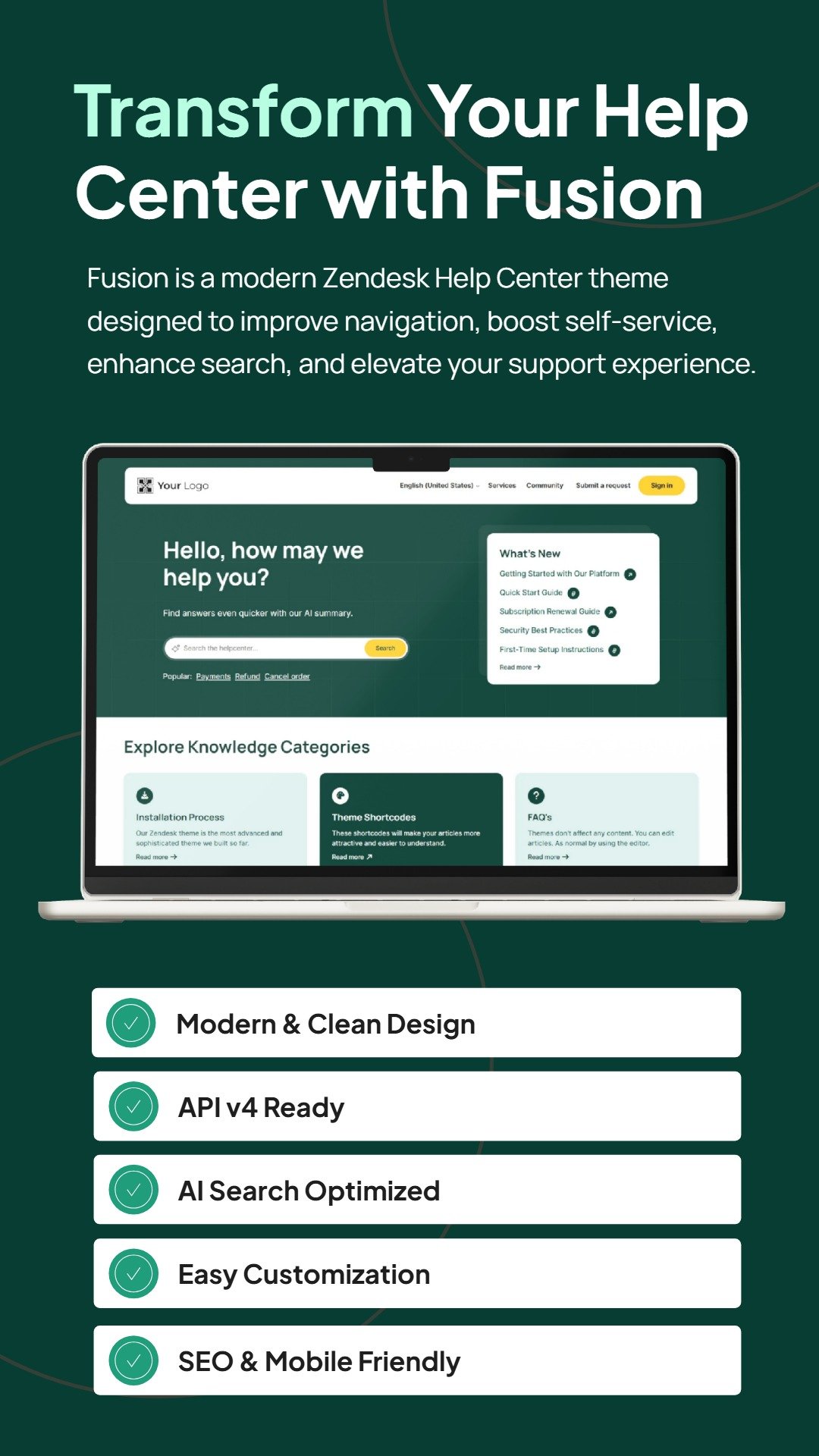
Fusion is a premium Zendesk Guide theme that combines modern design, powerful functionality, and seamless navigation to help customers find answers faster. Designed for businesses of all sizes, Fusion transforms your help center into a professional support hub that enhances customer satisfaction and reduces support tickets.
With its clean layouts, advanced search experience, and highly customizable design, Fusion delivers the perfect balance of aesthetics and usability.
Theme Features
Modern and responsive design
Powerful hero search section
Category and section card layouts
Popular keywords
Featured articles and announcements
Videos showcases
Lightbox pop-up on article image
Wide & Boxed layout
Categories sidebar (Quick Navigation)
Community and blog support
Alert bar (notification banner) on top
Smooth animation on scroll
- Content formatting components (accordions, tabs, list styles, callout blocks, etc.) included
Scroll to top
SEO-Friendly structure
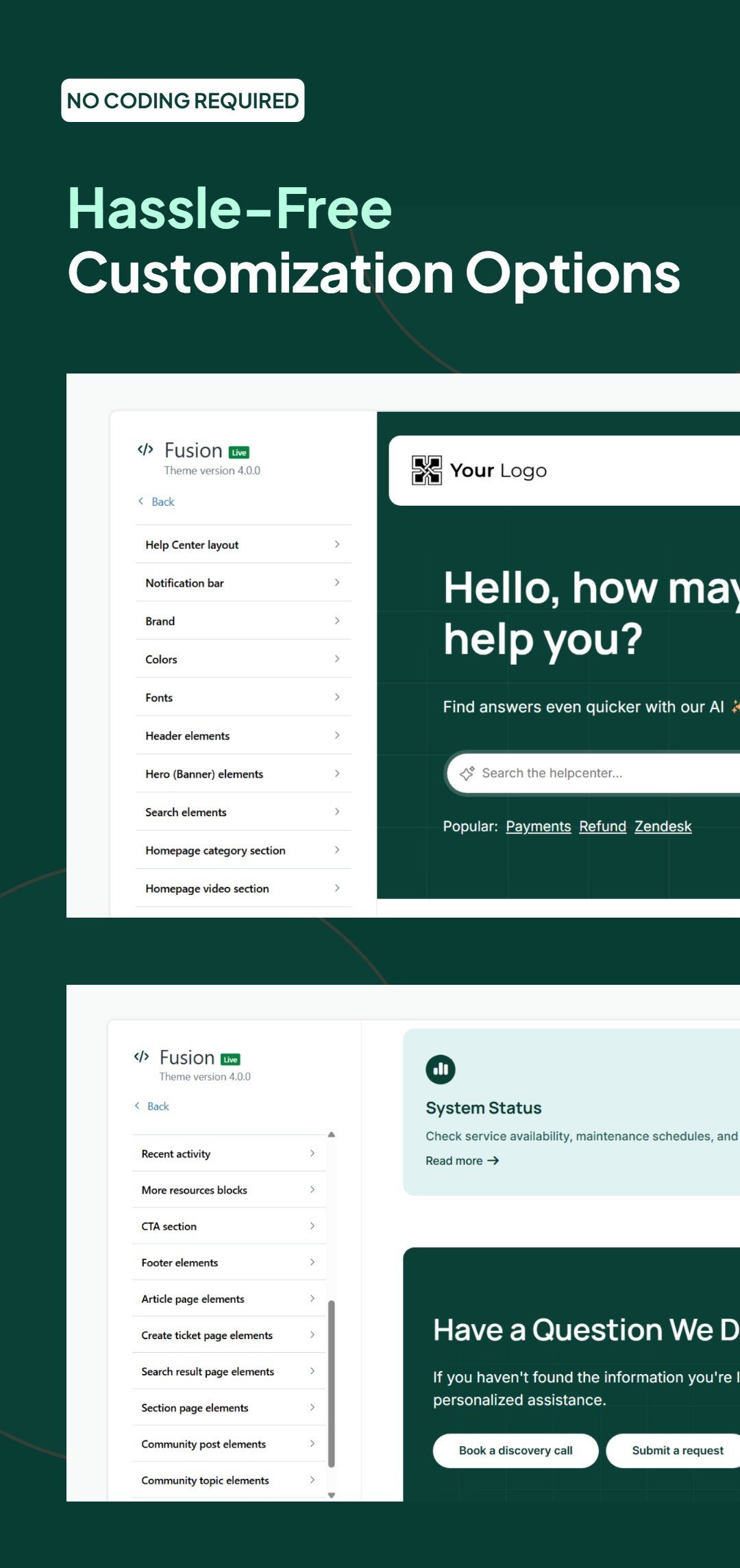
Fully customizable Zendesk guide theme
- Translations (You have to use DYNAMIC CONTENT placeholders instead of static text in theme settings)
Many more...
Why Choose Fusion Help Center Theme?
Fusion is built to provide a seamless knowledge-sharing experience. Whether you're a startup, SaaS company, enterprise, or eCommerce business, the theme helps users discover information quickly through intuitive navigation and engaging content layouts.
Perfect For
Startups
SaaS Platforms
Technology Companies
E-commerce Businesses
Enterprise Support Centers
Educational Platforms
Customer Service Teams
All Sizes Organizations
Included with Every Purchase
Theme installation
Free branding
Minor customization support
Regular updates
Dedicated customer support
You Need Developer License for the below Enhancements
- Homepage category block icon - You can only update Six (6) icon in setting option. If your Help Center has more than 6 categories then you have to go with the Developer license.
- Follow this guide to update category icons with Font Awesome.
- Follow this guide to update category icons using custom SVG images.
Reach Us (24x7)
Our Zendesk themes are updated regularly to support new features and capabilities. Have any questions about our theme? Feel free to email us.
主題詳情
留下評論
與其他Zendesk社群分享你的經驗