Best 24 help desk software & ticketing systems for 2026
See how help desk ticketing systems make managing support tickets and delivering great service across channels easy with a free trial.



Mozhdeh Rastegar-Panah
Senior Director, Product Marketing
最後更新: September 21, 2026
What is help desk ticketing software?
Help desk ticketing software is a tool businesses use to track, organize, and manage service requests and issues from customers, employees, or internal teams. While ticketing systems are widely used in customer service, they also support departments such as IT and HR. Each request becomes a ticket containing the issue, relevant details, and context so teams can manage it through resolution.
Key takeaways
- Help desk ticketing software organizes customer and employee requests, routes work, and tracks each issue through resolution.
- The best platforms combine ticketing with AI, automation, omnichannel support, self-service, analytics, and workflow management.
- This guide compares 24 help desk ticketing systems, including pricing, features, use cases, strengths, and limitations.
- The right system should fit your team’s workflows, scale with demand, integrate with your tech stack, and deliver strong total value.
- Compare each solution's ease of use, AI capabilities, scalability, customization, support, and total cost of ownership to narrow the best-fit options.
More in this guide:
- How does a ticketing system work?
- Help desk ticketing system comparison chart
- The 24 best help desk ticketing software
- Types of help desk software
- Features of help desk ticketing software
- Benefits of help desk ticketing system software
- How to choose the right help desk ticketing system software
- Why choose Zendesk for ticketing?
- Frequently asked questions
How does a ticketing system work
A ticketing system turns customers or employee requests into trackable tickets, then manages them through resolution. The process typically works like this:
- A customer or employee sends a request through email, messaging, phone, a web form, or another support channel.
- The system creates a ticket with the request details and relevant context.
- AI or predefined rules categorize and prioritize it based on factors like intent, urgency, or request type.
- The ticket routes to the right human or AI agent based on skills, availability, or workflow rules.
- The system tracks the conversation through resolution, keeping interactions, updates, and actions in one place.
- Reporting captures outcomes and trends so teams can monitor performance and identify opportunities to improve service.
Help desk ticketing software comparison chart
We evaluated help desk ticketing systems based on ticket management, AI and automation, omnichannel support, ease of use, scalability, integrations, reporting, pricing, and time to value.
We also considered each platform’s primary use case, strengths, and limitations to make comparisons more practical. Pricing and free trial information were verified as of August 2026.
Here's the help desk ticketing software comparison chart we've put together.
| Software | Starting price | Free trial | Best for |
|---|---|---|---|
| Zendesk | $19/agent/month (billed annually) | 14 days | AI-powered customer and employee service |
| Zoho Desk | $7/user/month (billed annually) | 15 days | Mobile app issue resolution |
| HappyFox | $24/agent/month (billed annually) | 14 days | Marketing teams |
| LiveAgent | $15/agent/month (billed annually) | 30 days | Live chat widget |
| Salesforce Service Cloud | $25/user/month (billed annually) | 30 days | CRM-driven enterprise customer service |
| Vision Helpdesk | $12/agent/month (billed annually) | 30 days | Performance gamification |
| HubSpot Service Hub | $7/seat/month (billed annually) | Available | Teams using HubSpot CRM |
| Front | $25/seat/month (billed annually) | 14 days | Shared inbox |
| ServiceNow | Contact ServiceNow | Unavailable | ITSM and workflow automation |
| TeamSupport | $45/month (billed annually) | Unavailable | Manufacturing |
| Freshdesk | $15/agent/month (billed annually) | 14 days | Self-service options |
| Jira Service Management | $20/agent/month (billed annually) | 14 days | IT services |
| Hiver | $25/user/month (billed annually) | 7 days | Accounts receivable |
| Intercom | $29/seat/month | 14 days | Real-time conversational support |
| Help Scout | $25/user/month | 15 days | Collaborative email support |
| Spiceworks | $5/seat/month, (billed annually) | Available | Startups |
| SolarWinds Service Desk | $39/technician/month (billed annually) | 30 days | Automations |
| SysAid | $89/agent/month | Available | IT service management |
| ProProfs Help Desk | $23.88/user/month (billed annually) | Available | Knowledge base integration |
| Gorgias | $10/month for 50 tickets | 7 days | E-commerce |
| Kayako | Contact Kayako | 14 days | Multichannel customer service |
| Mojo Helpdesk | $14/agent/month; (billed annually) | 21 days | Internal help desk operations |
| ManageEngine ServiceDesk Plus | $13/technician/month (billed annually) | 30 days | Full-stack IT service management |
| Groove | $28/user/month (billed annually) | Unavailable | Smaller teams |
The 24 best help desk ticketing software
Below is a structured overview of the 24 ticketing systems featured on the page, including their positioning, pricing, key capabilities, and high-level strengths and limitations.
1. Zendesk
Best for AI-powered customer and employee service
| Starting price | Free trial | Key features | Key differentiator | Best for team size |
| $19/agent/month (billed annually) | 14 days |
| Unified AI-powered service platform with built-in AI, omnichannel support, knowledge, automation, analytics, and quality assurance | All sizes |
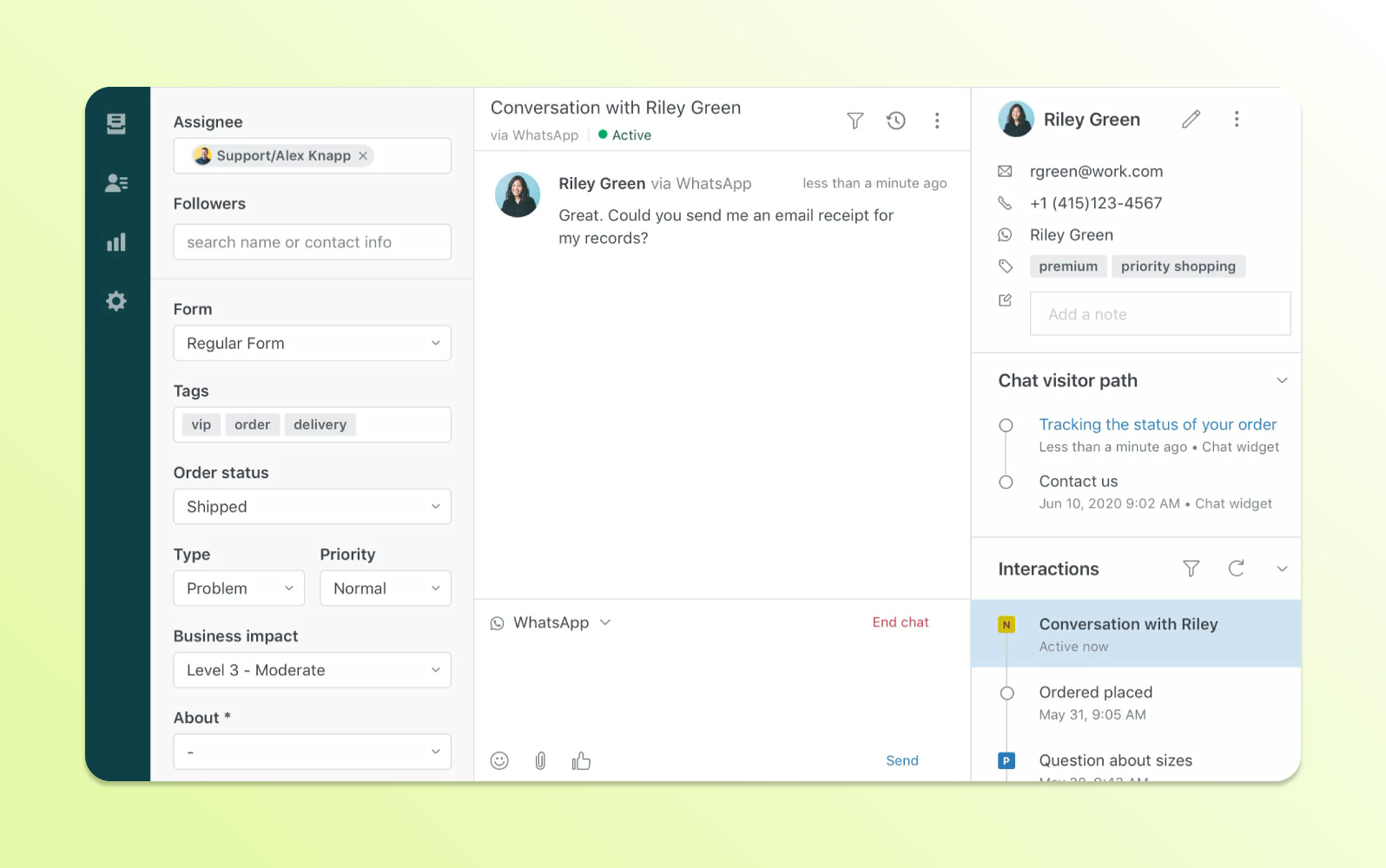
Zendesk provides an AI-powered ticketing system for customer service, IT, and HR use cases. Its interface brings conversations into a unified workspace and is designed to support service operations at scale.
Zendesk AI is natively embedded in the Resolution Platform and trained on billions of real service interactions. AI agents resolve requests end-to-end, handling complex, multi-step workflows across any channel. Copilot assists human agents in real time, intelligent triage routes work automatically, and built-in QA scores 100% of interactions so teams can continuously improve.
The platform supports email, messaging, live chat, social channels, voice, self-service, automation, reporting, and a large integration marketplace. This combination is designed to help teams consolidate service work and adapt the system to existing workflows.
| Pros | Cons |
|
|
| 20,000+ customers use Zendesk AI | 4.5B service resolutions powered by Zendesk in 2025 | Up to 80% of customer interactions resolved autonomously with Zendesk AI agents |
What people are saying:
- "Zendesk is one of the best help desk platforms [and] I would be lying if I said there is something I dislike about it."
- "Zendesk Support Suite makes it easy to manage customer interactions across multiple channels in one place. The ticketing system is intuitive, automation features save time, and the reporting tools provide valuable insights to improve team performance."
- “I spent many years as a support agent, and this platform really enhanced my days…saving so many manual tasks via triggers, automations, and macros.”
Learn more: Explore Zendesk pricing plans.
2. Zoho Desk
Best for mobile app issue resolution
| Starting price | Free trial | Key features | Key differentiator | Best for team size |
| $7/user/month (billed annually) | 15 days |
| Tight integration with the broader Zoho ecosystem | SMB / Mid-market |
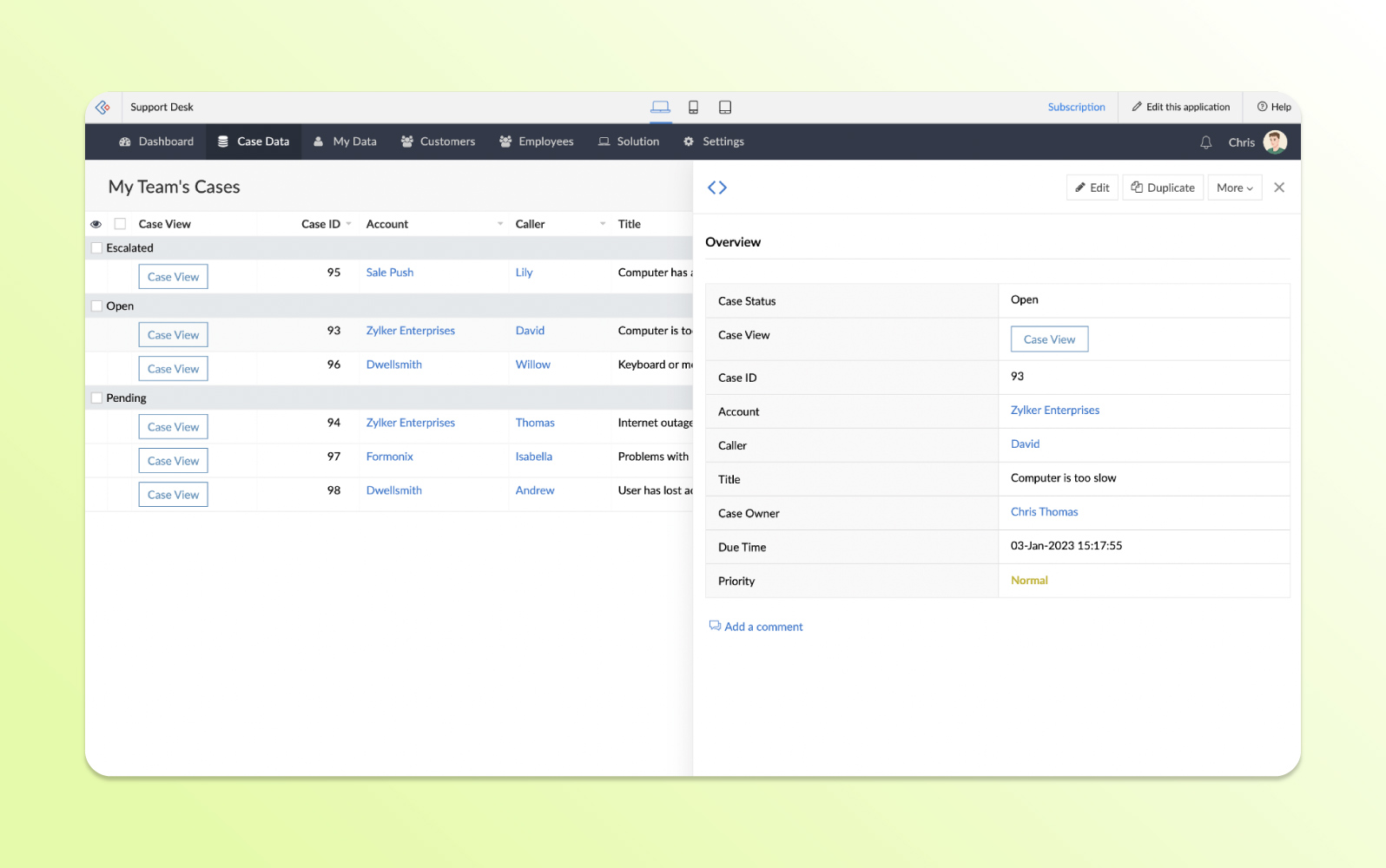
Zoho Desk helps customer-facing support teams track and resolve requests across channels such as email, social media, live chat, telephony, web forms, and messaging apps. It also connects with Zoho products and third-party applications.
Collaboration tools include team feeds, mentions, shared tickets, analytics, escalations, and automated workflows. Teams can also manage multiple help centers with knowledge bases, FAQs, and communities.
| Pros | Cons |
|
|
What people are saying:
- “The integration with other Zoho products has also been seamless, which is a great advantage for managing multiple business functions in one ecosystem.”
- “The biggest issue for us is the steep learning curve when it comes to advanced customization…We had to spend a lot of time troubleshooting or contacting support for help.”
- “One common criticism of Zoho Desk is that its reporting and analytics features can be a bit complex to navigate, especially for new users. Some users also find that while it offers many integrations, setting them up can sometimes be cumbersome.”
Learn more: Zoho Desk integrates with Zendesk; Zendesk vs. Zoho comparison.
3. HappyFox
Best for marketing teams
| Starting price | Free trial | Key features | Key differentiator | Best for team size |
| $24/agent/month (billed annually) | Unavailable |
| Flexible agent-based and unlimited-agent pricing options | Mid-market |
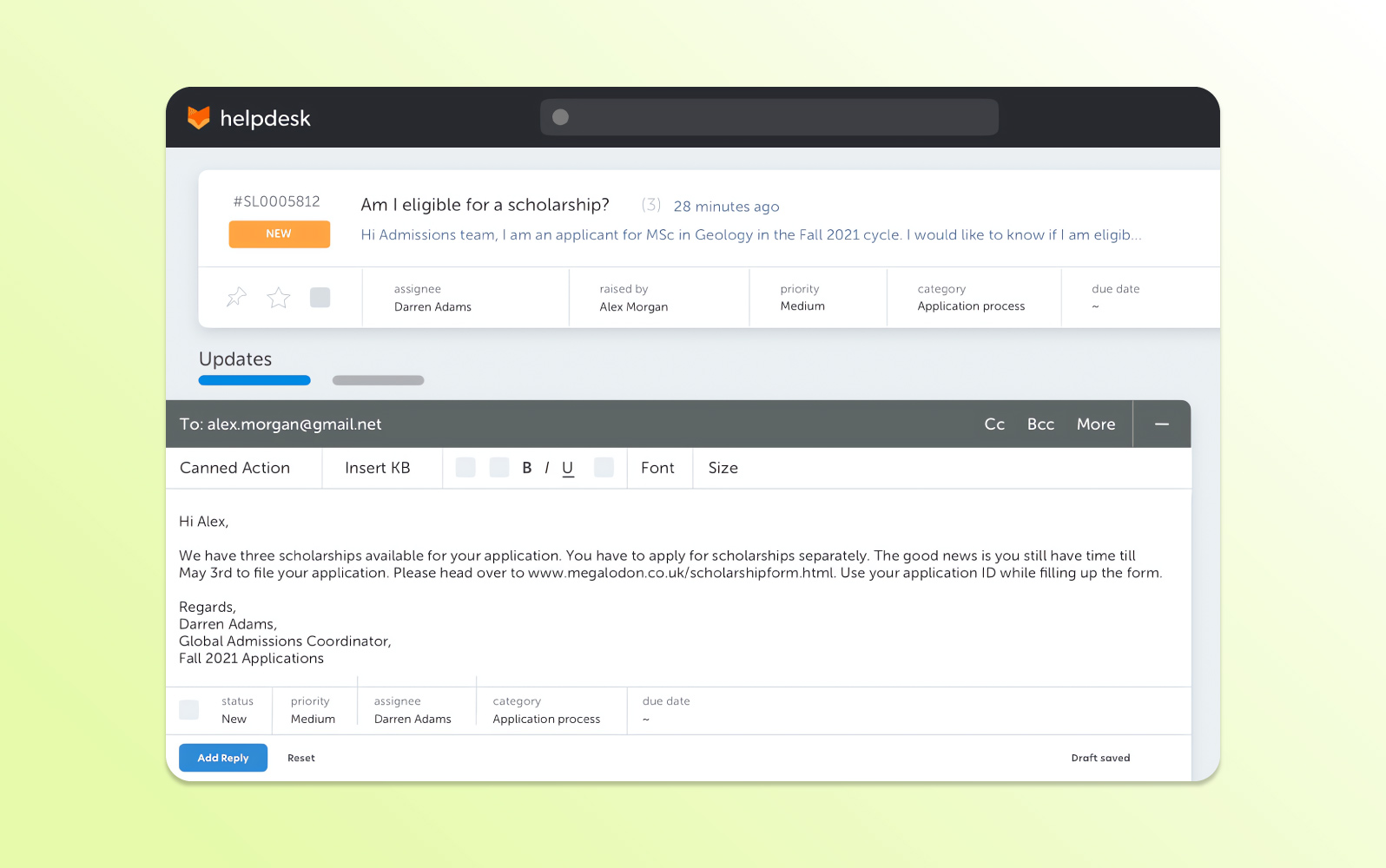
HappyFox is a cloud-based help desk platform with custom queues, tagging, forms, sorting, and self-service capabilities. It can assign tickets automatically based on expertise or workload to reduce duplicate effort.
Reporting helps teams understand support volume and trends, while workforce scheduling and customer satisfaction surveys support staffing and service quality management.
| Pros | Cons |
|
|
What people are saying:
- “I love their sales rep and customer service because they are very friendly and responsive to hop on a call and give me 1:1 support for whatever issue I am having.”
- “The inputs are not as customizable as we would like and, at times, make it difficult to ensure a ticket is getting to the right person.”
- “We've been using HappyFox for a few years and have no issues. It does the things we need it to do across multiple teams.“
4. LiveAgent
Best for live chat widget
| Starting price | Free trial | Key features | Key differentiator | Best for team size |
| $15/agent/month (billed annually) | 30 days |
| Broad communication channel coverage, including live chat and call center tools | All sizes |
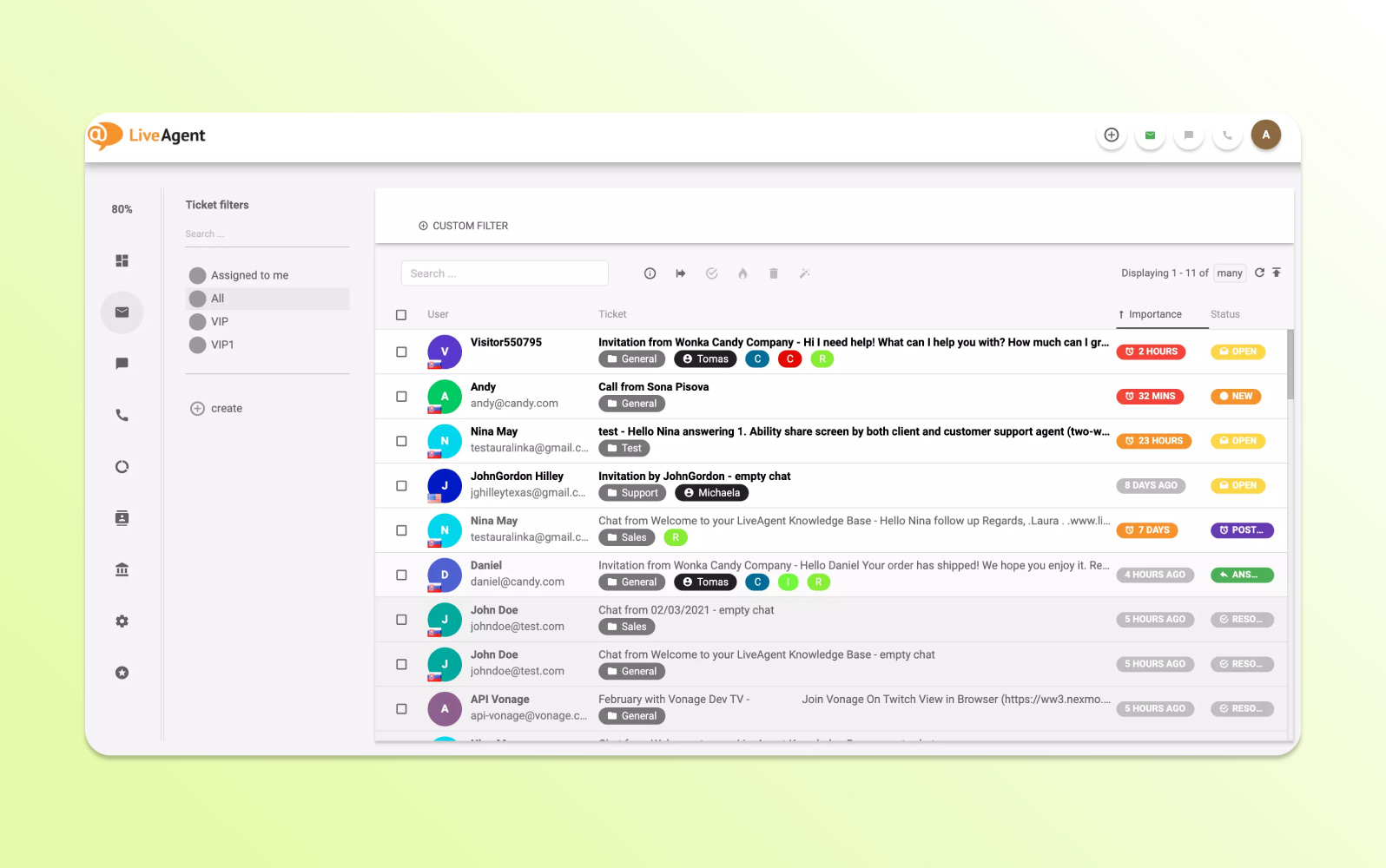
LiveAgent provides a universal inbox that brings together email, social, and phone support. Tickets can be merged when they refer to the same issue or split when different team members need to work on separate tasks.
The platform also includes reporting, collision detection, time-based rules, and live-chat capabilities such as real-time typing visibility, visitor monitoring, and proactive chat invitations.
| Pros | Cons |
|
|
What people are saying:
- “Emails, live chats, phone calls, and social media messages can be managed centrally, allowing us to centralize all communications with consumers.”
- “I've managed to make it work for me by tweaking the parameters to create highly successful automations. However, getting there requires some work and learning the ins and outs of the platform.”
- “Find the interface complex and challenging to navigate initially. While LiveAgent offers customization options, I might not find them sufficient for their specific needs.”
Learn more: Zendesk vs. LiveAgent comparison.
5. Salesforce Service Cloud
Best for CRM-driven enterprise customer service
| Starting price | Free trial | Key features | Key differentiator | Best for team size |
| $25/user/month (billed annually) | 30 days |
| Deep integration with Salesforce CRM and customer data | Enterprise |
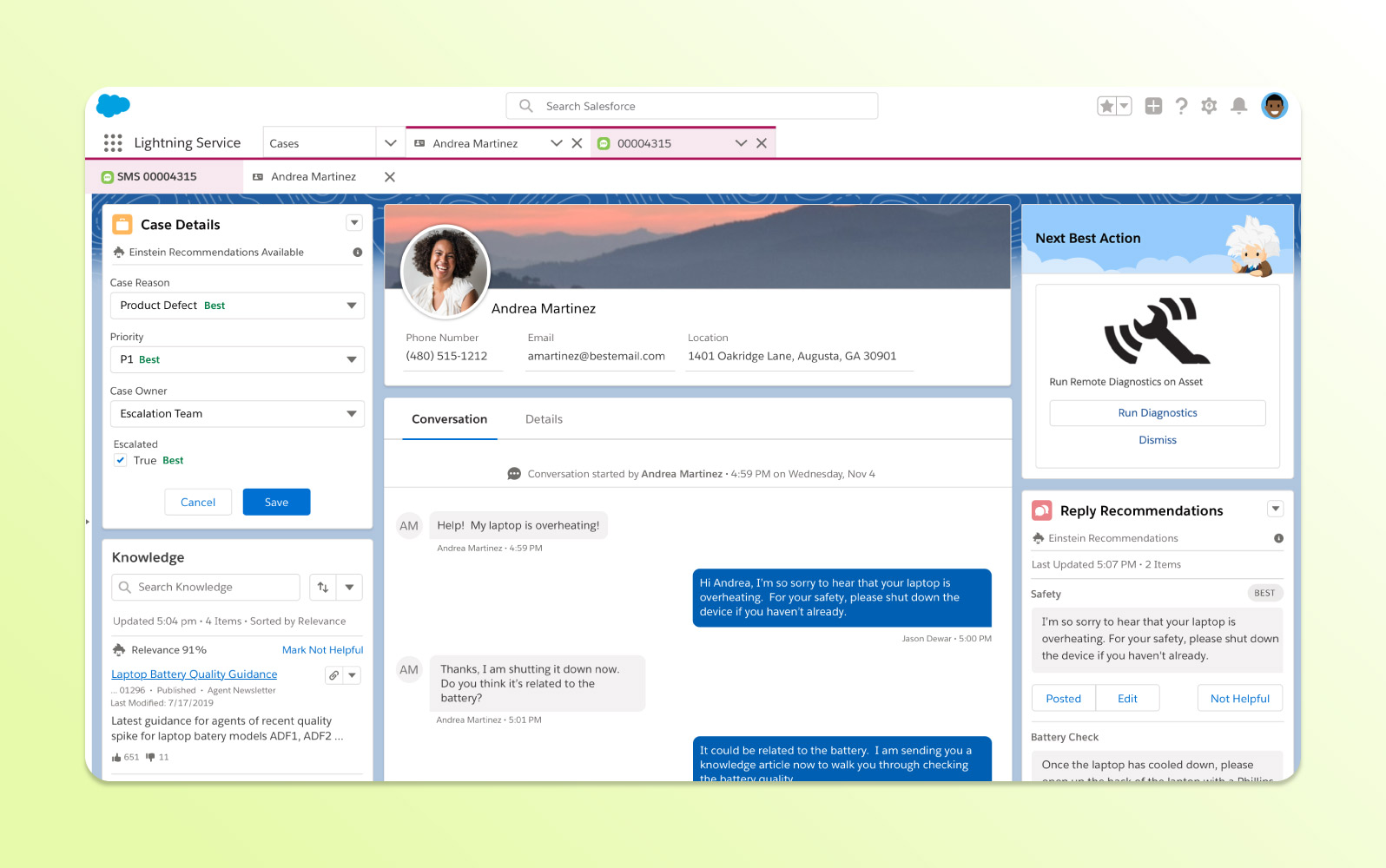
Salesforce Service Cloud is designed for organizations already using the Salesforce ecosystem and provides a unified view of customer interactions. It supports service management across multiple channels and integrates customer data with support workflows.
AI-assisted case routing, recommendations, automation, customization, and a broad marketplace help enterprises tailor service processes to complex requirements.
| Pros | Cons |
|
|
What people are saying:
- “There are always the good and the bad side of every tool we used. In Salesforce, it has a lot of features to navigate with; moreover, it is not user-friendly if that's the first time you will use it.”
- “While Salesforce Service Cloud is feature-rich, its complexity can be overwhelming, especially for new users or smaller teams without dedicated administrators.”
- “Price and lack of suppor, lack of usability.”
Learn more: Salesforce integrates with Zendesk; Zendesk vs. Salesforce comparison.
6. Vision Helpdesk
Best for performance gamification
| Starting price | Free trial | Key features | Key differentiator | Best for team size |
| $12/agent/month (billed annually) | 30 days |
| Built-in gamification features for agent performance | SMB / Mid-market |
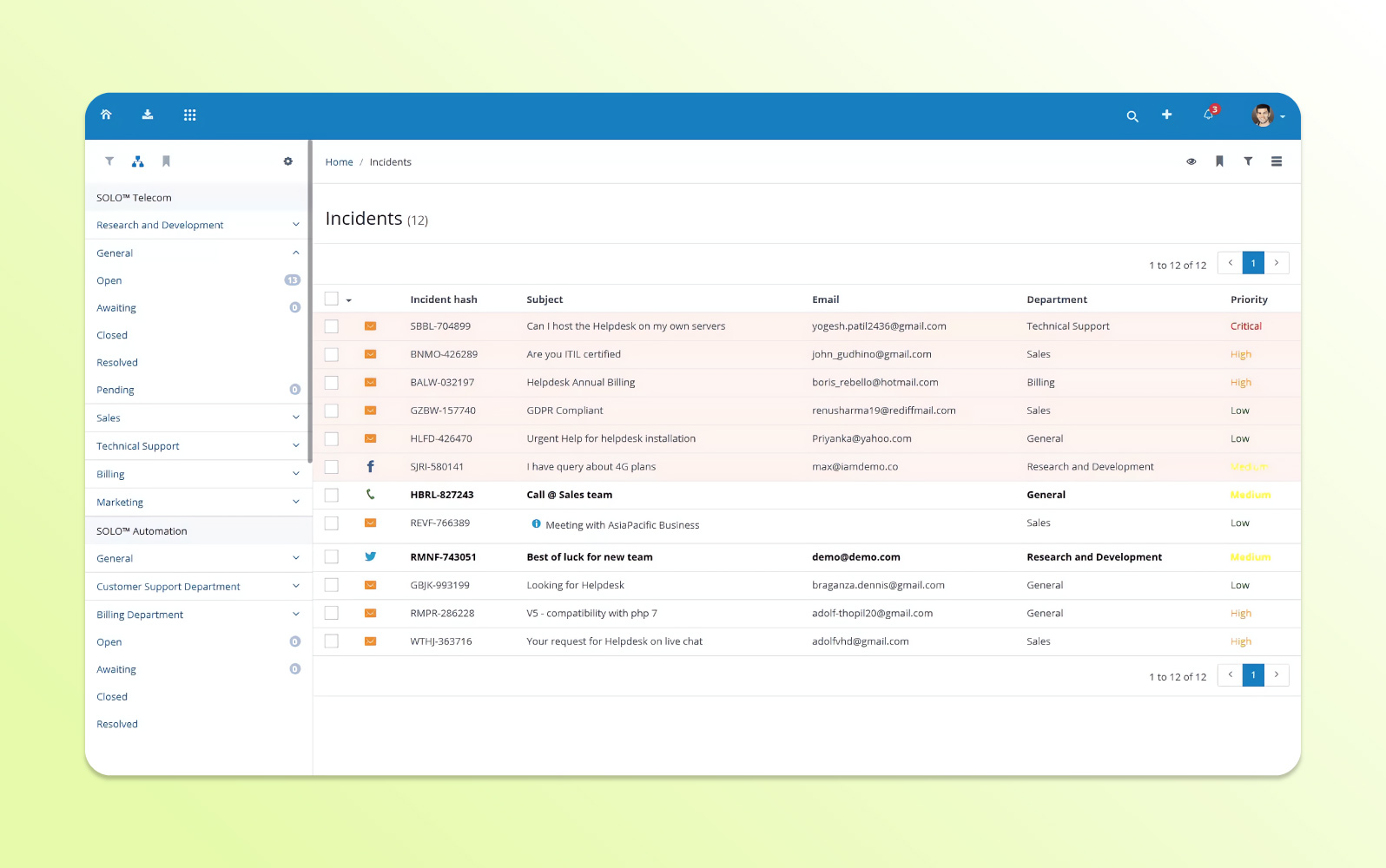
Vision Helpdesk is a cloud-based ticketing platform that consolidates conversations and supports rule-based automation. Tickets can be categorized hierarchically and shown in custom views.
Teams can define SLAs, response targets, and escalation rules. Gamification tools such as points, badges, and leaderboards are used to encourage agent performance.
| Pros | Cons |
|
|
What people are saying:
- “What I liked most about Vision Helpdesk is the multichannel support. It allows businesses to support their customers on multiple platforms, which increases the base of customers…”
- “One of the main drawbacks of Vision Helpdesk is its complex user interface (UI), which can feel cluttered and overwhelming, especially for new users.”
- “Customization options can feel limited at times, making it hard to tailor certain features fully to specific business needs.”
7. HubSpot Service Hub
Best for teams using HubSpot CRM
| Starting price | Free trial | Key features | Key differentiator | Best for team size |
| $9/seat/month (billed annually) | Not applicable |
| Native connection to HubSpot CRM, sales, and marketing tools | All sizes |
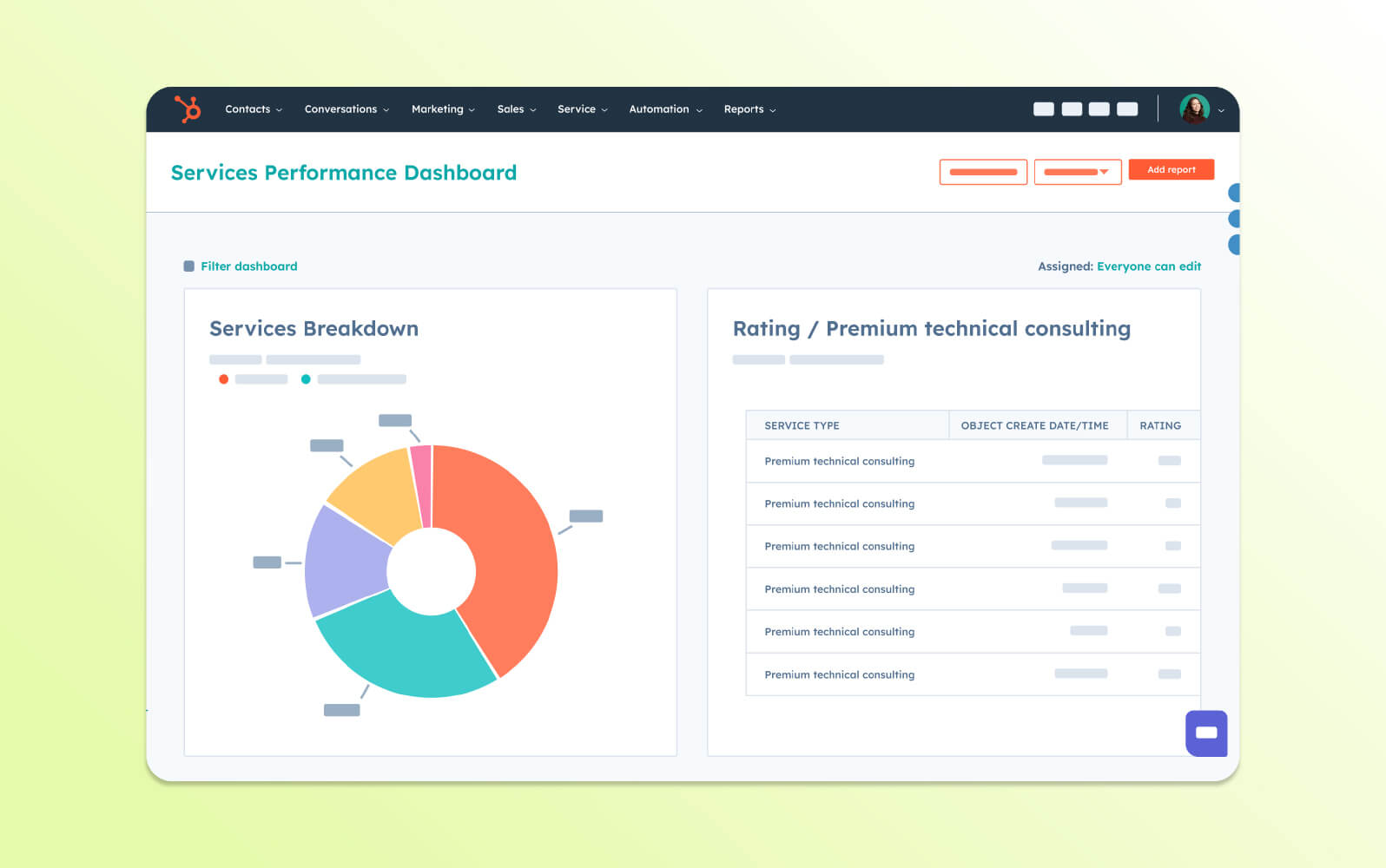
HubSpot Service Hub combines ticketing with the HubSpot CRM, helping service teams prioritize requests, automate workflows, and share customer information.
The platform includes conversational bots, live chat, self-service portals, branding options, native HubSpot integrations, third-party apps, and a mobile experience for ticket and SLA monitoring.
| Pros | Cons |
|
|
What people are saying:
- “The recently released help desk workspace has been a major improvement in managing tickets and conversations with our customers.”
- “I wish the knowledge base was available on smaller tiers, but I understand why it’s been added to the more expensive ones to create an upsell opportunity.”
- “I think the downside of HubSpot Service Hub is the lack of customizability at times. For example, the Survey lacks the ability for my team to brand it in our own style, much like the Knowledge Hub or Proposal area.”
Learn more: HubSpot integrates with Zendesk; Zendesk vs. HubSpot comparison.
8. Front
Best for shared inbox
| Starting price | Free trial | Key features | Key differentiator | Best for team size |
| $25/seat/month (billed annually) | 14 days |
| Shared-inbox model built around team collaboration | Mid-market |
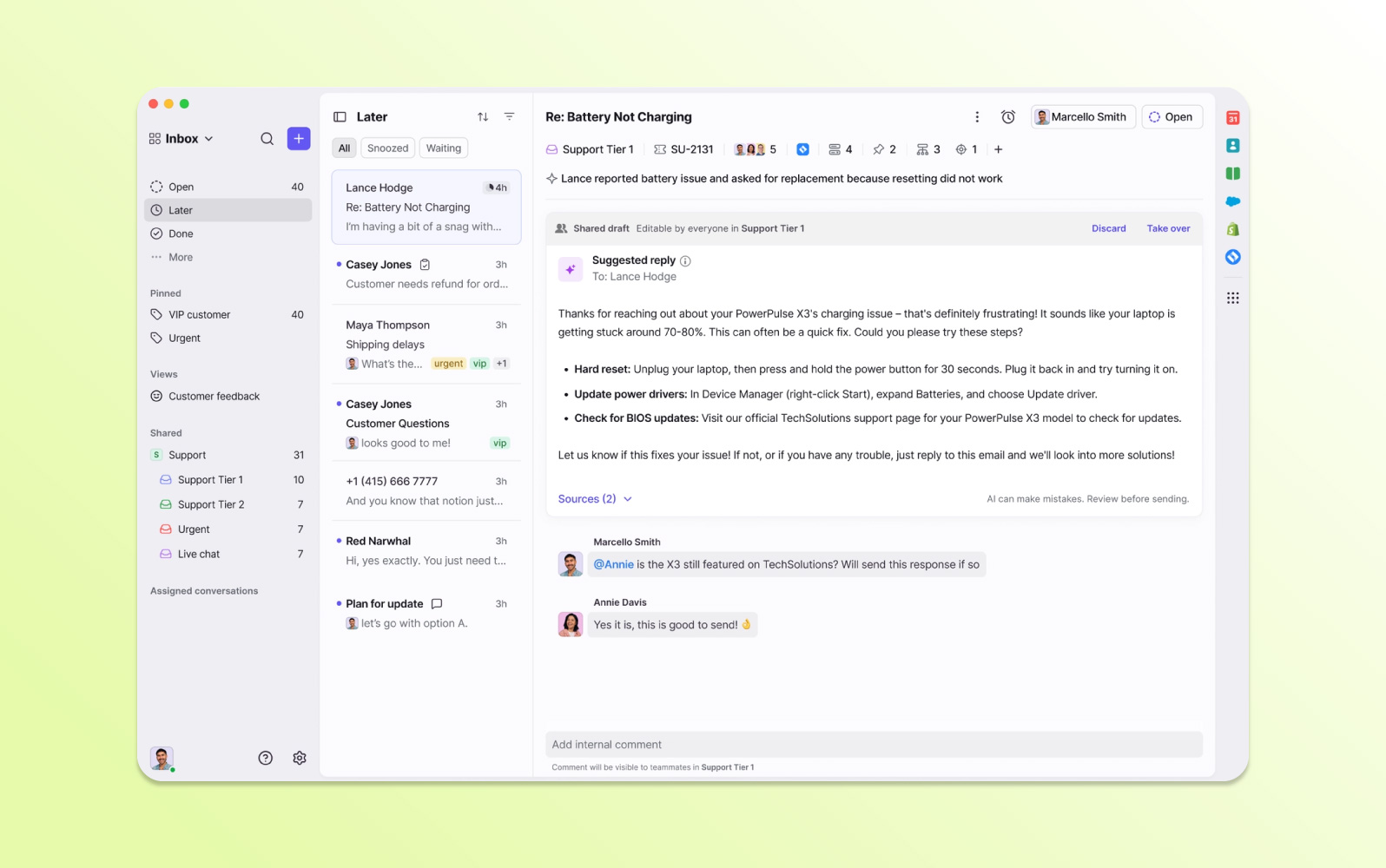
Front centers support work around a shared inbox that unifies customer communication across email, chat, social media, and SMS. Automated workflows help prioritize and manage conversations.
Teams can collaborate on tickets using shared drafts and handoffs, while visibility into a ticket lifecycle helps multiple teammates coordinate before responding.
| Pros | Cons |
|
|
What people are saying:
- “I like that Front is not just a communication platform. It allows the user to customize the whole experience; the templates are very easy to use, there's a shared template option, but you can also have your private templates, which really adds value…”
- “I think you should improve your spam management capabilities; adding the ability to attach documents would solve all problems, especially when there are many ticket requests and messages.”
- “The only real downfall I've been able to find is that it can get a little tricky in creating rules. Some rules will fire, and they're simple to understand, but if I can create a filter in the search bar that returns results, the same filters for a rule should yield the same, and it sometimes doesn't.”
Learn more: Zendesk vs. Front comparison.
9. ServiceNow
Best for ITSM and workflow automation
| Starting price | Free trial | Key features | Key differentiator | Best for team size |
| Contact ServiceNow | Unavailable |
| Extensive IT service management and enterprise workflow capabilities | Enterprise |
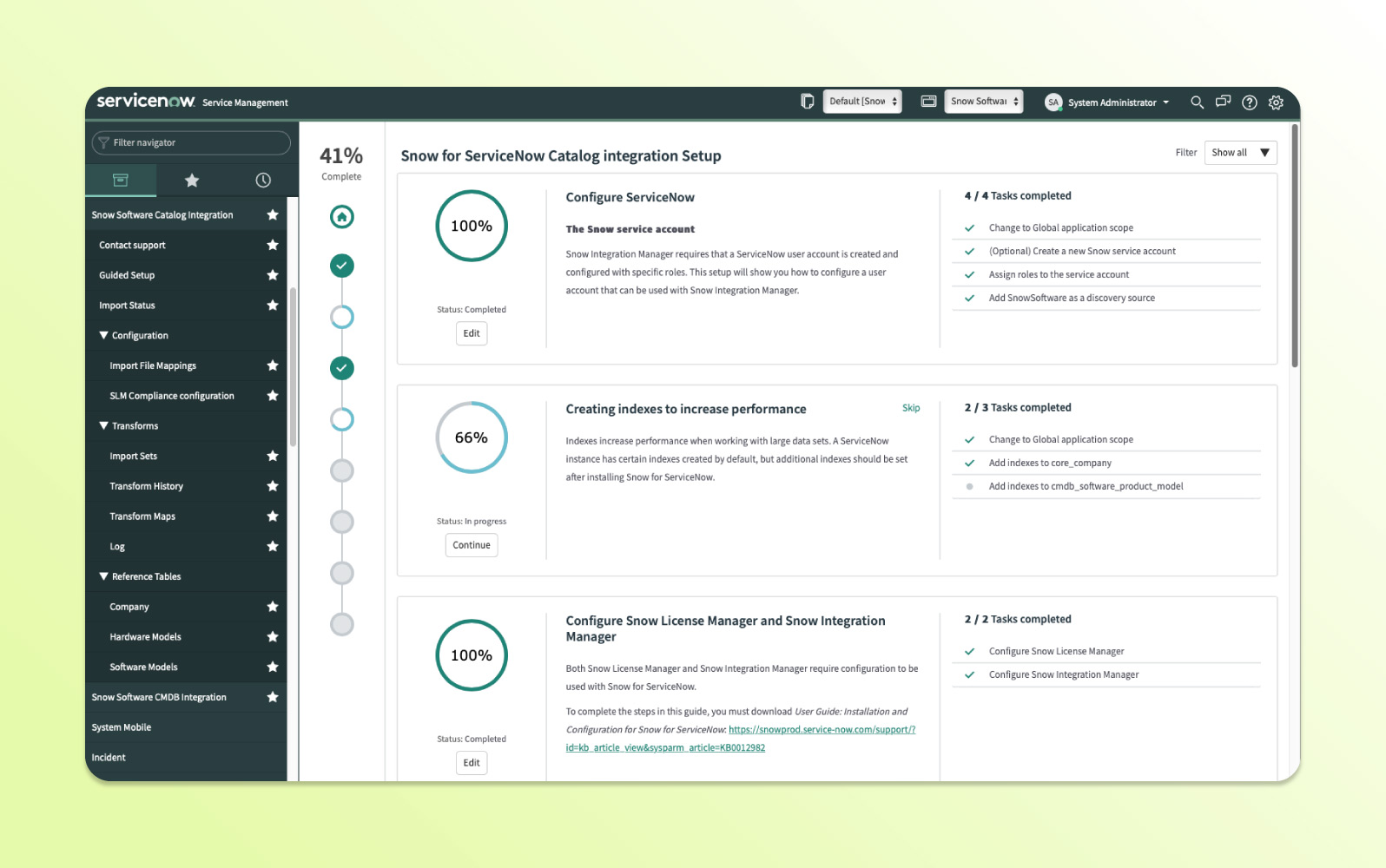
ServiceNow is an enterprise platform focused on IT service management, including incident, problem, and change management. It provides a centralized system for managing internal service requests and operational workflows.
AI and machine learning support incident resolution and routing, while integrations, application development options, and a single system of record are designed for complex IT environments.
| Pros | Cons |
|
|
What people are saying:
- “ServiceNow ITSM is very user-friendly and customizable.”
- “It allows me to streamline my work and keep track of my tickets.”
- “Initial setup might cost higher also for some advanced customizations specialized skills are required.”
Learn more: Zendesk vs. ServiceNow comparison.
10. TeamSupport
Best for manufacturing
| Starting price | Free trial | Key features | Key differentiator | Best for team size |
| $45/agent/month (billed annually) | Unavailable |
| B2B support features focused on customer health and account relationships | Mid-market |
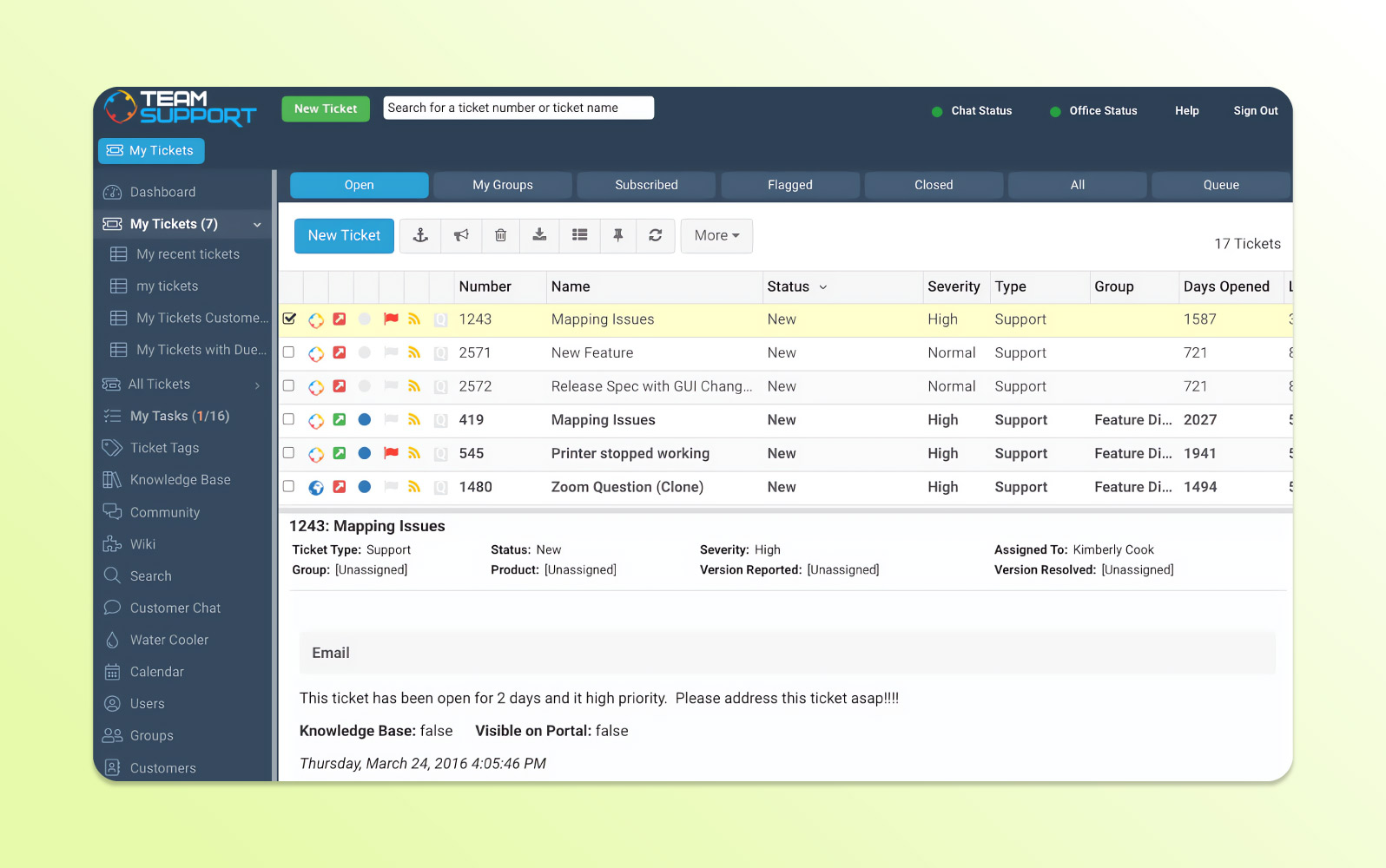
TeamSupport targets B2B customer support. In addition to ticketing, it provides a Customer Distress Index to help teams identify accounts that may be at risk and supports CSAT surveys after resolution.
Omnichannel capabilities include call logs and voicemail-to-ticket workflows. AI can summarize issues, help adjust response tone, and surface relevant knowledge base articles.
| Pros | Cons |
|
|
What people are saying:
- “I love the ability to track my clients’ customer distress index and know which clients may need some more attention.”
- “Less user features, limited functionality.”
- “I don't like that the Dash Board doesn't autorefresh. It causes me to miss things sometimes.”
11. Freshdesk
Best for self-service options
| Starting price | Free trial | Key features | Key differentiator | Best for team size |
| $15/agent/month (billed annually) | 14 days |
| Accessible entry point with core ticketing, automation, and self-service tools | SMB / Mid-market |
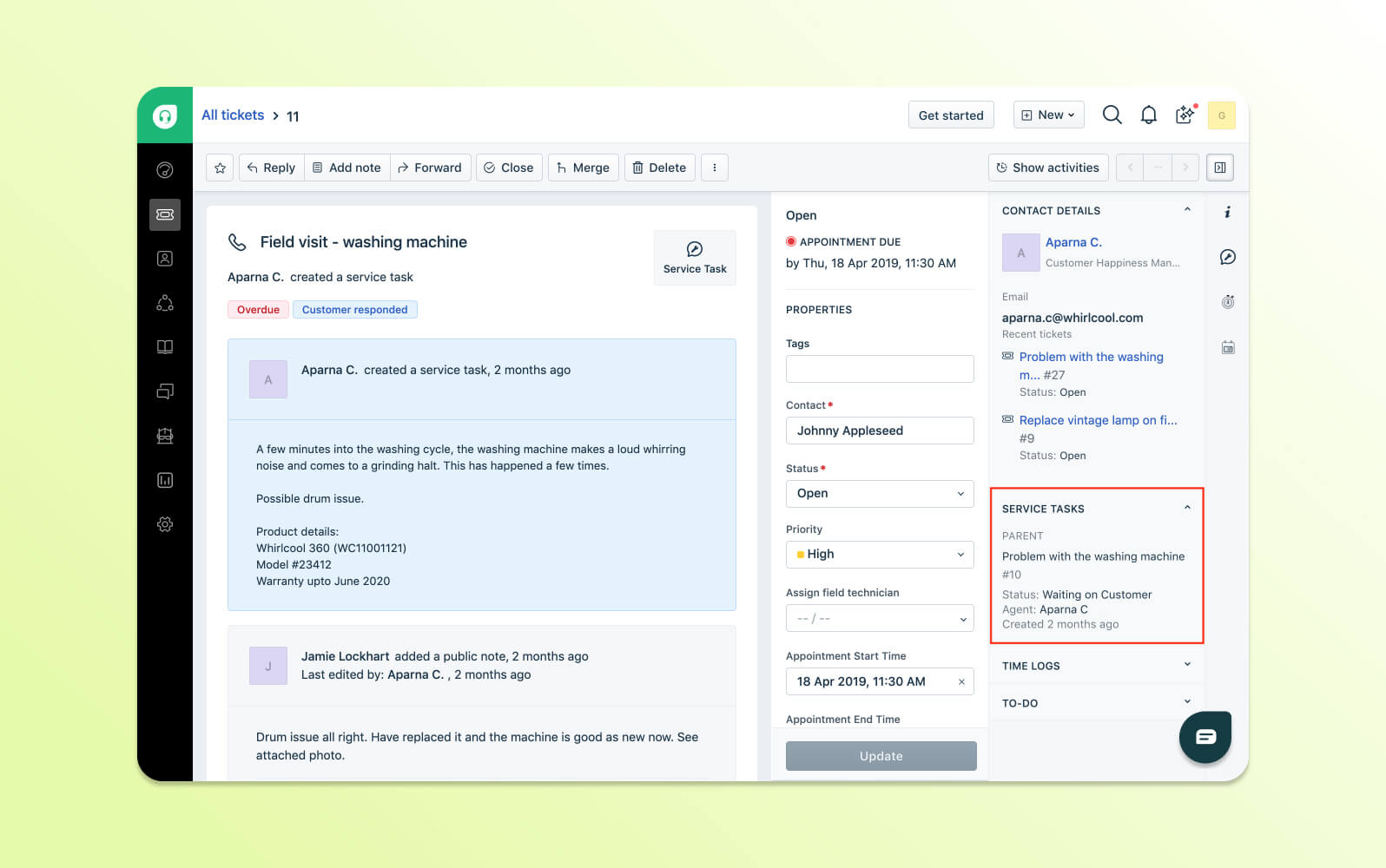
Freshdesk consolidates support requests into a shared inbox and supports ticket tagging, collaboration, and collision detection. It can also prevent closed tickets from reopening when customers simply send a thank-you reply.
The page notes that ticketing, phone, and chat can operate in separate interfaces, requiring agents to switch contexts rather than work from one unified workspace.
| Pros | Cons |
|
|
What people are saying:
- “By using Advanced Automation Rules, the repetitive tasks are cut down, and customer queries are handled quickly without the need of manual work.”
- “[The platform] can regularly be on the slower side, particularly when dealing with high tickets or multiple number of workflows. This can cause a reduction in the general efficiency of the support process at some times.”
- “While Freshdesk offers many robust features, reporting customization can be somewhat limited. The default reports are helpful, but creating highly tailored reports requires either advanced technical know-how or upgrading to more expensive tiers.”
Learn more: Zendesk vs. Freshdesk comparison.
12. Jira Service Management
Best for IT services
| Starting price | Free trial | Key features | Key differentiator | Best for team size |
| $23.80/agent/month (billed annually) | 7 days |
| Close integration with Jira and Atlassian workflows for IT and development teams | All sizes |
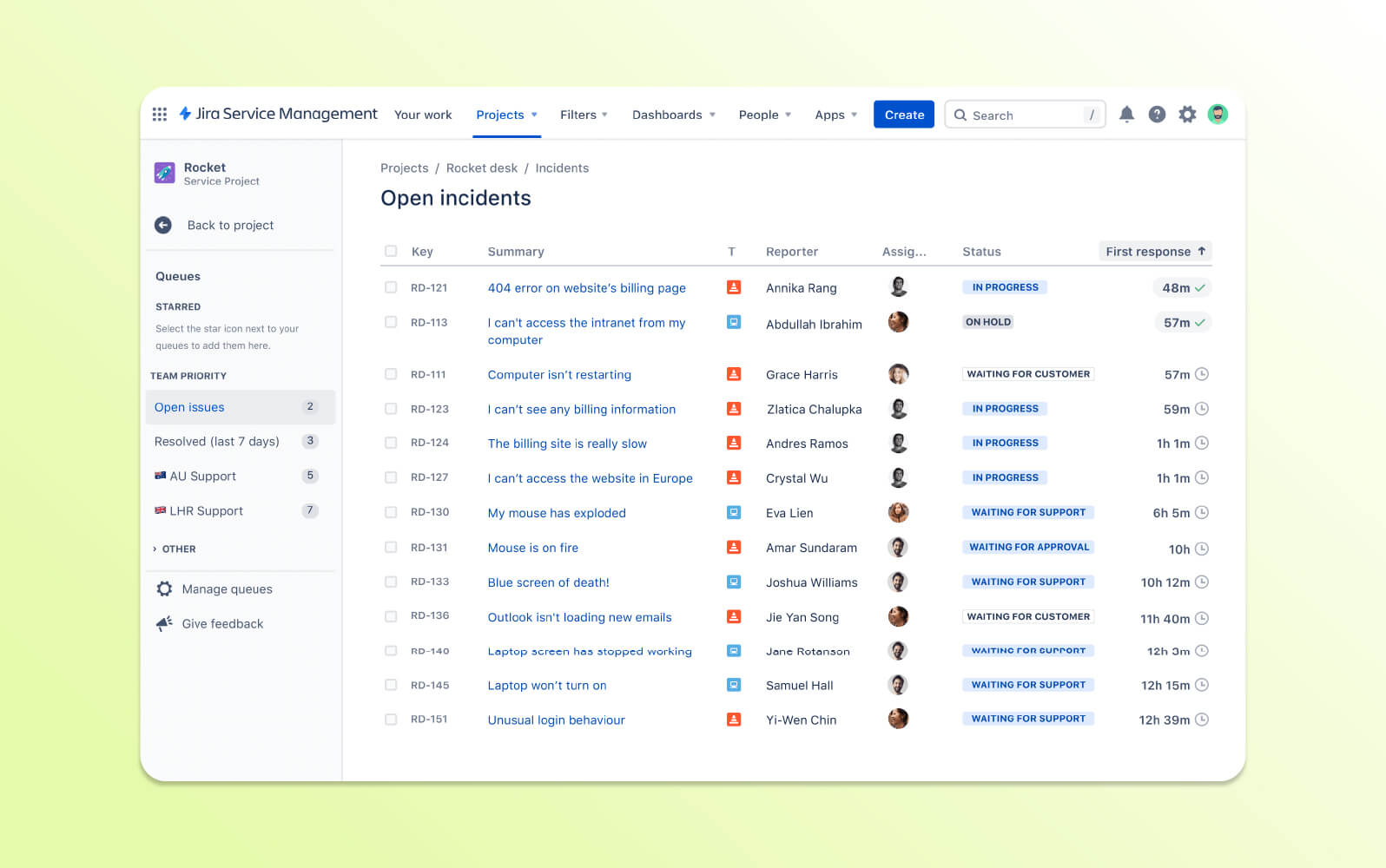
Jira Service Management offers IT-focused ticketing with templates, request forms, automation, and a unified view of conversations. Forms can adapt based on earlier inputs to show only relevant fields.
Teams can manage incidents, problems, changes, approval workflows, shared calendars, and automated risk assessments for planned changes.
| Pros | Cons |
|
|
What people are saying:
- “It can be integrated with project management tools like bitbucket, confluence, which helps to keep track of project status, issues etc.”
- “I think Jira's weak point is [its] ease of use. It is a tool that has a fairly slow learning curve and is not as intuitive for users who are not in the Technology environment.”
- “Complexity and learning curve. Overhead for smaller teams.”
Learn more: Zendesk vs. Jira comparison.
13. Hiver
Best for accounts receivable
| Starting price | Free trial | Key features | Key differentiator | Best for team size |
| $19/user/month (billed annually) | 7 days |
| Ticketing and collaboration built directly around shared email workflows | SMB / Mid-market |
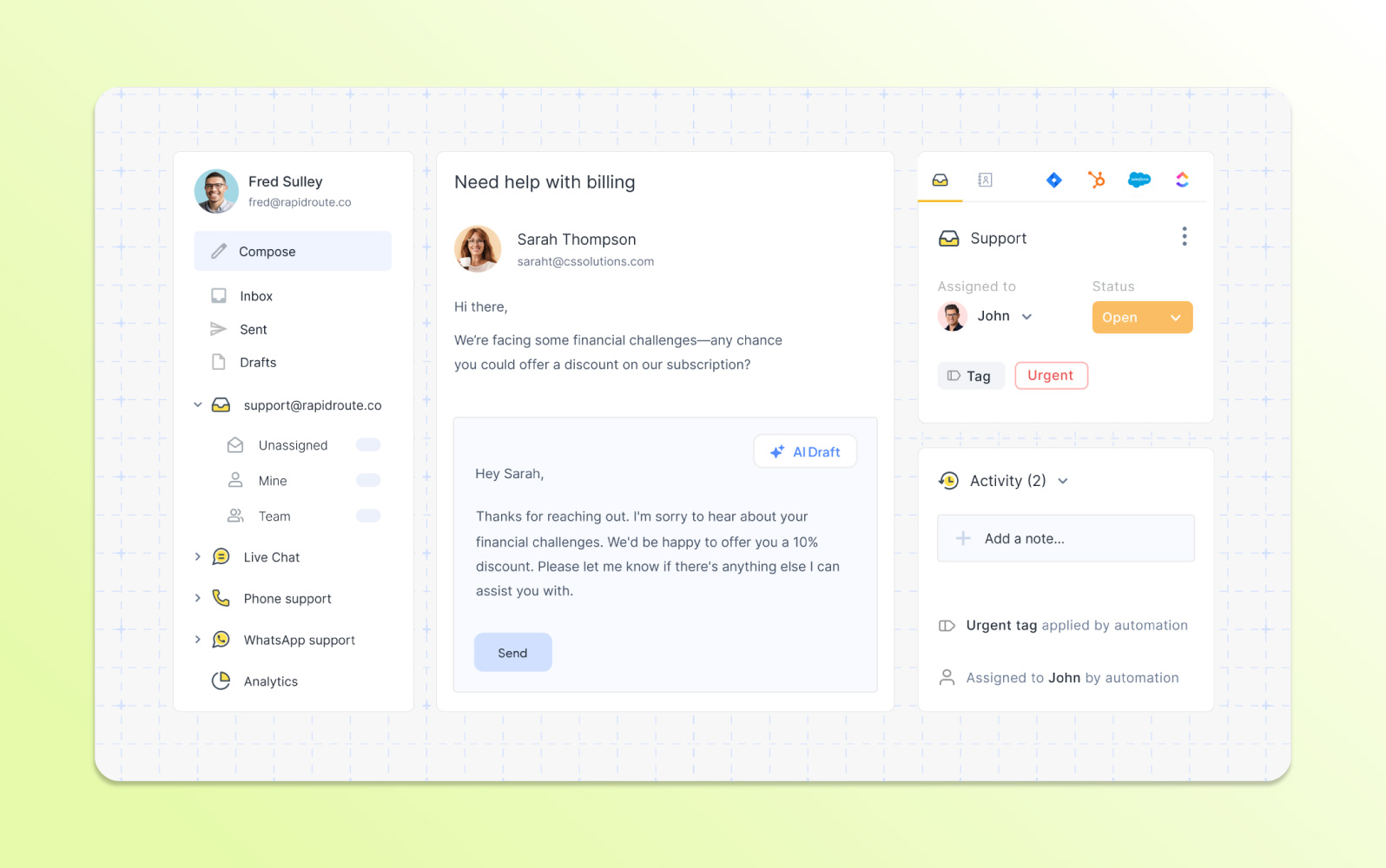
Hiver builds ticketing around shared email inboxes, helping teams track requests from customers and employees. It includes internal notes, shared drafts, approvals, and collections workflows.
Automation can handle responses and junk mail, while reporting can be organized by conversation, user, and tag. SLA tools help teams monitor service commitments against business hours.
| Pros | Cons |
|
|
What people are saying:
- “I love the ability to tag emails and route them accordingly. I also like that multiple team members can access different inboxes so that we can work together rather than just having one person manage each inbox.”
- “I dislike that you aren't able to assign more than one person to an email. There are some items we have that are being addressed by multiple people and I would like the emails to show up in both of their assigned tabs.”
- “As with most Gmail extensions, I have experienced some conflicts with a couple of extensions I use when they're all enabled at the same time.”
14. Intercom
Best for real-time conversational support
| Starting price | Free trial | Key features | Key differentiator | Best for team size |
| $29/seat/month (billed annually) | 14 days |
| Messaging-first customer service with live chat and conversational support tools | All sizes |
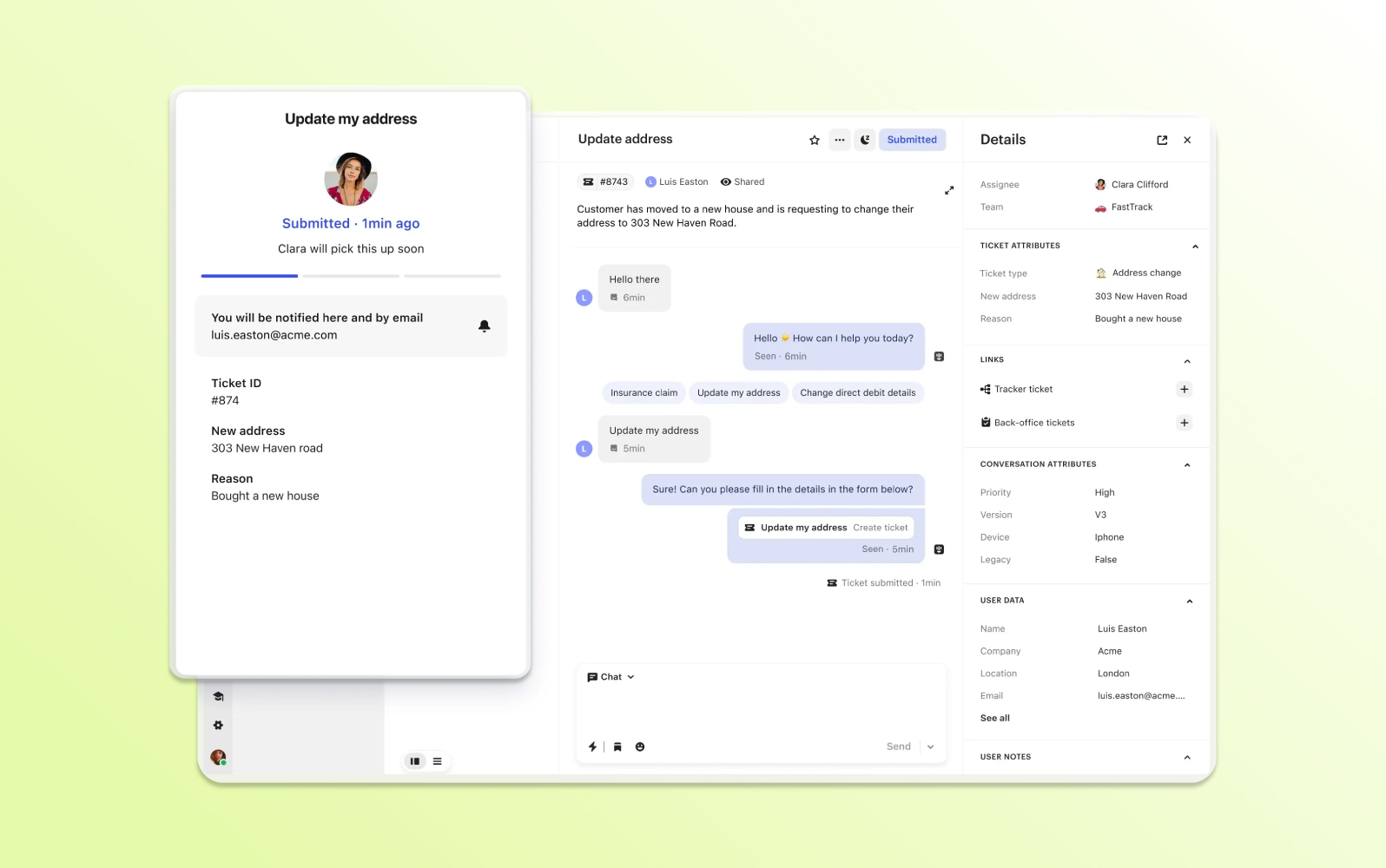
Intercom is a messaging-first support platform that combines live chat, email, and automated bot interactions in a unified inbox. It is oriented toward real-time and proactive customer communication.
Ticketing, knowledge content, collaboration, and data capture help teams manage inquiries and keep customers updated as requests progress.
| Pros | Cons |
|
|
What people are saying:
- “What I like least about Intercom is its complicated pricing structure.”
- “It becomes expensive as our contact list grows, its learning curve was visible to some of our non-technical staff.”
- “Easy and complete. I use Intercom daily, and even though it has a learning curve and sometimes can feel complex, it's a user-friendly and efficient tool.”
Learn more: Zendesk vs. Intercom comparison.
15. Help Scout
Best for collaborative email support
| Starting price | Free trial | Key features | Key differentiator | Best for team size |
| $25/month (100 contacts/month and unlimited users) | 15 days |
| Email-style shared inbox designed for straightforward team collaboration | SMB / Mid-market |
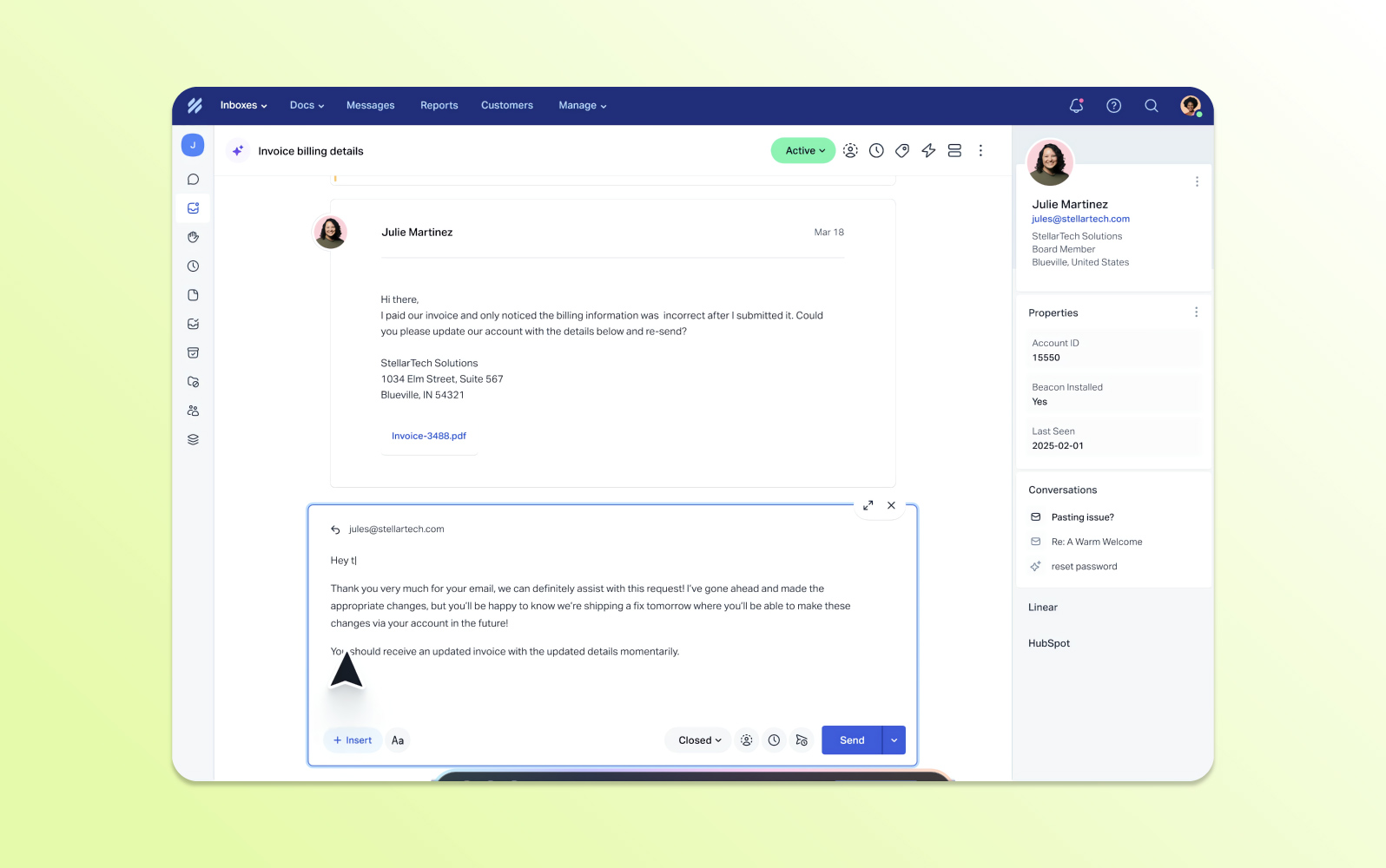
Help Scout centers its support experience on an email-like shared inbox, making it approachable for teams that primarily handle support through email.
Automation, self-service knowledge content, customer profiles, and reporting provide essential support capabilities without a highly complex interface.
| Pros | Cons |
|
|
What people are saying:
- “It needs more features. Phones, AI agents.”
- “Mail delivery was the faster like Google mail. Their documentation and blogs are super friendly.”
- “It loses connection sometimes. I wish it didn't have connection issues.”
Learn more: Zendesk vs. Help Scout comparison.
16. Spiceworks
Best for startups
| Starting price | Free trial | Key features | Key differentiator | Best for team size |
| $5/seat/month (billed annually) | Unavailable |
| Basic IT help desk functionality with a low-cost entry point | SMB |
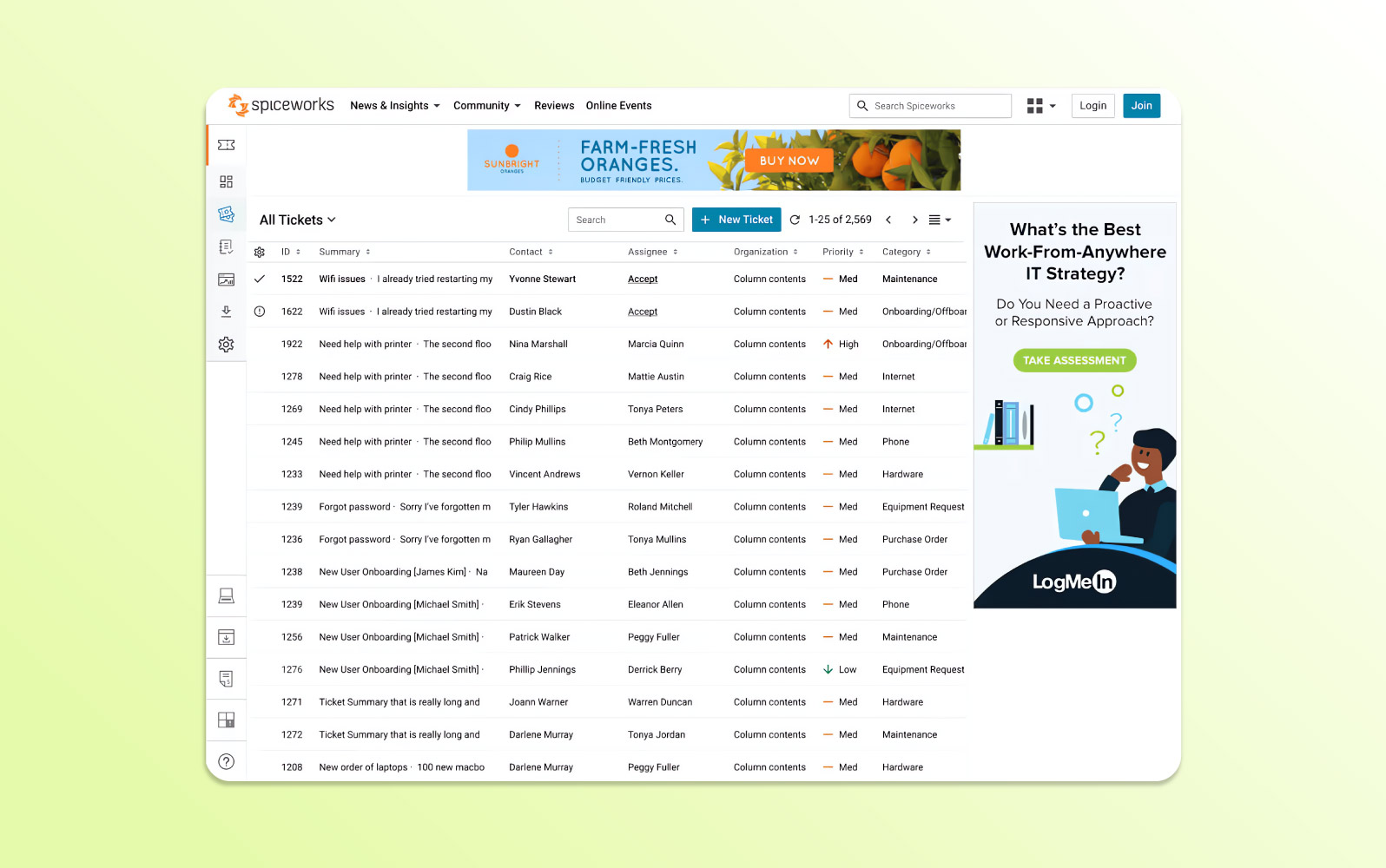
Spiceworks is known for a free cloud-based help desk and now also offers paid options. It is primarily aimed at IT professionals and smaller organizations that need basic ticket tracking.
Inventory management, reporting, and a low-cost entry point make it suitable for teams seeking a straightforward way to manage technical support requests.
| Pros | Cons |
|
|
What people are saying:
- “The adverts are sometimes annoying and also the mobile app is very buggy.”
- “Not too much functionality, which is fine considering the price point.”
Learn more: Zendesk vs. Spiceworks comparison.
17. SolarWinds Service Desk
Best for automations
| Starting price | Free trial | Key features | Key differentiator | Best for team size |
| $39/technician/month (billed annually) | 30 days |
| IT service management combined with native asset management | Mid-market |
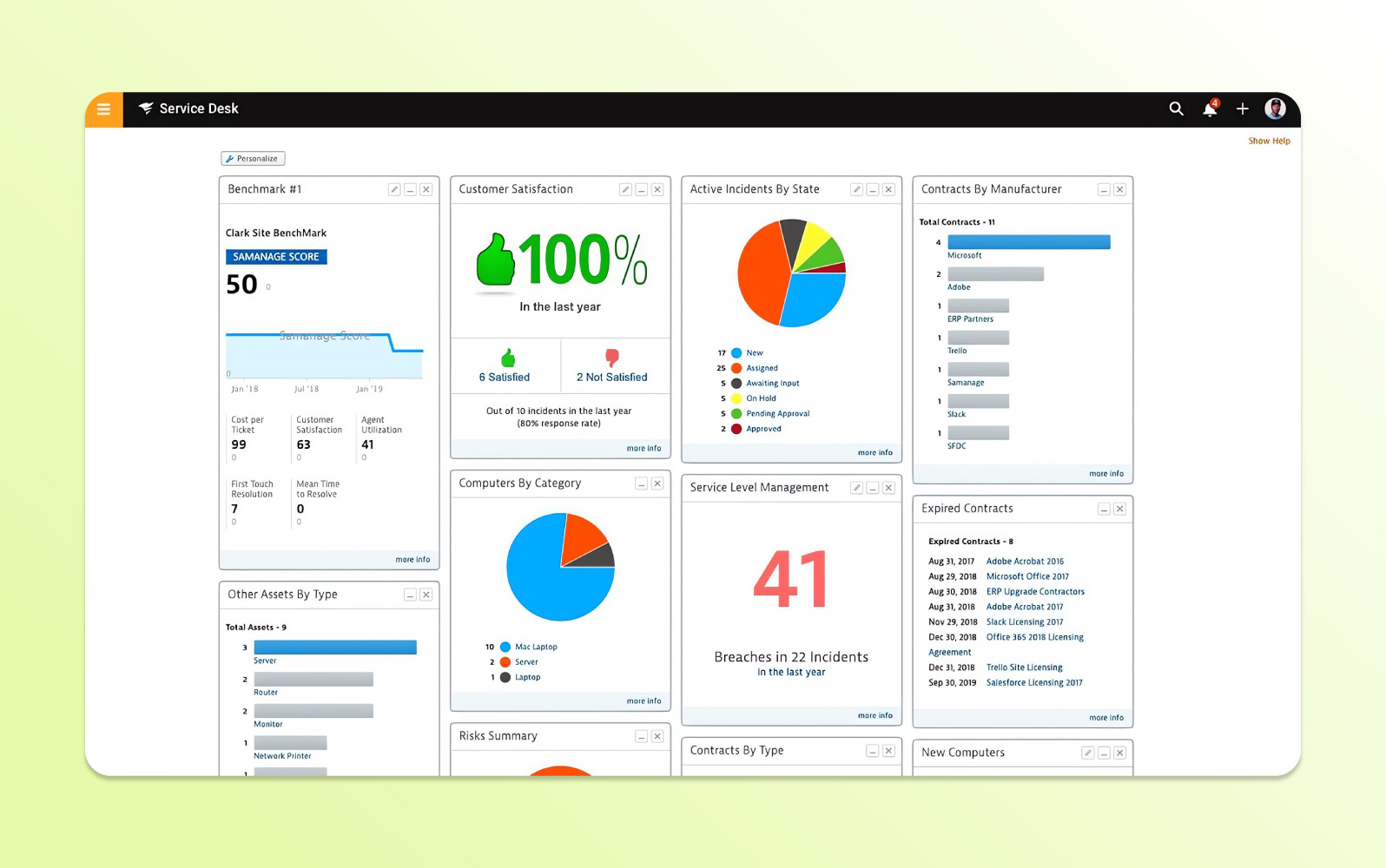
SolarWinds Service Desk is an ITSM-oriented ticketing platform that emphasizes automation for incidents and service requests.
The product combines a service catalog, asset management, knowledge content, and reporting to centralize IT service operations and reduce manual work.
| Pros | Cons |
|
|
What people are saying:
- “The tool of SolarWinds, is not that fast-working tool, for integrations but the field level configurations handle all of the issues.”
- “Although support has been great, help with implementations, particularly around the use of APIs, SD support has not been very helpful.”
- “It doesn't offer deep customization for cultural institution systems out-of-the-box.”
Learn more: SolarWinds integrates with Zendesk.
18. SysAid
Best for IT service management
| Starting price | Free trial | Key features | Key differentiator | Best for team size |
| Contact SysAid | Unavailable |
| IT service management with built-in asset management and service workflows | Mid-market |
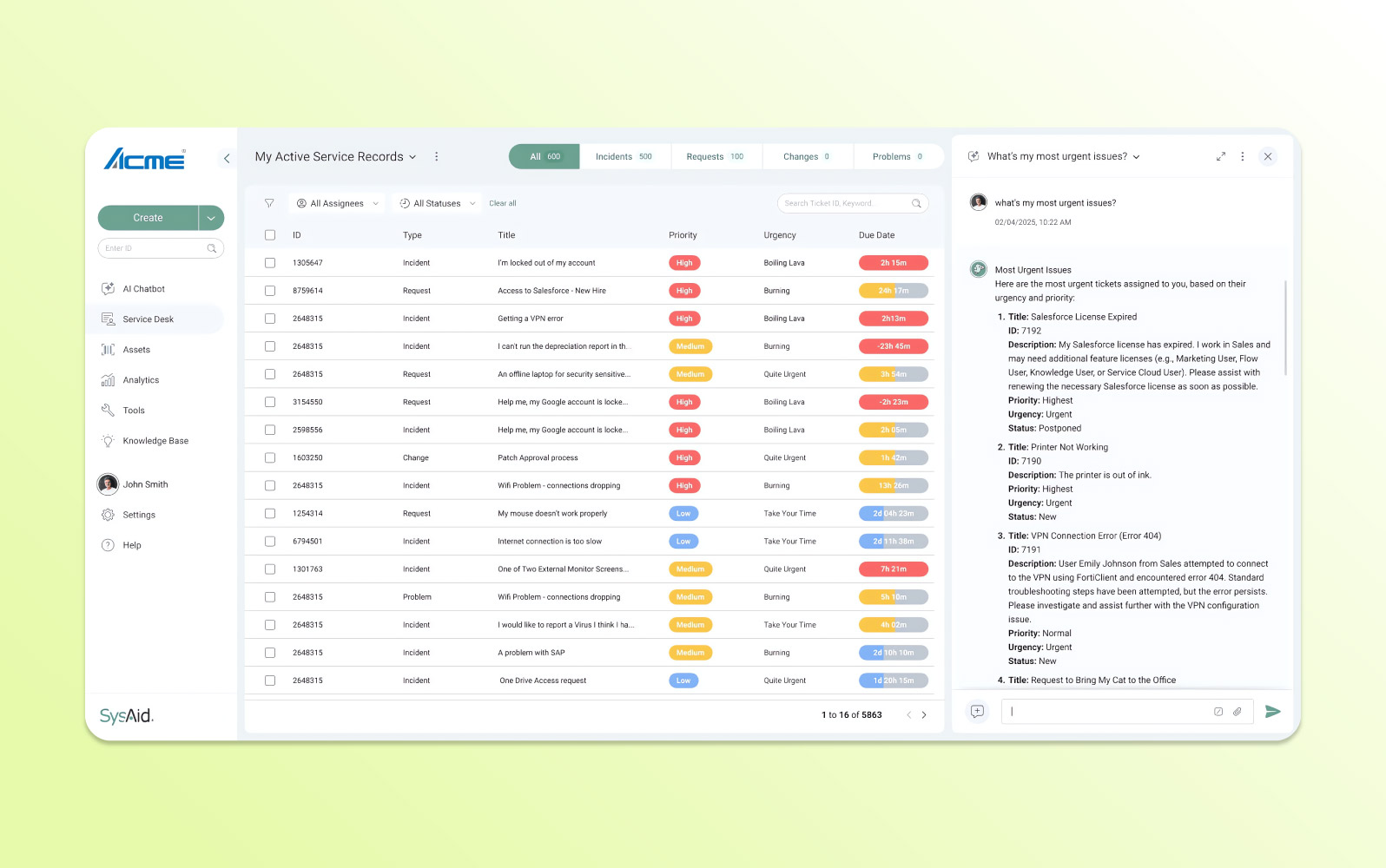
SysAid is an IT and enterprise service management solution for handling service requests, IT assets, and workflow automation.
It aligns with ITIL practices and combines incident, problem, and configuration management with AI-driven automation and analytics.
| Pros | Cons |
|
|
What people are saying:
- “SysAid is being used as our internal support ticketing system with our tech services team. It does a great job of helping us build efficiency and tracking support for the team that is always facing capacity restraints due to number of requests.”
- “The downsides are some of the clunky baked-in features, for example the FAQ is unusable for end users but great for adding knowledge to train the AI systems, the email notifications and workflows are quite difficult to master but when they do work, they work very well.”
- “The AI functions are vast and very useful.”
19. ProProfs Help Desk
Best for knowledge base integration
| Starting price | Free trial | Key features | Key differentiator | Best for team size |
| $39.99/user/month (billed annually) | 15 days |
| Simple shared-inbox ticketing paired with knowledge base tools | SMB |
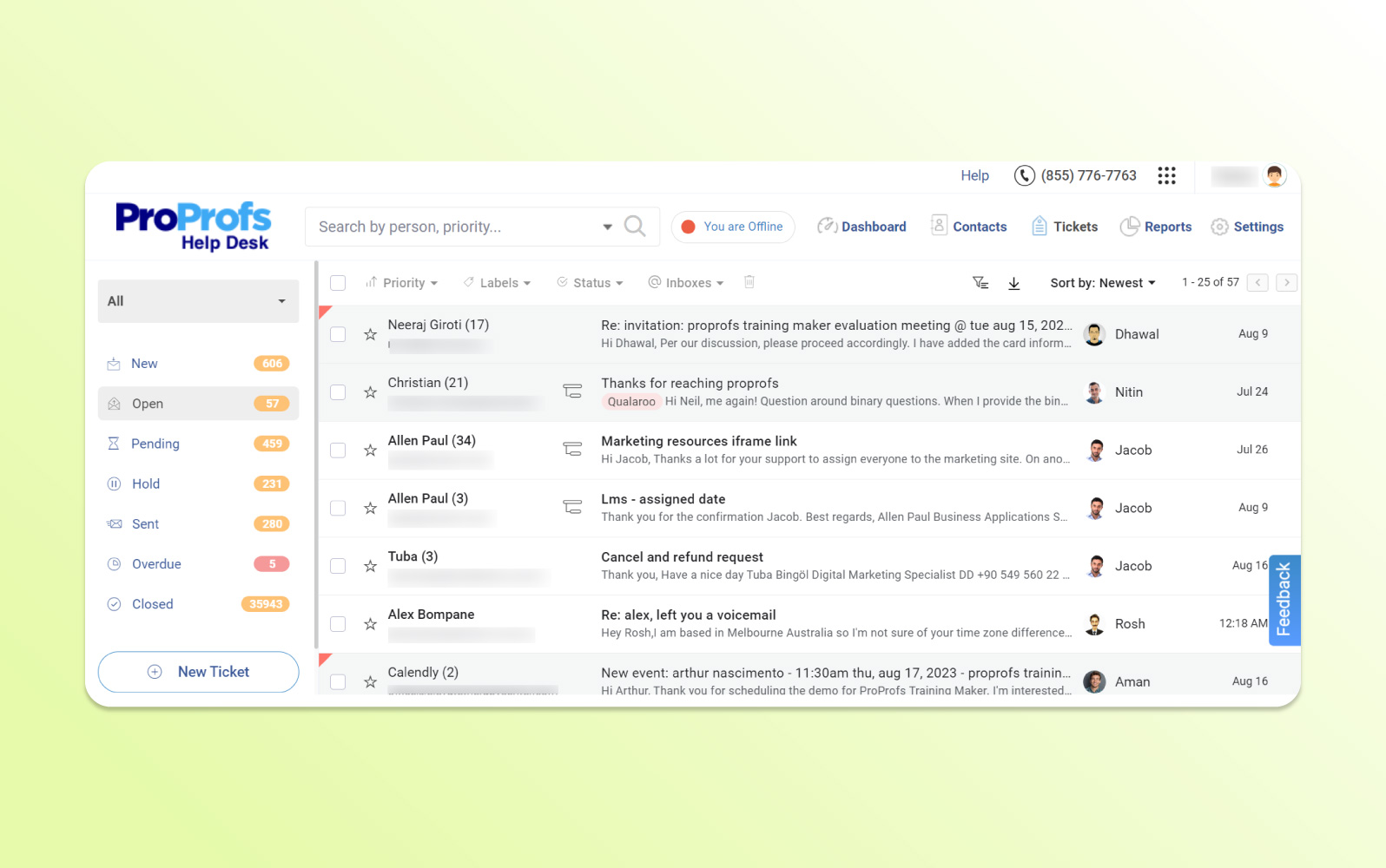
ProProfs Help Desk centralizes inquiries from multiple channels in a single dashboard and converts messages into trackable tickets.
Automation supports assignment and responses, while a self-service knowledge base and simple interface help teams manage common service interactions.
| Pros | Cons |
|
|
What people are saying:
- “This tool is not a full-fledged ITSM tool. However, you can manage your basic IT ticketing needs with ease.”
- “I am not much impressed with their integration options to third-party tools. This is something that needs to be improved.”
Learn more: ProProfs integrates with Zendesk.
20. Gorgias
Best for e-commerce
| Starting price | Free trial | Key features | Key differentiator | Best for team size |
| $50/month for 300 help desk tickets (billed annually) | 2 months |
| Ticketing and customer context tailored to e-commerce workflows | SMB / Mid-market |
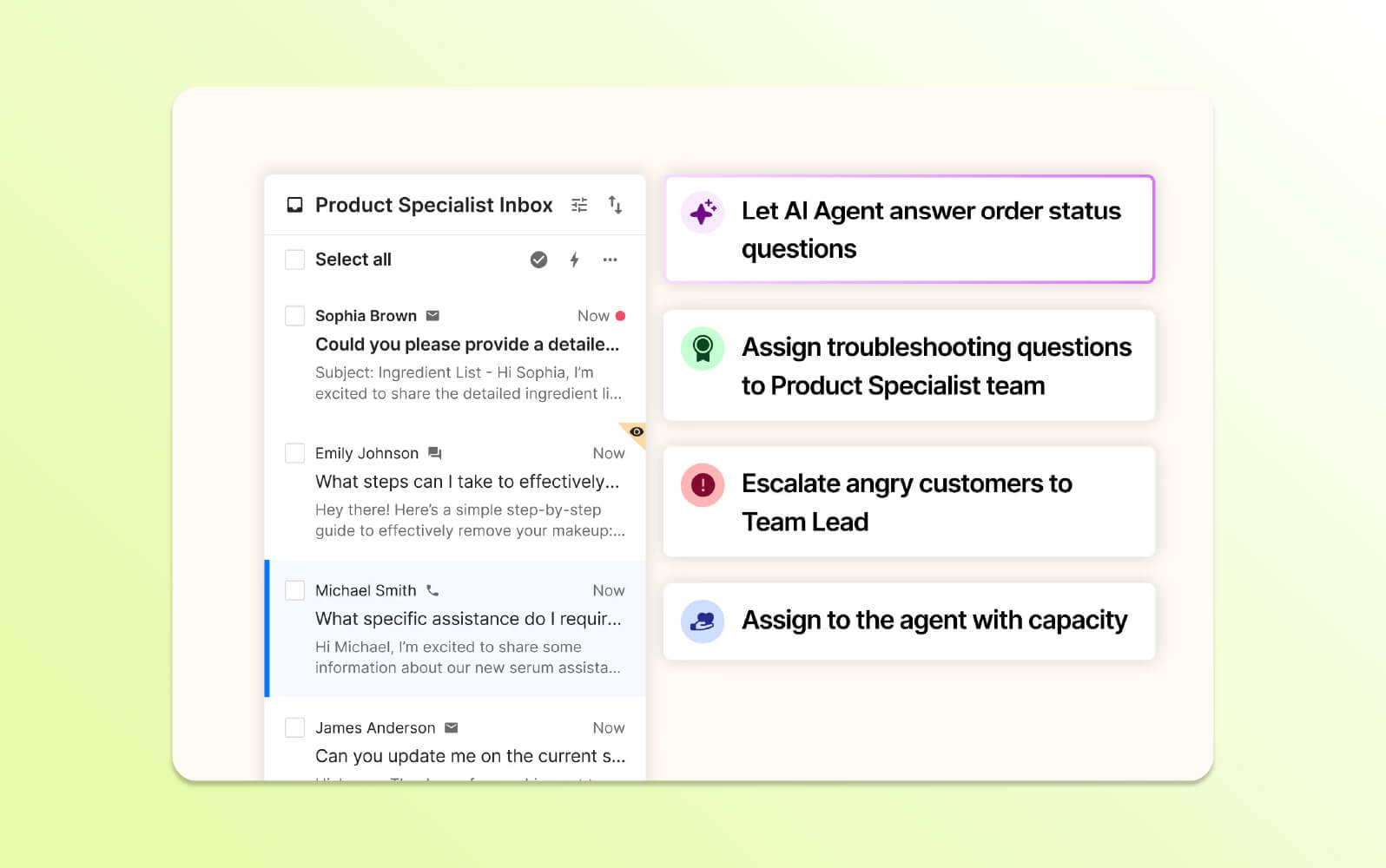
Gorgias is built for e-commerce support and brings customer conversations from sales and support channels into one workspace. Its integrations expose order history and purchase context directly to support agents.
Automation and AI help handle repetitive order questions, returns, tagging, assignment, and social interactions, with a focus on fast, personalized support.
| Pros | Cons |
|
|
What people are saying:
- “It does integrate well with paid ad comments for social media platforms. Could use some better analytics.”
- “Gorgias integrates seamlessly with multiple communication channels such as email, social media, and live chat, allowing us to manage all customer interactions in one place.”
Learn more: Zendesk vs. Gorgias comparison.
21. Kayako
Best for multichannel customer service
| Starting price | Free trial | Key features | Key differentiator | Best for team size |
| $39/agent/month (billed annually) | 14 days |
| Customer context and AI-assisted actions within a unified support inbox | Mid-market |
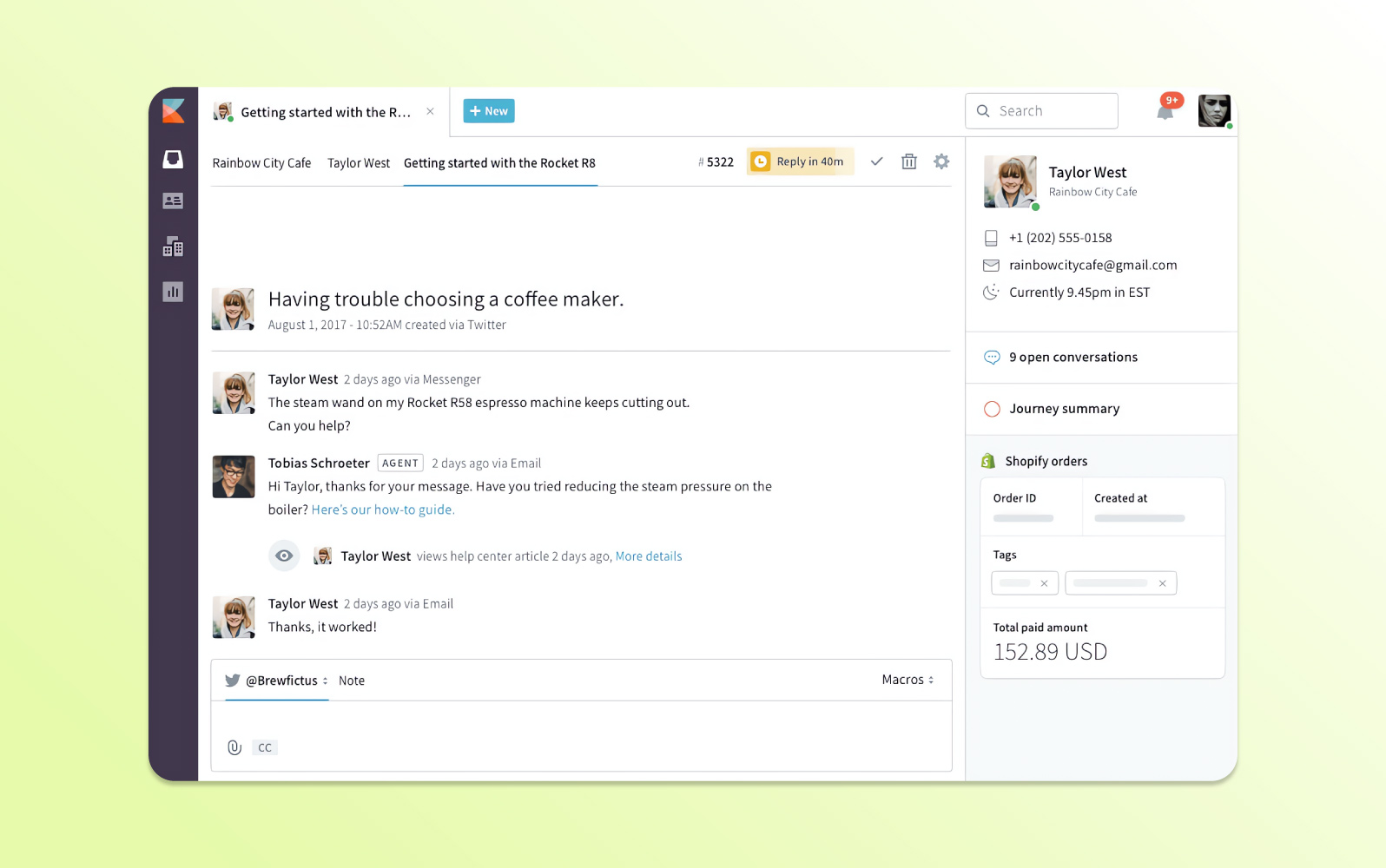
Kayako consolidates live chat, email, and social conversations into a single customer view. It emphasizes context across the customer journey to support personalized responses.
AI capabilities include ticket summaries and suggested responses, complemented by self-service resources and collaboration tools.
| Pros | Cons |
|
|
What people are saying:
- “Easy to assign tickets and inter department changes are also really smooth. The options for adding followup notes for tickets saves a lot of time as there is no need to pass updates through other means such as vocal or messages.”
- “It does not have auto-refresh feature which is a very big drawback. Using browser plugins for auto refresh is frustrating.”
Learn more: Zendesk vs. Kayako comparison.
22. Mojo Helpdesk
Best for internal help desk operations
| Starting price | Free trial | Key features | Key differentiator | Best for team size |
| $12.60/agent/month (billed annually) | 21 days |
| Straightforward ticketing with the same core toolkit across plan tiers | SMB / Mid-market |
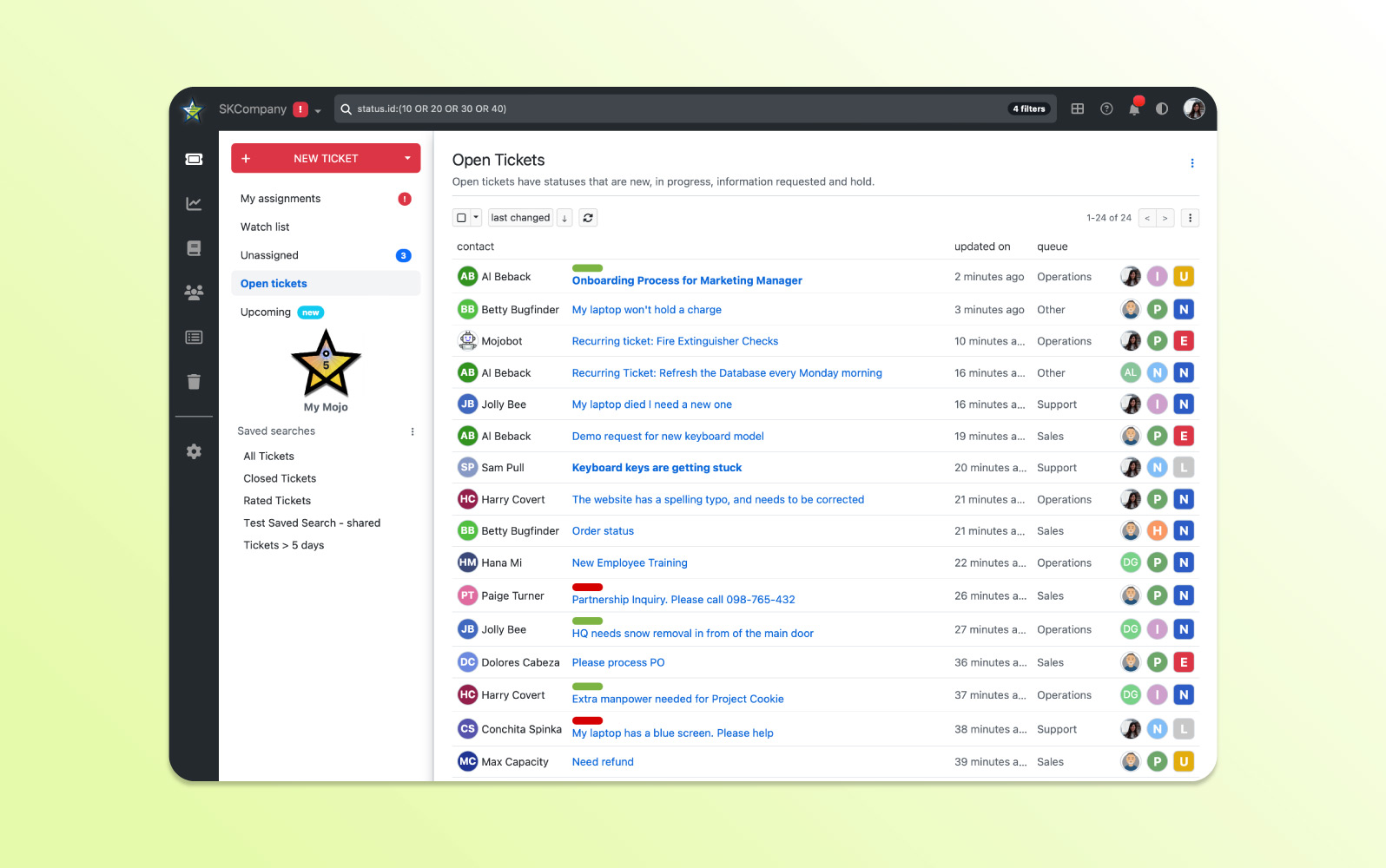
Mojo Helpdesk supports ticket merging, tracking, round-robin assignment, escalation rules, and CSAT measurement.
The platform can suggest relevant knowledge base content, offer private employee knowledge bases on higher plans, and provide a centralized inbox. Enterprise customers can test configuration changes in a sandbox.
| Pros | Cons |
|
|
What people are saying:
- “We love that tickets can be categorized, assigned, tagged, etc, as separate fields, rather than a one-step bucketing of contacts, esp. by the user.”
- “Unable to keep the same layout and go into dark mode. [It needs] more layouts. Some trouble with screenshots and pictures.”
- “The notification emails when a ticket is assigned to me leave out one of the most important details: the person who submitted the ticket.”
23. ManageEngine ServiceDesk Plus
Best for full-stack IT service management
| Starting price | Free trial | Key features | Key differentiator | Best for team size |
| $13/technician/month (billed annually) | 30 days |
| ITSM and IT asset management with cloud and on-premises deployment options | All sizes |
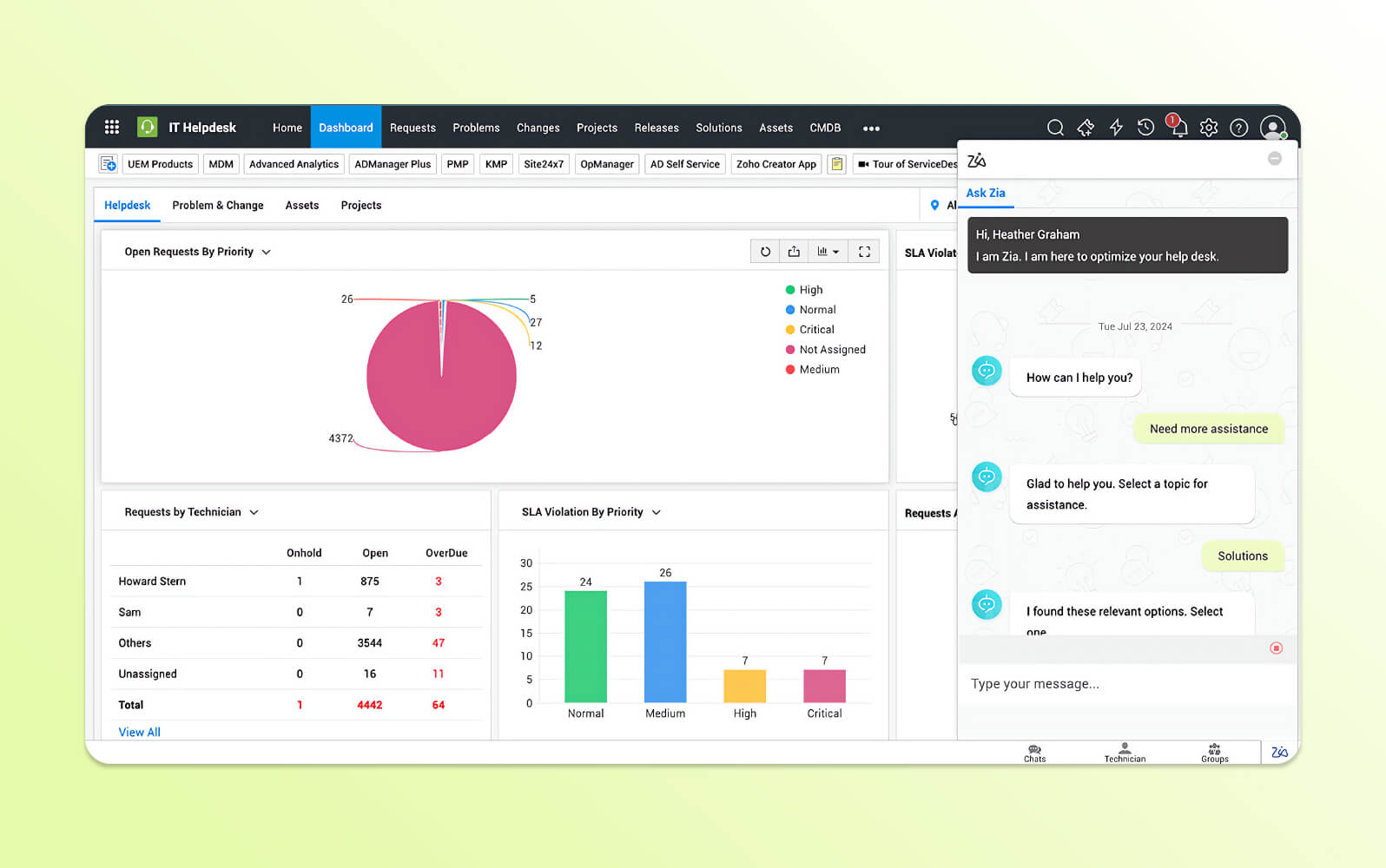
ManageEngine ServiceDesk Plus is an ITSM platform for incident, problem, change, and asset management, with workflows aligned to ITIL practices.
Automation, AI insights, dashboards, and integrations with other ManageEngine products are intended to give IT teams a broad view of service operations.
| Pros | Cons |
|
|
What people are saying:
- “The implementation may be bit complex. But if it is implemented effectively it is good.”
- “Direct support can sometimes be difficult to access effectively, but working with a local partner easily overcomes this.”
- "Perhaps the most frustrating aspect for me is the level zero support processing for end users. It often feels like I'm hitting a brick wall when trying to resolve basic issues, and the lack of responsiveness in this area is a significant letdown."
Learn more: ManageEngine integrates with Zendesk.
24. Groove
Best for smaller teams
| Starting price | Free trial | Key features | Key differentiator | Best for team size |
| $24/user/month (billed annually) | 30 days |
| Lightweight shared inbox and ticket management for smaller support teams | SMB |
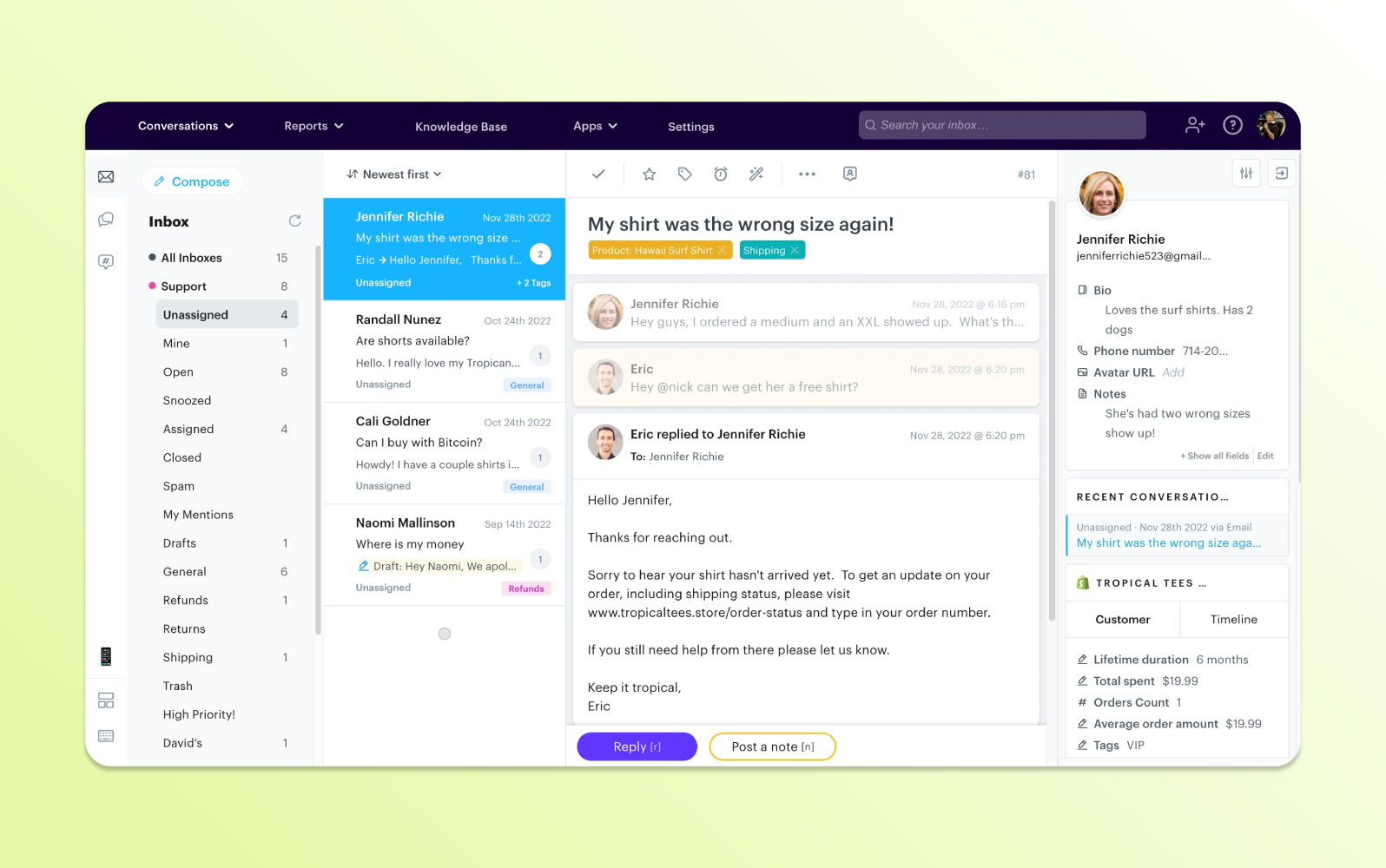
Groove provides a shared inbox and straightforward ticket management for growing support teams. It centralizes conversations in a collaborative workspace.
Automation, AI-assisted tools, a knowledge base, and standard reporting aim to improve response times and reduce manual work.
| Pros | Cons |
|
|
What people are saying:
- “GrooveHQ's support team have been extremely responsive to all our setup queries, which alongside their thorough and clearly presented help pages has made for a great user experience.”
- “The areas where I think they can improve are the rules feature, though [it] has been a really good feature for our workflow, it can be improved by maybe adding some additional customization options."
- “Reporting: The views they provide give a very basic look at what is happening in support, nothing is customizable, nothing can be extracted, comments on CSAT don't show up in the reports, you have to go to each individual ticket and find it.”
Learn more: Zendesk vs. Groove comparison.
Types of help desk software
Ticketing systems can be grouped by the use cases and environments they are designed to support:
- Customer service desk: Manages external customer support requests across channels, routes work to agents, and tracks progress through resolution.
- IT help desk: Focuses on employee technology requests such as software, hardware, network, and access issues.
- Help desk ticketing systems: Often support internal requests and general employee or technical inquiries.
- Issue tracking systems: Specialized systems for bugs, defects, and software development issues.
- AI help desk: Uses AI to automate responses, route requests, and provide personalized self-service.
- Web-based help desk: SaaS ticketing accessed through a browser, mobile app, or desktop client with limited infrastructure management.
- Enterprise help desk: Large-scale service platforms with extensive customization, collaboration, asset management, and knowledge capabilities.
- Internal help desk: Designed for employee support, often used by IT and HR teams.
- On-premise help desk: Installed on company-owned infrastructure for organizations seeking direct control over data and customization.
- Open-source help desk: Provides source-code access so technical teams can modify the platform for specialized needs.
- Cloud-based help desk: Runs on remote infrastructure and scales flexibly without requiring an organization to operate its own servers.
Features of help desk ticketing software
Help desk platforms should provide features that improve service efficiency and make it easier to manage requests consistently.
Ticket management
Creates, tracks, prioritizes, and resolves requests in a single system so agents have complete context and teams maintain a reliable service record.
Workforce engagement management
Helps optimize staffing, scheduling, performance, and quality. Forecasting, workforce management, and quality assurance tools can improve coverage and consistency.
AI and automation
Automates repetitive work, interprets natural-language requests, provides conversational self-service, assists with knowledge creation, and personalizes answers based on context and behavior.
Omnichannel support
Connects email, phone, social, web, live chat, and messaging channels while preserving customer or employee context as users move between them.
Workflow automation
Uses macros, triggers, notifications, routing, and pre-filled ticket details to reduce manual effort and speed resolution.
Reporting and analytics
Tracks operational and experience metrics such as first response time and customer satisfaction through dashboards and reports so teams can make timely decisions.
Benefits of help desk ticketing system software
Deliver fast and personalized service at scale with AI
AI can sort and prioritize requests, automate selected resolutions, and tailor responses using interaction history and context. The page cites Motel Rocks as an example, reporting a 50% reduction in ticket volume and nearly a 10% improvement in CSAT after deploying Zendesk AI agents.
Increase loyalty and retention with omnichannel experiences
A unified service system gives agents the customer context they need across channels and reduces the need for customers to repeat information. The page highlights LimeBike, which centralized call, text, and email support and achieved a 93% CSAT score.
Boost agent productivity and lower burnout
Automation removes repetitive, low-value tasks and better organization reduces context switching, helping agents focus on complex customer needs.
Lower operational costs while maintaining service quality
Higher productivity and automation can help teams absorb demand without growing headcount at the same rate. The page cites Unity, which saved $1.3 million using Zendesk automation, bots, and self-service.
Build customer trust by keeping their data safe
Encryption, access controls, audits, compliance programs, and privacy practices help protect sensitive information. The page highlights Indigov using Zendesk in a government environment supported by security certifications and SSO.
How to choose the right help desk ticketing system software
Choosing the right system affects service quality, employee and customer satisfaction, operating efficiency, and the ability to manage requests effectively. Key evaluation criteria include:
- Assess ease of setup and ease of use, especially for teams that need to become productive quickly.
- Evaluate AI capabilities such as intelligent routing, generative AI, and automation.
- Gauge the level of expertise, onboarding, and ongoing support offered by the provider.
- Ensure the platform can keep pace with changing business requirements and service expectations.
- Prioritize scalability and agility so the system can handle higher volume and greater complexity.
- Explore total cost of ownership, including add-ons, implementation, administration, and AI costs.
- Consider customization so workflows, branding, routing, and reporting can fit business needs.
Why choose Zendesk for ticketing?
Zendesk is built for fast deployment and long-term growth. Teams decide to go with Zendesk because it unifies fragmented tools, automates routine requests, and resolves issues faster across every channel. All this from a unified secure platform for customer and employee support.
Purpose-built AI agents, self-service, analytics, and omnichannel workflows give teams the speed, visibility, and control to scale support without adding complexity—so they can focus less on managing tickets and more on delivering better outcomes.
Choosing Zendesk for ticketing gives you in turn:
- AI built specifically for service: Zendesk AI is trained on billions of service interactions and powers AI agents, Copilot, intelligent triage, and quality assurance across the service journey.
- A unified platform for customer and employee service: Zendesk supports customer service, IT, and HR on the same Resolution Platform so you can consolidate fragmented tools, reduce vendor overhead, and manage all service operations from one place.
- Omnichannel conversations in one agent workspace: Agents can manage email, messaging, live chat, voice, social, and other interactions with shared context in a unified workspace.
- Fast deployment with lower administrative complexity: Zendesk is designed for rapid time to value, with intuitive setup, no-code automation, and and AI that works out of the box without an army of developers or a lengthy implementation cycle.
- Extensible ecosystem with 1,800+ apps and integrations: Teams can connect Zendesk with existing business systems through marketplace apps, prebuilt connectors, APIs, and custom integrations.
If your team is looking for a ticketing solution that can scale without adding unnecessary complexity, give Zendesk a try.
Frequently asked questions
Try our ticketing system for free
Whether you're an IT support team or a customer service team, the Zendesk ticketing system helps you save time and money while boosting user satisfaction. Our easy-to-use interface lets agents jump into conversations on any channel, and our AI-powered tools are pre-trained on billions of customer service interactions. Businesses can use Zendesk out of the box to provide more efficient and personalized support without paying for expensive developers.
Take our ticketing software for a spin—for free—to see how it can work for your business.
Mozhdeh Rastegar-Panah
Senior Director, Product Marketing
Mozhdeh Rastegar-Panah is a seasoned customer experience leader and the Senior Director of Product Marketing at Zendesk. With over 12 years at the forefront of customer service innovation, Mozhdeh specializes in translating complex AI and CX technologies into impactful, scalable solutions for global businesses. Her work focuses on elevating customer support through messaging, automation, and omnichannel strategies. She brings a unique blend of strategic vision and hands-on expertise to the future of customer service.
Related help desk guides
With the right support ticket system, you can turn an underperforming support operation into a streamlined system that delivers great CX. Learn more about the powerful possibilities.