The 23 best AI chatbots of 2026
AI chatbots can perform a range of tasks to make life easier. Find the right fit by trying our AI agent—an advanced AI chatbot—for free.



Candace Marshall
Vice President, Product Marketing, AI and Automation
最後更新: February 19, 2026
A guide to the 23 best AI chatbots
AI chatbots aren't some futuristic novelty anymore. They've become part of how we move through the world. Conversational intelligence software is there when we want answers, recommendations, or support, and we expect it to be fast, accurate, and available on our terms. That same expectation carries over into customer experiences. People want instant help, but they also want to feel like they're being understood.
According to the Zendesk Customer Experience Trends Report 2026, 64% of consumers say that when AI agents embody human-like traits—like friendliness, empathy, and even a bit of personality—it builds trust and makes them more likely to engage. When conversational AI feels natural and approachable, it reflects well on your brand and strengthens customer confidence.
In this guide, we'll walk you through the best AI chatbots available to help you find the one that fits your brand, your team, and your customers best.
More in this guide:
- What is an AI chatbot?
- How the best AI chatbots were selected
- AI chatbot comparison chart
- The 23 best AI chatbots
- Understanding how AI chatbots work
- How to choose the best AI chatbot software
- Frequently asked questions
- See why our AI agents are the best AI chatbots for CX
What is an AI chatbot?An AI chatbot is a computer program that uses artificial intelligence, particularly natural language processing (NLP), to understand and respond to human conversation in a human-like way. This means they can learn, adapt, and even come up with brand-new responses, making conversations feel much more natural and helpful. |
How the best AI chatbots were selected
There is no single best chatbot for every business. The tools in this guide were selected based on how well they support different use cases. They were reviewed with an emphasis on real-world usefulness rather than judging tools solely by the AI model.
Key factors included response quality and accuracy, the ability to handle context and follow-up conversations, speed and performance, and ease of use. We also considered whether each chatbot offers meaningful differentiation for its intended audience, rather than functioning as a generic, one-size-fits-all solution.
AI chatbot comparison chart
The chart below offers a quick side-by-side comparison of AI chatbot platforms, including pricing, free trial availability, and ideal use cases.
|
Software |
Starting price |
Free trial |
Best for |
|
Zendesk |
$55 per agent/month (billed annually) |
14 days |
Customer experience and employee service |
|
ChatGPT |
$20 per month |
Unavailable |
General-purpose conversational AI |
|
Google Gemini |
$19.99 per month |
30 days |
Multimodal understanding |
|
Microsoft 365 Copilot |
$30 per user/month (billed annually) |
30 days |
Web search, chat, and image generation |
|
DeepSeek |
$0.27 per 1M input tokens and $1.10 per 1M output tokens |
Not applicable |
Coding and technical tasks |
|
Claude |
$17 per month (billed annually) |
Unavailable |
Creative writing and nuanced conversations |
|
Perplexity |
$20 per month |
Unavailable |
Research and real-time web access |
|
Meta AI |
Free |
Not applicable |
General conversational use |
|
Grok |
$3.00/M, $0.75 per cached input + $15/Minputagent/month (billed annually) |
Unavailable |
Real-time information access (integrated with X/Twitter) |
|
Jasper Chat |
$39 per seat/month (billed annually) |
7 days |
Marketing, branding, and content generation |
|
Deep AI |
$4.99 per month + overage pricing |
Unavailable |
Generative AI |
|
Khanmigo |
$44 per year (billed annually), but free for teachers |
Unavailable |
Education and learning assistance |
|
Pi |
$0 per agent/month |
Not applicable |
Empathetic conversational AI and personalized support |
|
HuggingChat |
$9 per month (billed annually) |
Unavailable |
User privacy |
|
Character.ai |
$9.99 per user/month (billed annually) |
Unavailable |
Interactive storytelling and gaming |
|
Poe |
$19.99 per user/month |
Unavailable |
Chatbot aggregation |
|
Chatsonic |
$16 per user/month (billed annually) |
Unavailable |
Content creation, marketing and SEO |
|
Copy.ai |
$36 per seat/month (billed annually) |
Unavailable |
Marketing and sales content |
|
ZenoChat |
$5.59 per month, for 150 creations and 100 MB storage (billed annually) |
Unavailable |
Writing assistance and content creation |
|
You.com |
$15 per agent/month (billed annually) |
Unavailable |
AI-powered search and conversational AI |
The 23 best AI chatbots
With so many AI agents available, it helps to know which ones are built for what. Whether you're looking for customer service automation, creative brainstorming, or personalized research, these 20 AI chatbots offer a range of capabilities to match how you work and communicate.
- Zendesk: Best for customer experience and employee service
- ChatGPT: Best for general-purpose conversations and content generation
- Google Gemini: Best for multimodal understanding and creation
- Microsoft Copilot: Best for productivity within Microsoft 365
- Deepseek: Best for technical tasks and code generation
- Claude: Best for thoughtful writing, analysis, and code work
- Perplexity: Best for research, real-time search, and source-backed answers
- Meta AI: Best for creative content across Meta platforms
- Grok: Best for engaging, personality-driven chats on X
- Jasper Chat: Best for brand-aligned marketing content
- Deep AI: Best for creators who want image and text generation tools
- Khanmigo: Best for AI-powered tutoring and classroom support
- Pi: Best for personal support, empathy, and idea-sharing
- HuggingChat: Best for experimenting with open-source AI models
- Character.ai: Best for interactive storytelling and AI personas
- Poe: Best for switching between top AI models in one place
- Chatsonic: Best for real-time content generation with marketing tools
- Copy.ai: Best for scaling content creation with copywriting templates
- ZenoChat: Best for AI writing assistance and content creation
- You.com: Best for AI-powered search, conversational AI, and access to various AI models and agents.
- Zapier Agents: Best for workflow automation with AI assistants
- Le Chat Mistral: Best for general conversation AI with multilingual support
- Duck.ai: Best for privacy-focused AI chat
1. Zendesk
Best for customer experience and employee service
Model: Proprietary
|
Starting price |
Free trial |
Key features |
|
$55 per agent/month (billed annually) Explore more Zendesk pricing plans. |
14 days |
|
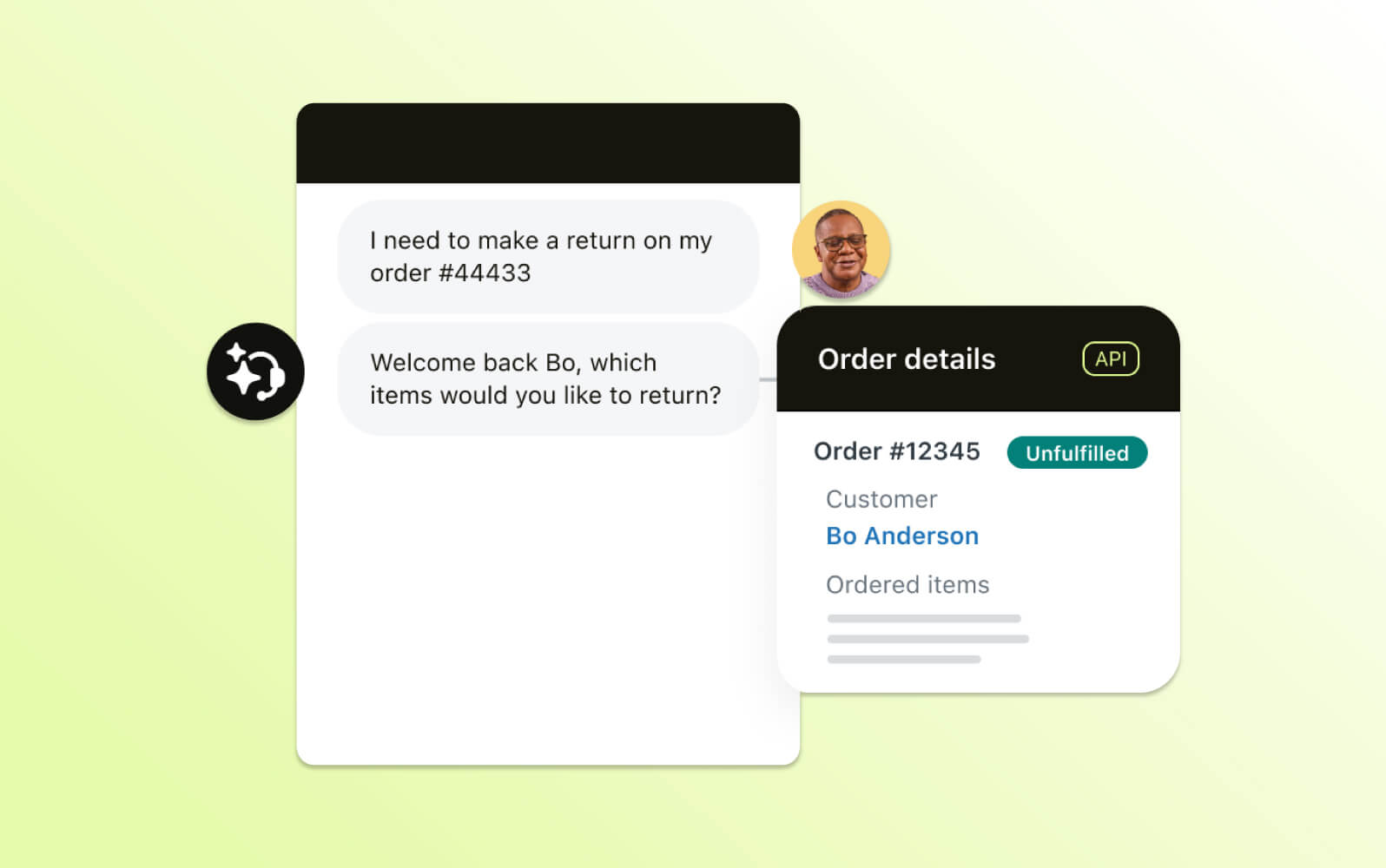
Zendesk AI agents are AI chatbots that go beyond just generating responses—they help resolve customer and employee requests end to end. Powered by agentic AI, they can autonomously handle service interactions across channels including chat, voice, email, mobile, and social messaging. This makes Zendesk a strong option for teams evaluating AI chatbots for customer service that are designed for real service outcomes and go beyond basic Q&A.
Rather than simply guiding customers or handing off issues, Zendesk AI agents interpret customer intent, apply predefined business rules, and take action across connected systems in real time. This resolution-first approach allows AI agents to provide instant and accurate responses to your customers using trusted knowledge sources. AI agents can connect to your business systems to take action, such as triggering a refund payment or updating an order. They do this while maintaining your brand’s persona and providing consistent customer service. This empowers teams to reduce response times and provide instant, 24/7 support without increasing head count.
Getting started with Zendesk AI doesn’t require custom model training or data science expertise. Teams can deploy AI agents by connecting an existing AI knowledge base and publishing, then expand gradually by adding procedures using natural language. Zendesk also provides flexibility in how AI agents operate, allowing teams to balance full automation with structured workflows and apply guardrails that support accuracy, brand consistency, and compliance.
As Zendesk AI agents are built directly into the Zendesk platform, they have native access to ticketing, analytics, QA, and agent assist tools like AI copilot. The platform also operates within enterprise-grade security, privacy, and compliance standards. This helps teams deploy AI chatbots at scale, with confidence, especially in complex or regulated service environments.
|
Pros |
Cons |
|
|
What people are saying:
- “Our sales and customer relationships have been strengthened by Zendesk.” – Verified user, G2 review.
- “Zendesk is by far the best platform for customer support companies.” – Verified user, G2 review.
- “Zendesk AI capabilities, including AI Agents and Copilot, are easy to use and have greatly enhanced our support operations.” – Verified user, G2 review.
- “The AI tools and features that Zendesk has introduced over time have been especially impressive.” – Verified user, G2 review.
2. ChatGPT
Best for general-purpose conversational AI, creative content generation, coding assistance, and broad knowledge tasks
Models: GPT-3.5, GPT-4, GPT-4o
|
Starting price |
Free trial |
Key features |
|
$20 per month |
Unavailable |
|
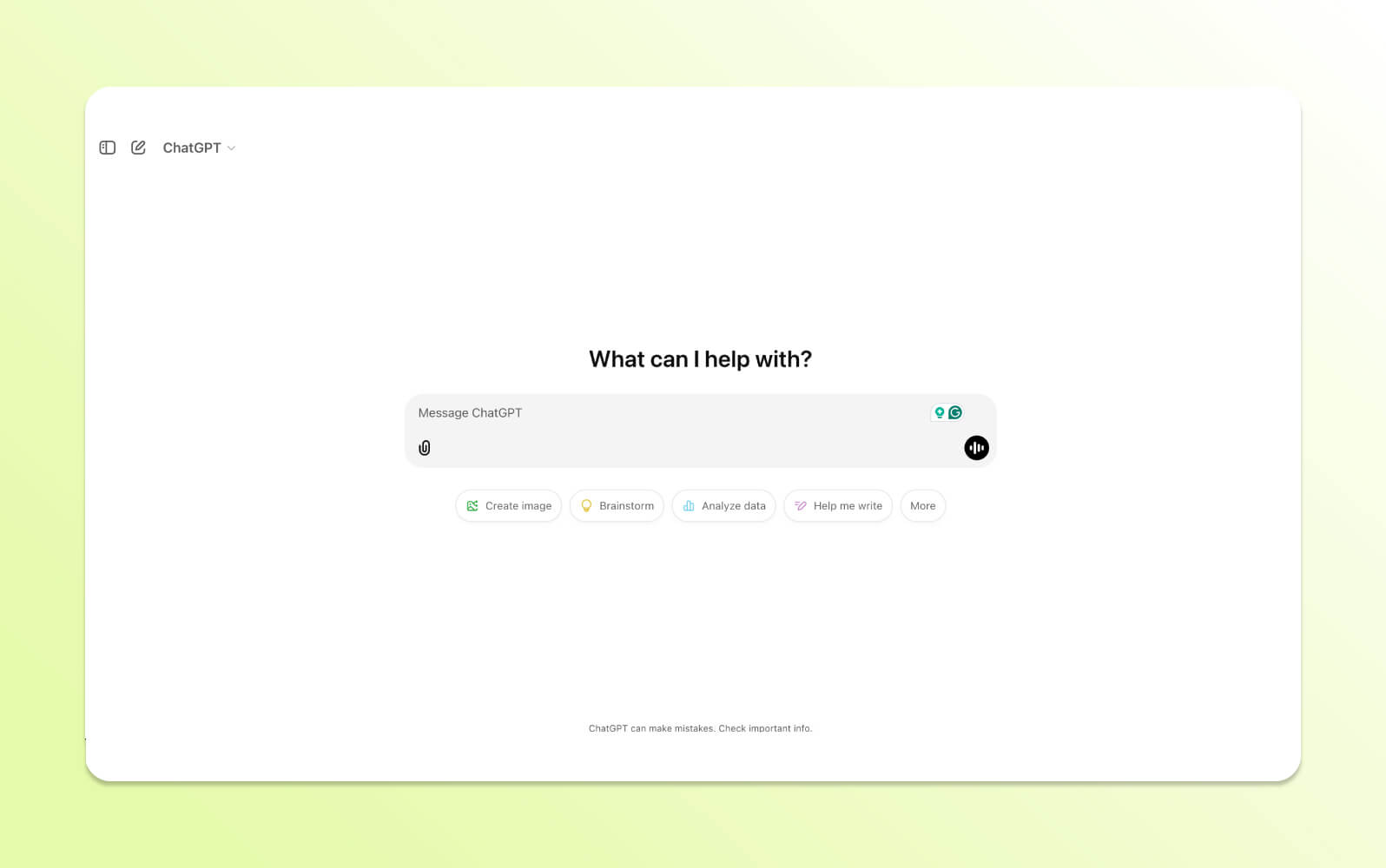
With AI technology evolving so quickly, OpenAI's 2022 release of ChatGPT feels like a million years ago. It arguably popularized AI, making generative and conversational AI tools accessible to everyone. ChatGPT handles writing, coding, research, and problem-solving tasks across various domains. It operates through a chat interface where users input prompts and receive generated responses.
Current versions include voice mode for real-time spoken interactions with interruption capabilities and multi-turn conversations. DALL-E integration is available for Plus, Pro, and Enterprise users, supporting image generation through text prompts or voice descriptions.
The platform moved away from plugins in 2024, switching to custom GPTs designed for specific functions. These custom GPTs utilize Actions, or API calls, that integrate with services like:
- Klarna for finance
- Canva for creative design
- Lowe's for e-commerce
- Speak for personalized language learning
Free users access GPT-4o with usage limits before the system switches to GPT-4o mini. The platform can struggle with context understanding and may generate inaccurate responses. ChatGPT has usage caps on paid plans and maintains an actively developed ecosystem of third-party integrations.
|
Pros |
Cons |
|
|
What people are saying:
- "Feels like having a 24/7 engineering consultant in your pocket!" – Verified user, G2 review.
- "As a Plus subscriber, I lost 3+ days of work due to export failures — with no clear communication from OpenAI and no visible case tracking." – Verified user, G2 review.
3. Google Gemini
Best for multimodal understanding and complex reasoning
Models: Gemini 2.5 Pro, Gemini 2.5 Flash, Gemini 2.5 Flash-Lite, Gemini Advanced
|
Starting price |
Free trial |
Key features |
|
$19.99 per month |
30 days |
|
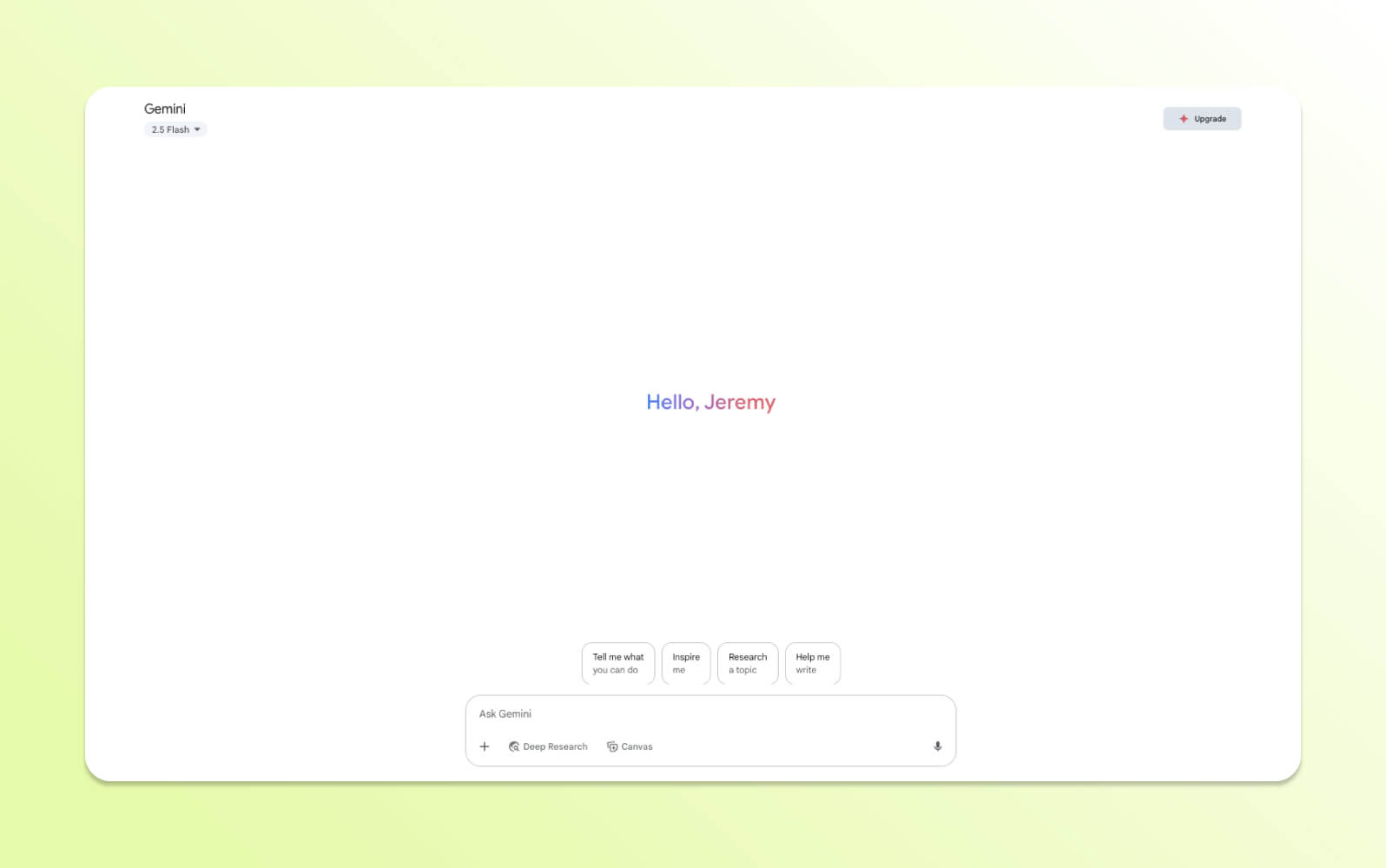
Gemini is Google's multimodal AI platform that processes text, speech, and images. The system can understand cultural context and communicate across different languages and societies. It handles tasks like generating responses, creating content, and solving problems that require spatial or logical reasoning.
Gemini includes visual puzzle solving, interactive game creation, and instruction following for complex multi-step processes. The platform offers four model variants:
- Nano for mobile devices like the Google Pixel 8
- Flash for quick responses
- Pro for complex queries
- Ultra for advanced reasoning tasks and creative work
Gemini Advanced provides context-aware conversations and can function as a tutoring system, generate instructional content, and assist with coding projects. The platform includes trend analysis capabilities and supports content development workflows for teams creating new materials.
|
Pros |
Cons |
|
|
What people are saying:
- “Its ease of use is a standout—onboarding is smooth, the interface is clean, and teams pick it up with minimal ramp-up.” – Verified user, G2 review.
- “One of the downsides of Gemini is that sometimes it will generate inaccurate results, which you don't want.” – Verified user, G2 review.
4. Microsoft Copilot
Best for web search, productivity, chat, and image generation
Models: GPT-4, GPT-4 Turbo, DALL·E 3
|
Starting price |
Free trial |
Key features |
|
$30 per user/month (billed annually) |
30 days |
|
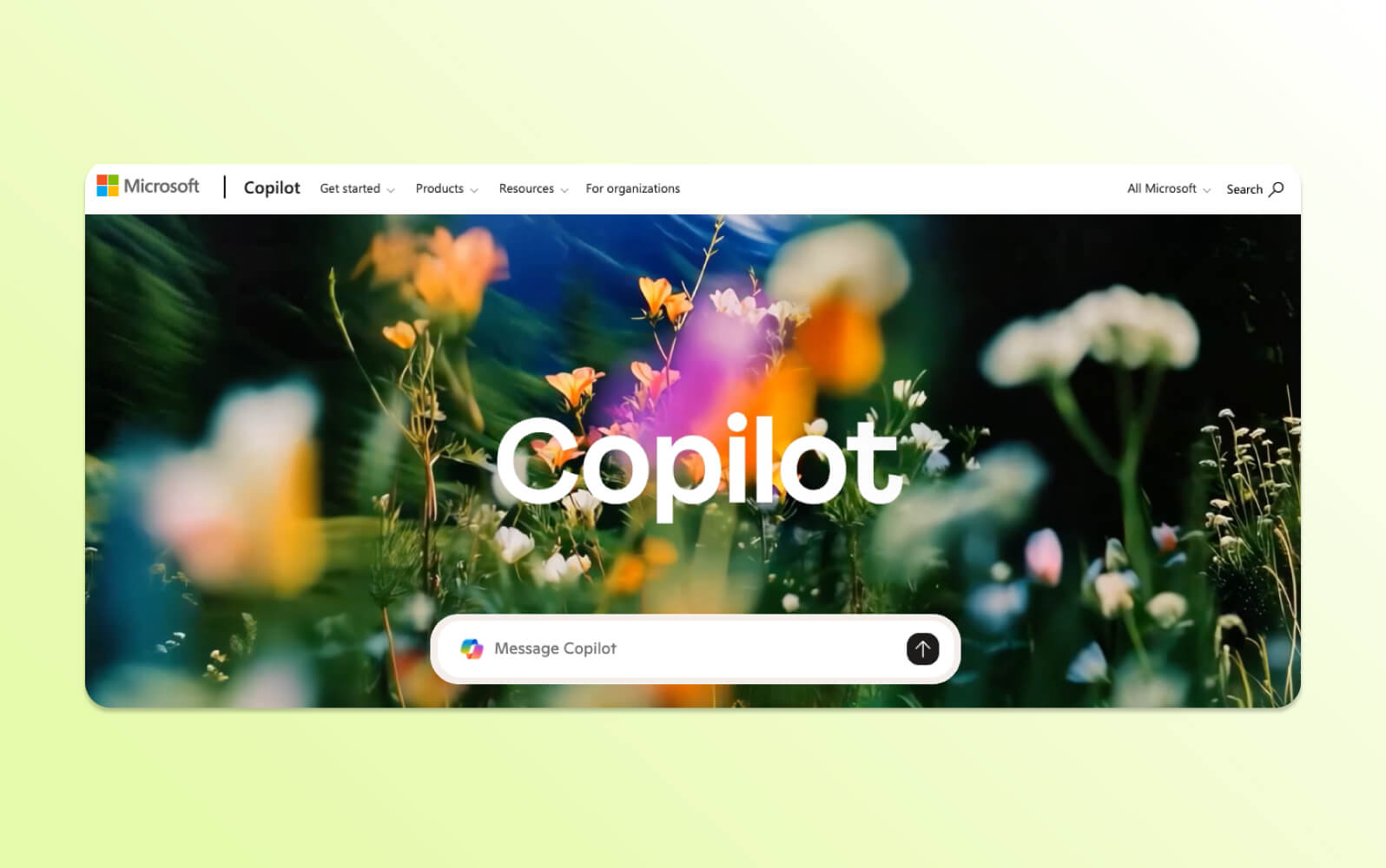
Microsoft Copilot is an AI assistant for web and mobile applications. The system handles conversational interactions, article summarization with explanations, email composition, image generation, and routine task assistance, such as meal planning.
Copilot integrates with Bing search to provide AI-powered results with citations. The platform offers a free version with usage caps and is accessible across various browsers and applications, though Edge integration may provide additional features or higher limits for free users.
The system focuses on practical productivity tasks rather than creative conversation. It generates text and visual content while integrating with Microsoft's existing software ecosystem.
|
Pros |
Cons |
|
|
What people are saying:
- “Microsoft Copilot is very simple to use. You write your prompt in the language of your preference, and Copilot presents the answers.” – Verified user, G2 review.
- “The image generation is not that accurate and lacks in several areas. Frequent disruptions to the service are also an issue.” – Verified user, G2 review.
Learn more: Learn how Zendesk vs. Microsoft compare.
5. DeepSeek
Best for coding, technical tasks, advanced reasoning, and general AI search
Models: DeepSeek V3, DeepSeek R1
|
Starting price |
Free trial |
Key features |
|
$0.27 per 1M input tokens and $1.10 per 1M output tokens |
Not applicable |
|
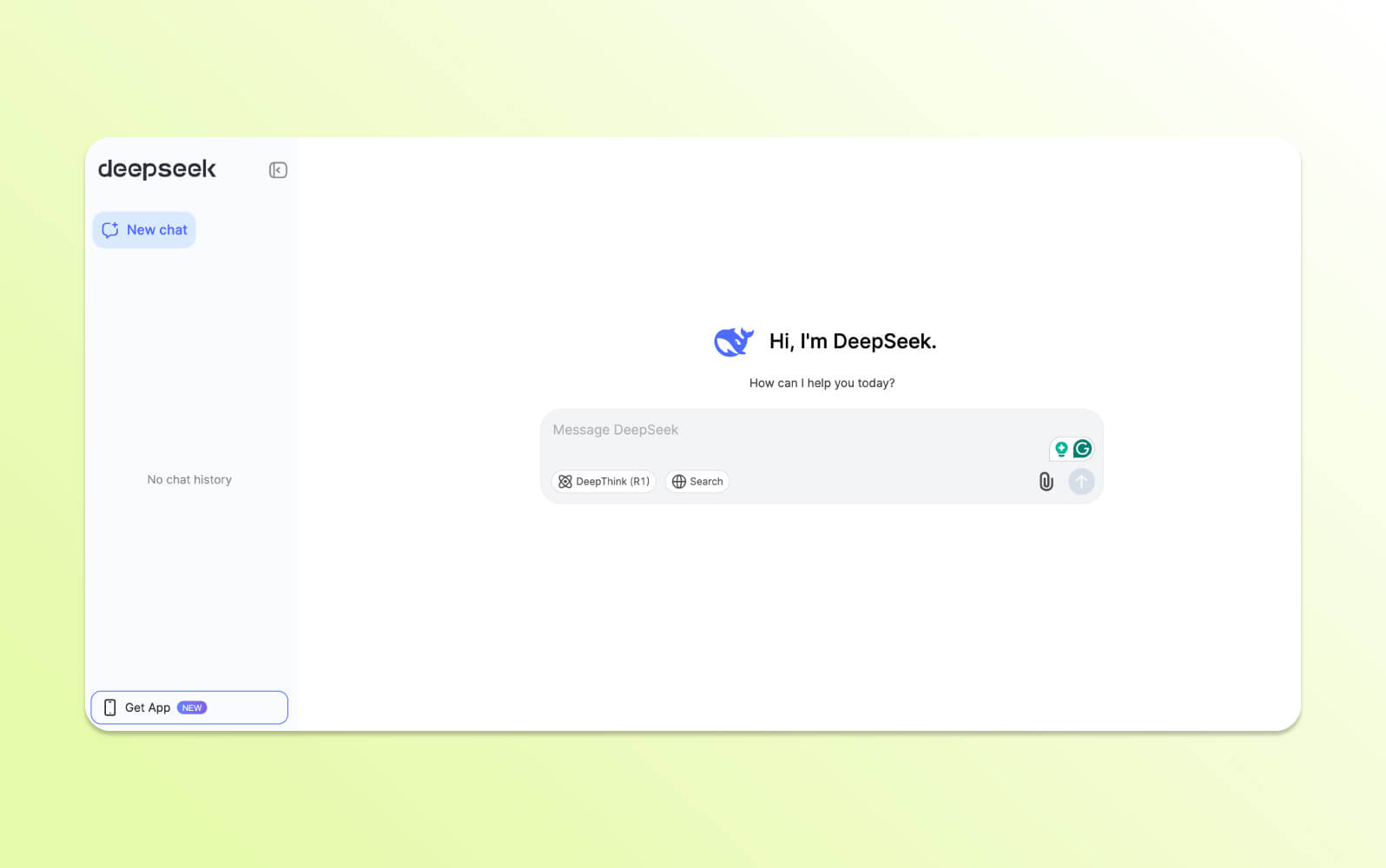
DeepSeek is an AI platform launched in early 2025. The system focuses on language modeling, AI research, and coding applications for developers and software engineers.
DeepSeek Coder V2 provides advanced coding features, including:
- 128k token context window for working with large codebases
- Supports code completion and bug fixing
- Algorithm development across multiple programming languages
DeepSeek LLM handles document analysis, content creation, and can process uploaded files, including PDFs, Word documents, and Excel spreadsheets. It also uses token-based API pricing, which can be cost-effective for high-volume usage but may be challenging to estimate for some users.
It's important to note that DeepSeek operates under Chinese data governance frameworks, which may raise privacy considerations for US and European users.
|
Pros |
Cons |
|
|
What people are saying:
- “While Deepseek is good and free, it doesn’t yet match ChatGPT in terms of understanding complex prompts and giving very accurate, detailed responses.” – Verified user, G2 review.
- “It answers questions promptly, summarizes text, and recommends ideas. I have used it for generating titles/ headlines for blogs and articles, and they were quite good.” – Verified user, G2 review.
6. Claude
Best for creative writing, nuanced conversations, and long-context understanding
Models: Claude 3 (Opus, Sonnet, Haiku), Claude 3.5 Sonnet
|
Starting price |
Free trial |
Key features |
|
$17 per month (billed annually) |
Unavailable |
|
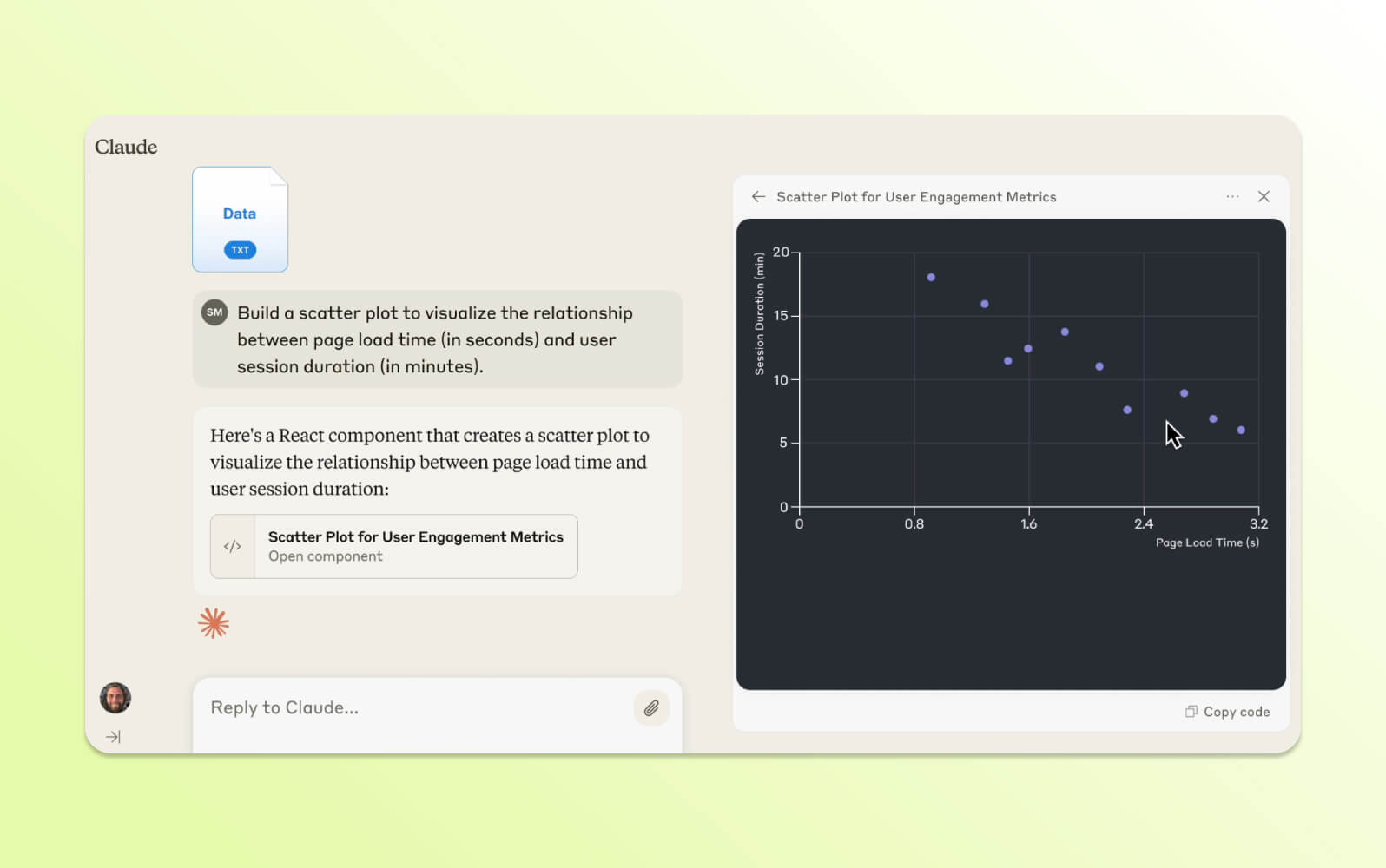
Claude is Anthropic's conversational AI bot, built using a Constitutional AI framework that prioritizes safe and grounded interactions. It supports a wide range of use cases, including content generation, document analysis, and code assistance. It offers a large context window, allowing users to process long or complex inputs more effectively than many AI chatbots. Claude can also handle handwritten text and uploaded images.
While it performs well on nuanced tasks, Claude has limitations. It cannot access web links directly unless used with integrated web search tools, and it may provide inaccurate results if asked to summarize inaccessible URLs.
|
Pros |
Cons |
|
|
What people are saying:
- “[Claude is] really helpful for digging into financials, planning ahead, and breaking big goals into smaller, manageable steps.” – Verified user, G2 review.
- “Despite all the marketing hype about 'advanced intelligence,' it performs worse than much older AI systems.” – Verified user, G2 review.
7. Perplexity
Best for research, providing cited and summarized answers with real-time web access and accuracy-focused AI search
Models: Mistral 7B, Llama 2, GPT-4o, Claude, Sonar Large, proprietary models
|
Starting price |
Free trial |
Key features |
|
$20 per agent/month (billed annually) |
Unavailable |
|
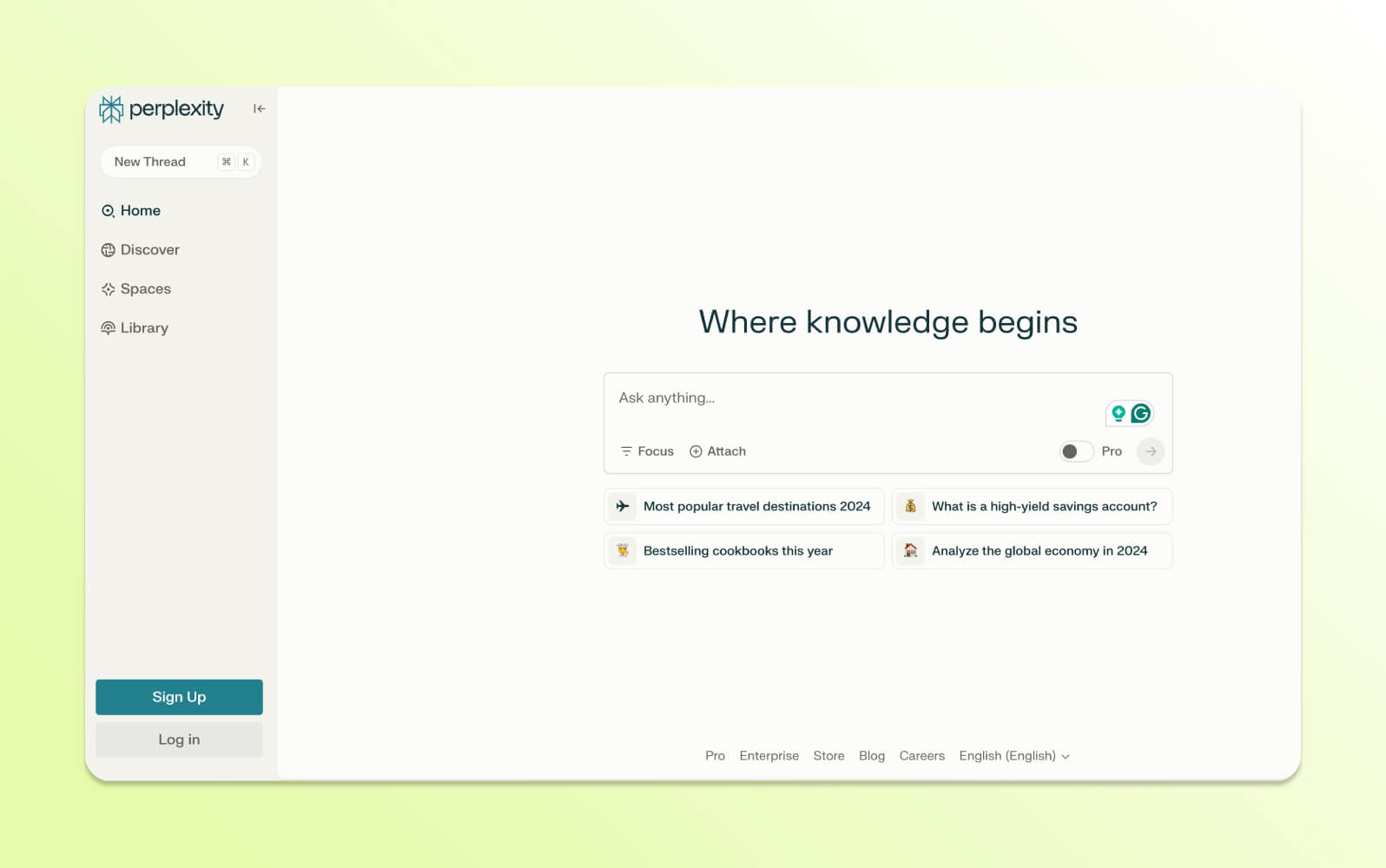
Perplexity is an AI-powered search platform that combines natural language processing with real-time web search capabilities. The system provides responses with source citations and references that users can verify independently.
Multiple large language models from providers like OpenAI and Anthropic power its output, enhancing both accuracy and diversity of responses. Perplexity also supports organizing research into structured formats through a feature called Pages. It is one of the few top AI chatbots that consistently includes citations and references in its output.
Pro and Enterprise Pro plans include access to advanced AI models, unlimited file uploads and analysis, and image generation capabilities. The free plan includes limited pro queries with basic search and AI response functionality.
|
Pros |
Cons |
|
|
What people are saying:
- “Accurate and reliable responses: The ability of Perplexity AI to deliver real-time answers with high accuracy.” – Verified user, G2 review.
- “Tone of voice could be improved; sometimes [I] can't find obvious sources.” – Verified user, G2 review.
8. Meta AI
Best for open-source AI development, general conversational use, and multimodal/multilingual applications
Models: Llama 4 (Scout, Maverick), Llama 3 series
|
Starting price |
Free trial |
Key features |
|
Free |
Not applicable |
|
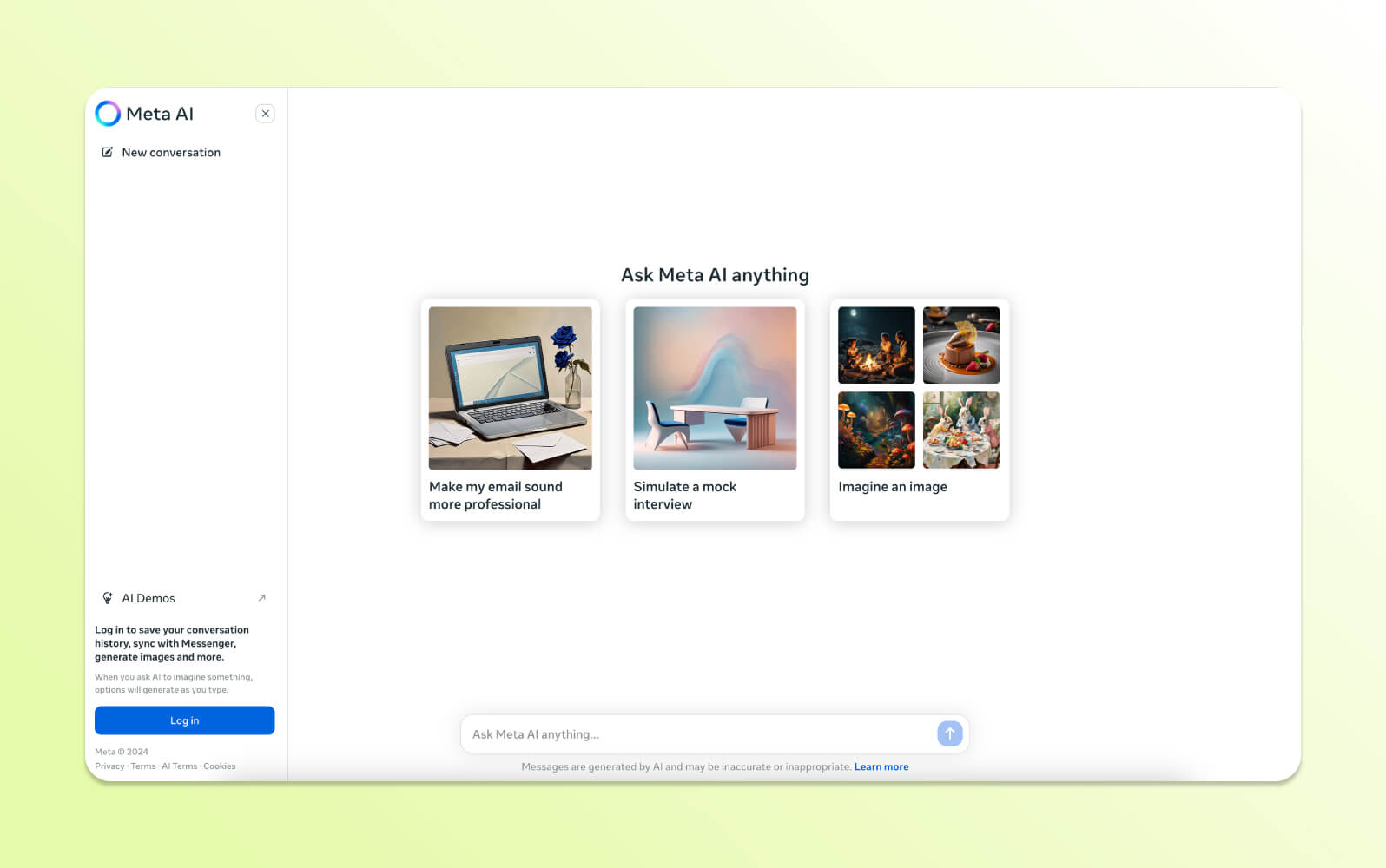
Meta AI is a multimodal chatbot AI integrated across Meta's platforms, including Facebook, Messenger, Instagram, WhatsApp, and meta.ai. It uses Meta's Llama models to generate responses across text, image, and audio input types. It is accessible directly within apps that many users already use, which reduces friction and makes it easier to interact with AI without switching platforms.
While its feature set is consistent across Meta' target="_blank" rel="noopener"s ecosystem, specific capabilities may vary slightly by application. Meta AI is best suited for general conversational use and social content creation.
|
Pros |
Cons |
|
|
What people are saying:
- “There are better AI companions out there that treat users like full human beings. Meta’s just not there yet.” – Verified user, Trustpilot review.
- “Sometimes it will send things that have nothing to do with the request or submission..” – Verified user, Trustpilot review.
9. Grok
Best for real-time information access (integrated with X) and engaging in unfiltered conversations.
Models: Grok 2, Grok 3
|
Starting price |
Free trial |
Key features |
|
$3.00/M, $0.75 per cached input + $15/Minputagent/month (billed annually) |
Unavailable |
|
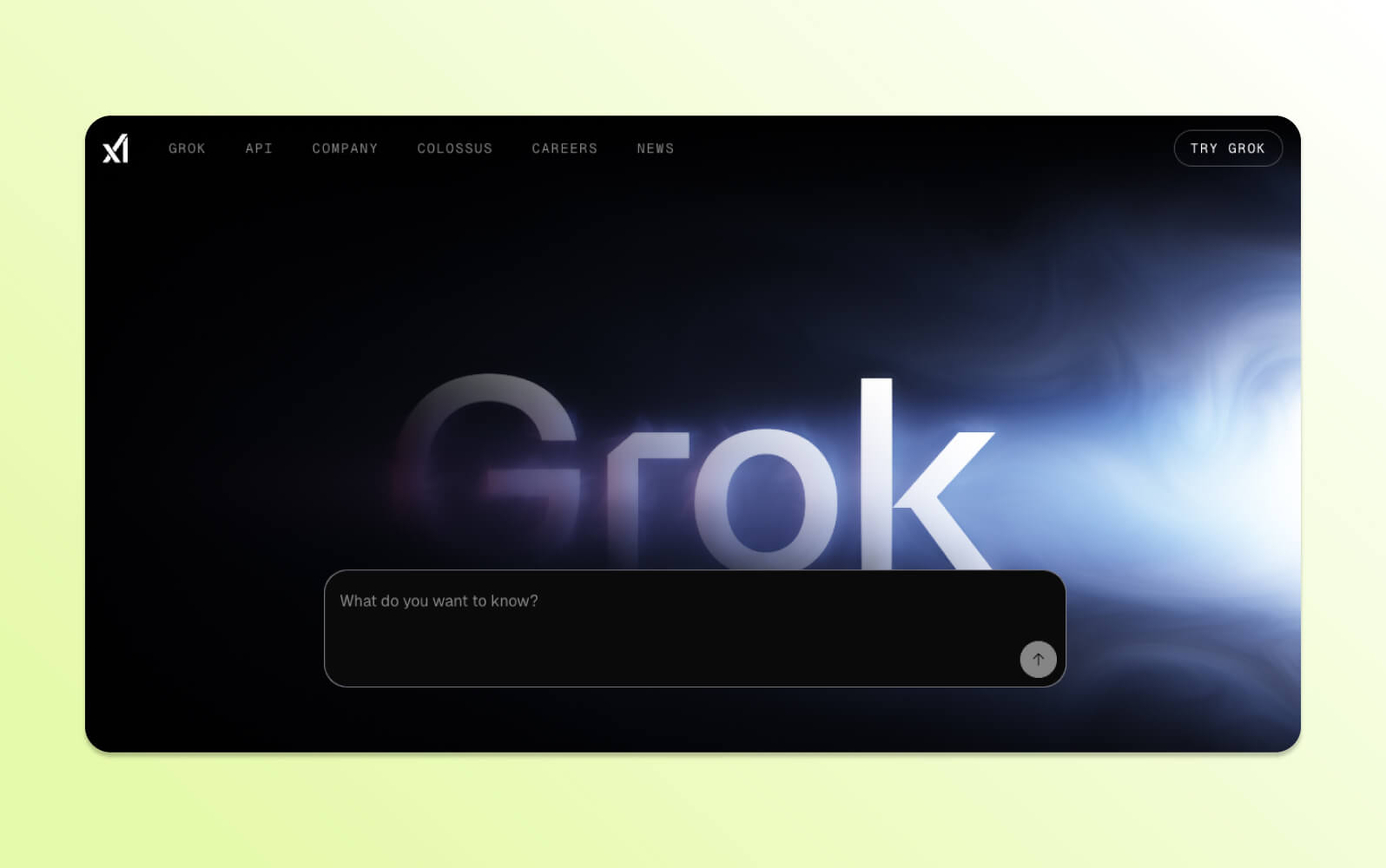
Grok is xAI's conversational AI assistant that integrates with the X social media platform for real-time information access. The system uses the Grok 3 model, released in early 2025, and includes visual processing, document analysis, and reasoning modes with step-by-step explanations.
This AI chatbot accesses current web data and trending topics through X integration while maintaining an informal conversational style. Features include:
- DeepSearch for information retrieval
- Voice interaction capabilities
- Image recognition on iOS devices
The Aurora model generates images with watermarks but limited editing capabilities.
Grok operates on a freemium model with standalone applications, though full functionality requires an X account and a higher-tier subscription. The system's unfiltered approach may not suit professional applications, and accuracy on politically sensitive topics may vary.
|
Pros |
Cons |
|
|
What people are saying:
- “Unlike other AI tools that rely on static or outdated knowledge, Grok provides immediate, relevant insights based on current trends and live conversations.” – Verified user, G2 review.
- “While Grok’s casual tone is entertaining, it can sometimes come across as overly sarcastic or vague, especially when more structured or professional responses are needed.” – Verified user, G2 review.
10. Jasper Chat
Best for marketing, branding, and content generation
Models: GPT-4, Anthropic, Google, proprietary models
|
Starting price |
Free trial |
Key features |
|
$39 per seat/month (billed annually) |
7 days |
|
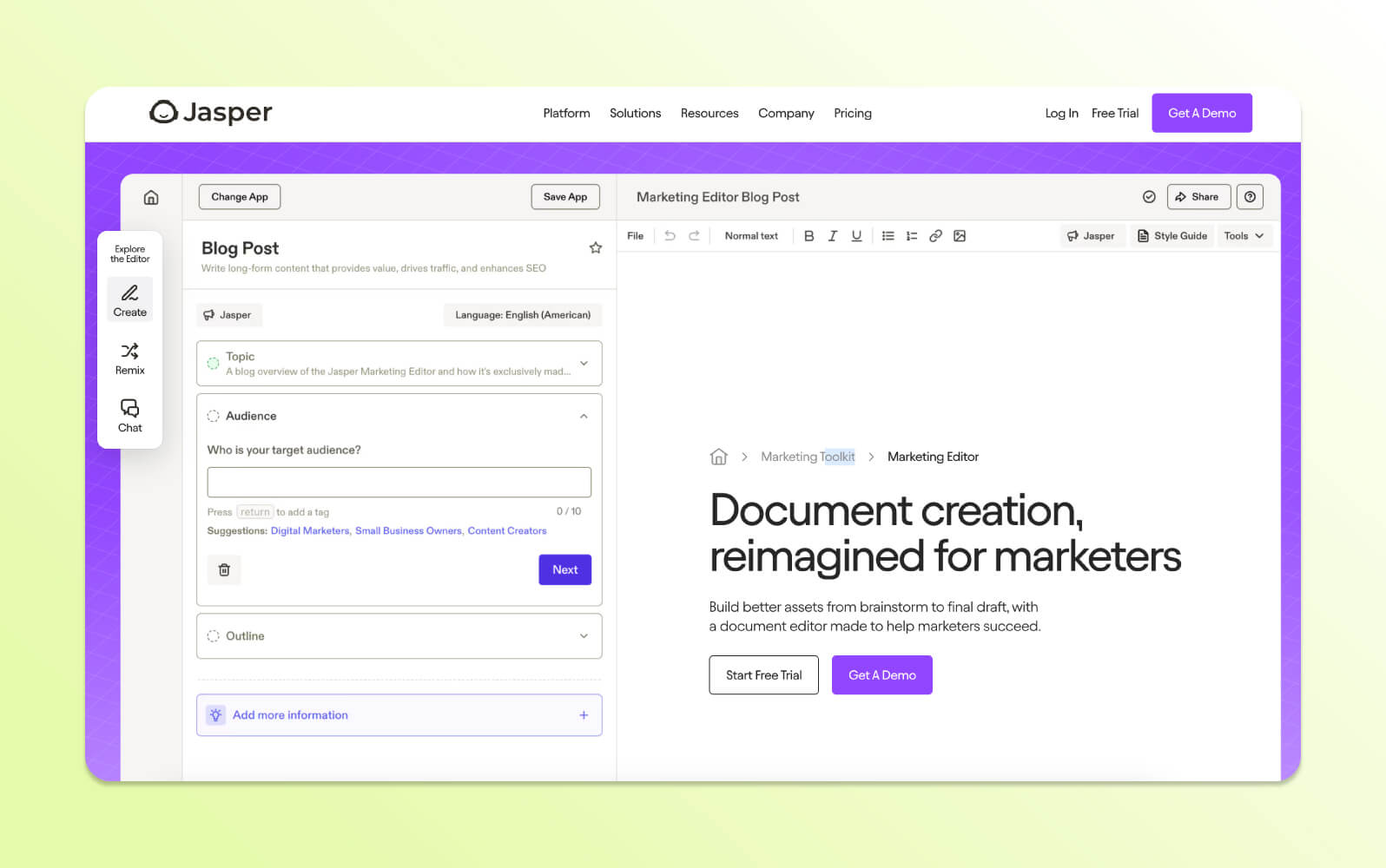
Jasper Chat is a business-focused AI platform designed for content creation and marketing materials. It allows users to create content such as blog posts, emails, ad copy, and video scripts, often based on simple bullet points or input prompts.
The system supports multiple languages and enables brand customization through a Brand Voice feature, helping teams maintain a consistent tone across channels. Jasper also includes built-in plagiarism detection, 50+ templates, and integrates with tools like Google Docs.
It is primarily positioned as an AI chatbot for creative and commercial content workflows. Plans are priced for team use, which may make it less accessible for casual or individual users.
|
Pros |
Cons |
|
|
What people are saying:
- “Jasper is a simple, game-changing tool that has helped streamline our content creation process.” – Verified user, G2 review.
- “I tried tweaking how we framed our brand voice on Jasper in lots of ways, but it pretty much gave a similar type of output.” – Verified user, G2 review.
11. Deep AI
Best for a variety of generative AI tools
Models: DeepCORE
|
Starting price |
Free trial |
Key features |
|
$4.99 per month + overage pricing |
Unavailable |
|
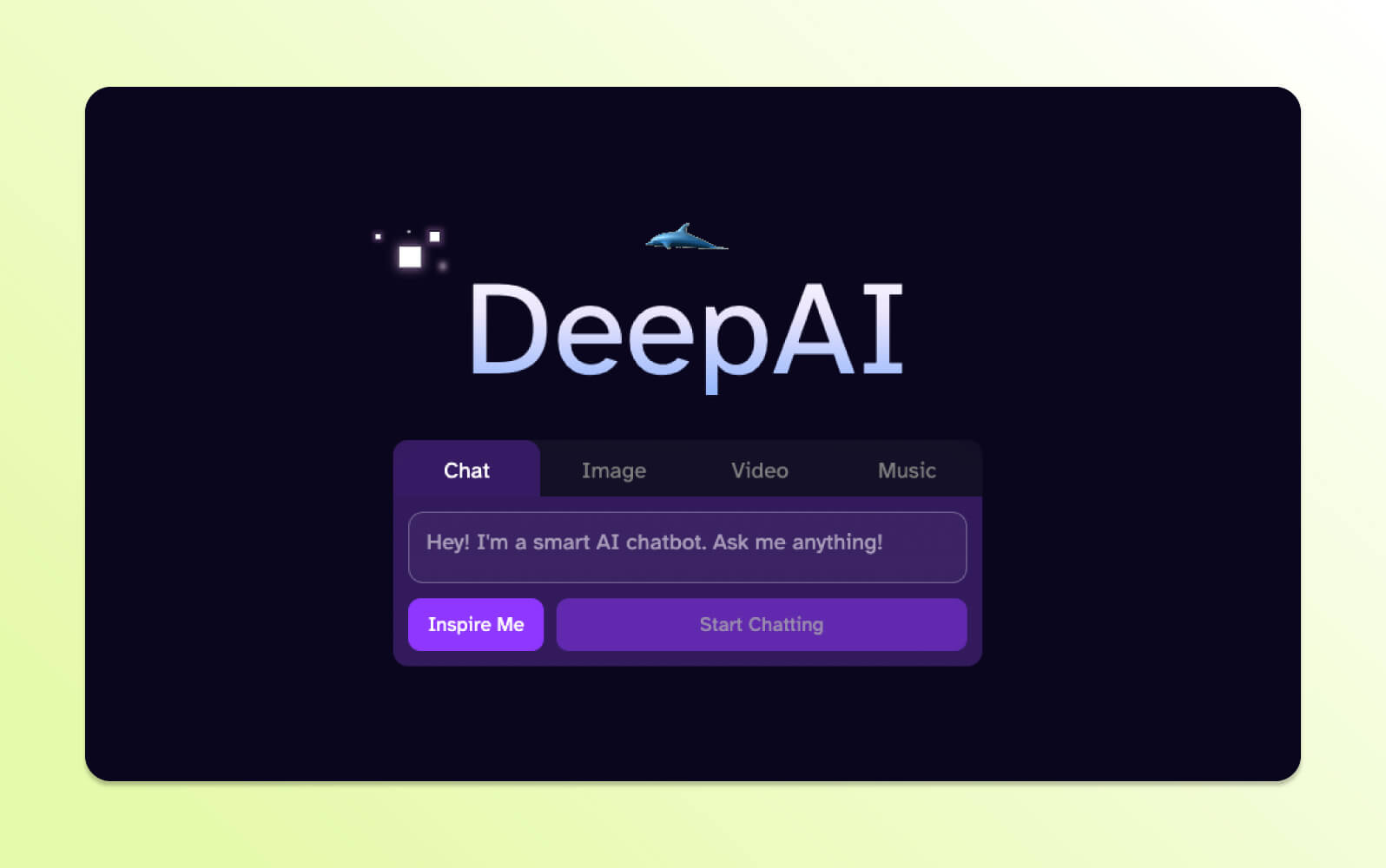
DeepAI is a browser-based AI tool that offers a wide range of generative features, including text-to-image conversion, video creation, and sentiment analysis. It was launched in 2017 and focuses on accessibility, with many tools available without requiring an account.
This online chatbot and creative platform also includes a chat assistant with multiple personality modes (i.e., math help or relationship advice) and supports basic document analysis.
While its capabilities vary in refinement, DeepAI is positioned as a general-purpose toolset. It appeals to users who need flexible AI bots without the cost or complexity of enterprise software.
|
Pros |
Cons |
|
|
What people are saying:
- “This is a great and very useful tool. It is possible to create without external experts, [which] saves money and time.” – Verified user, Trustpilot review.
- “Worked as anticipated until I signed up [...], it's a worthless product.” – Verified user, Trustpilot review.
12. Khanmigo
Best for education and learning assistance
Models: GPT-4
|
Starting price |
Free trial |
Key features |
|
$44 per year (billed annually), but free for teachers |
Unavailable |
|
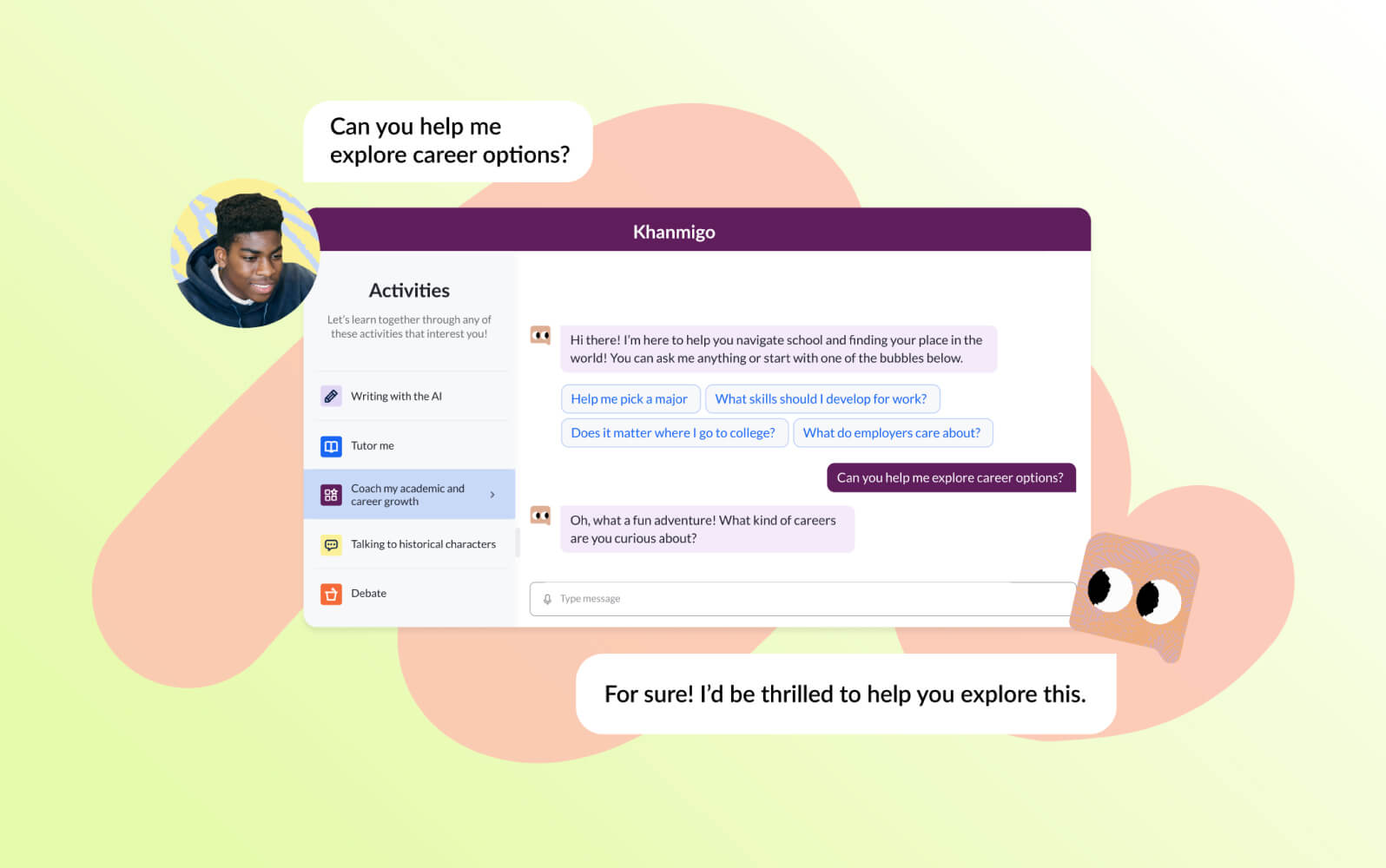
Khanmigo is an educational AI chatbot developed by Khan Academy. It is built to assist students and teachers, offering support for homework questions, lesson planning, and academic review across core subjects. The system uses the Socratic method, prompting learners with questions rather than providing direct answers. This pedagogical design is meant to encourage critical thinking and understanding.
Currently, access is limited to English-speaking countries, with broader rollout plans pending. Its use of GPT-4 places it among the top AI chatbots in the educational space.
|
Pros |
Cons |
|
|
13. Pi
Best for personal assistance, empathetic conversational AI, and personalized support
Models: Inflection-2.5
|
Starting price |
Free trial |
Key features |
|
$0 per agent/month (billed annually) |
Not applicable |
|
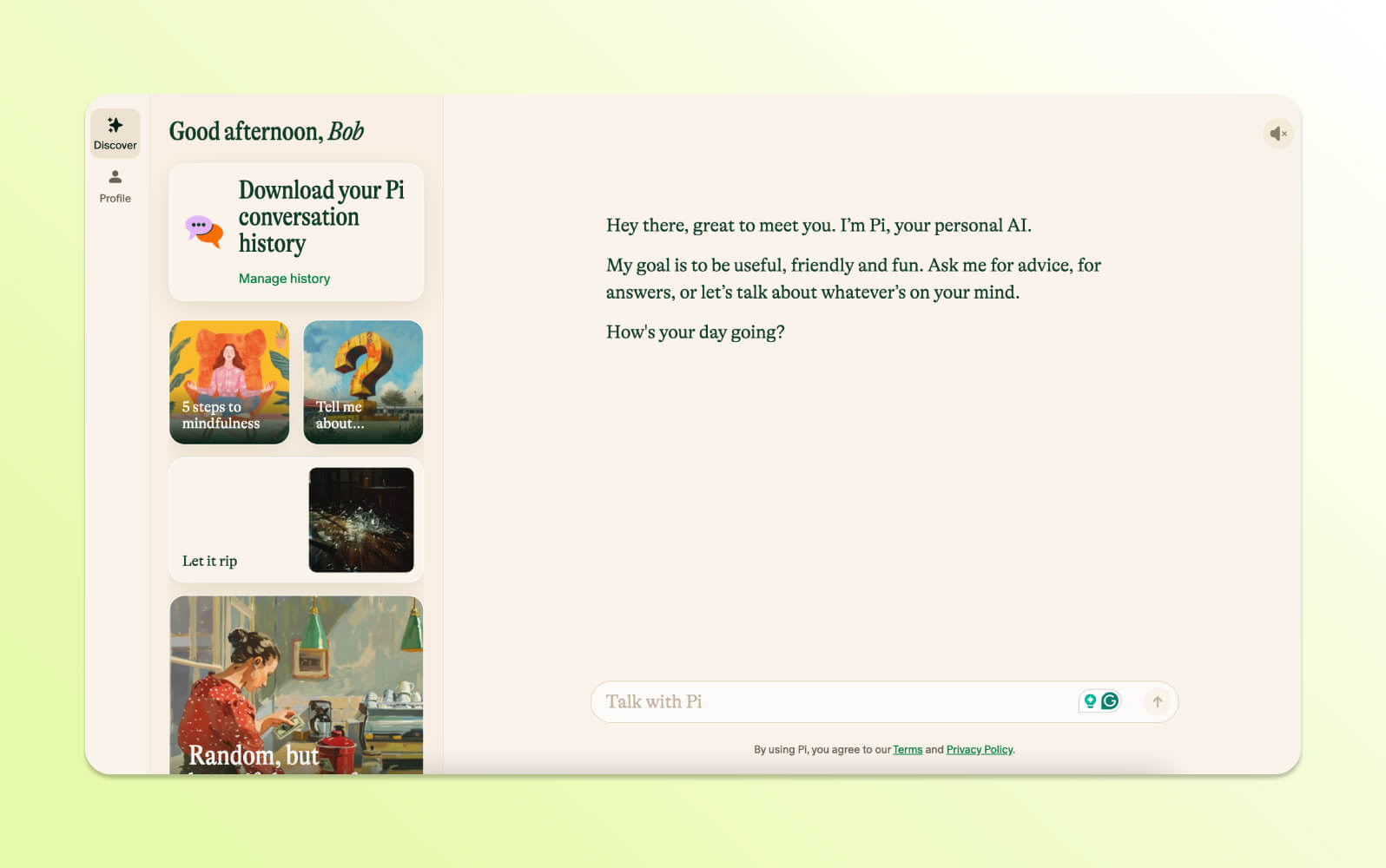
Pi is Inflection AI's conversational AI bot designed for personal use, emotional support, and general companionship. Its tone is casual and empathetic, with frequent use of emojis and informal phrasing.
It provides advice, brainstorming support, journaling capabilities, and general conversation without making judgments about topics discussed. Pi includes voice interaction capabilities with different voice options and a minimalistic interface design. The Discover tab offers conversation starters and icebreakers for different interaction types.
While Pi has limited flexibility for business applications, it can assist with personal problem-solving discussions and casual conversation needs. Pi’s scope is limited regarding productivity or technical applications, but it may appeal to users seeking a more emotionally engaging AI chat experience.
|
Pros |
Cons |
|
|
What people are saying:
- “The best thing about Pi is how human it can be with its responses.“ – Verified user, G2 review.
- “Pi has a calm, empathetic tone that makes conversations feel surprisingly human.“ – Verified user, G2 review.
14. HuggingChat
Best for user privacy and access to a wide range of open-source large language models.
Models: Llama 3, Falcon, Mistral, and more
|
Starting price |
Free trial |
Key features |
|
$9 per month (billed annually) |
Unavailable |
|
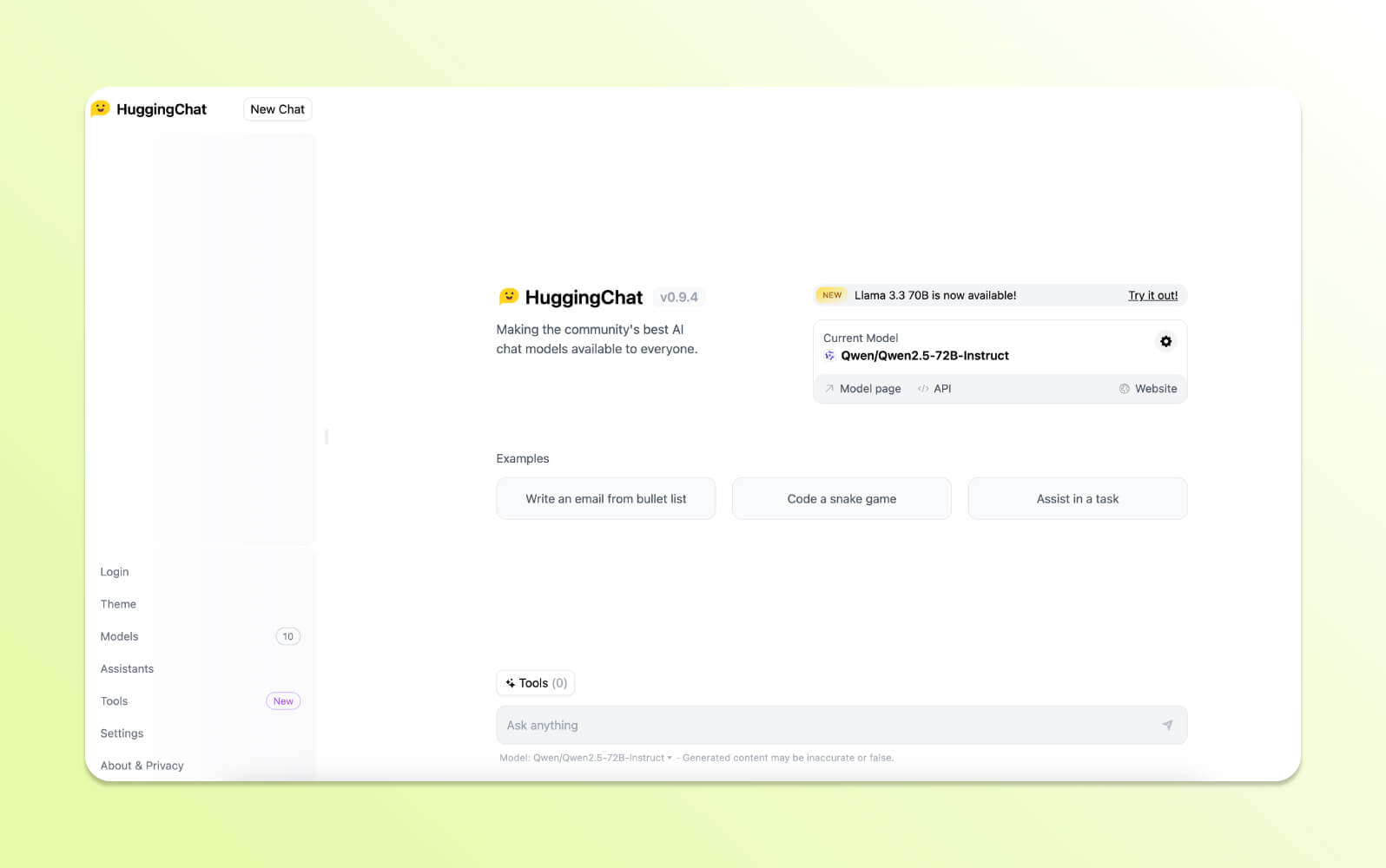
HuggingChat is an open-source AI chatbot developed by Hugging Face. It provides access to multiple large language models, including Llama, Mistral, DeepSeek, and Mixtral. Users can select from different models depending on their needs, such as code generation, content writing, or spreadsheet support.
This AI chatbot emphasizes privacy. Conversations are not used for training or research purposes, and users can download or modify the source code. It also includes optional web search functionality, image generation (model-dependent), and file uploads for document analysis.
HuggingChat appeals to developers, researchers, and users who want full control over their chatbot AI experience without sacrificing capability.
|
Pros |
Cons |
|
|
15. Character.ai
Best for gaming, fantasy, interactive storytelling, and creating and interacting with AI personas
Models: Proprietary
|
Starting price |
Free trial |
Key features |
|
$9.99 per user/month (billed annually) |
Unavailable |
|
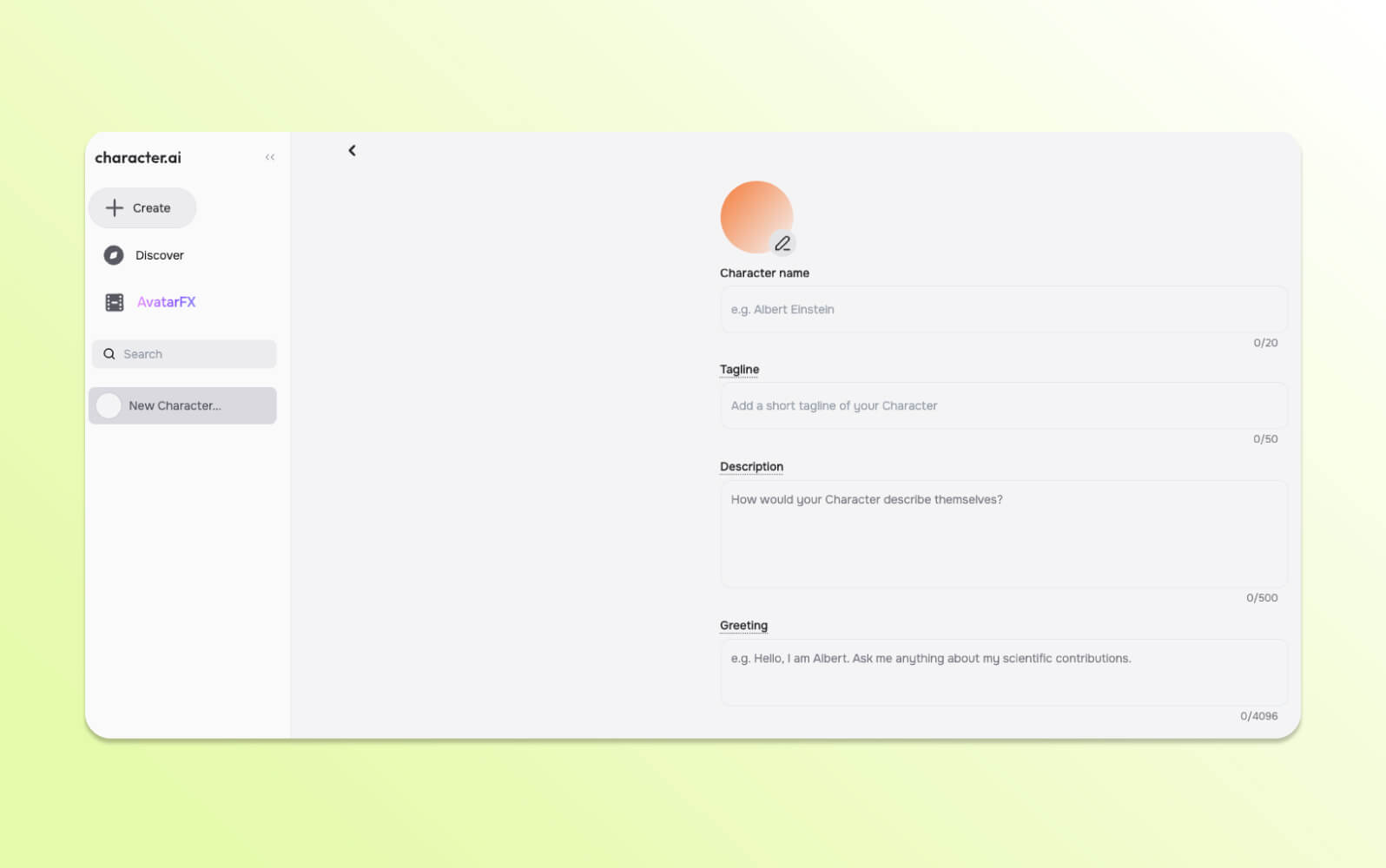
Character.AI allows users to chat with AI bots modeled after fictional personas, celebrities, game characters, and custom-created personalities. Each AI chat is designed to simulate the behavior and tone of its character, and users can participate in either solo or group chats.
Users can build their own characters with memory features, adjustable response styles, and model selection (for c.ai+ subscribers). The service includes creative features like text-based game modes and story simulations.
This online chatbot platform focuses on entertainment and creative exploration rather than productivity or research, positioning it among the best AI chatbots for interactive fiction and role-play experiences.
|
Pros |
Cons |
|
|
What people are saying:
- “Character Ai was great in the beginning, but over this past year or two it's really been declining.” – Verified user, Trustpilot review.
- “UI keeps changing for the worse, filter activates in moments it is not needed, bots disconnect when I am clearly on Wifi.” – Verified user, Trustpilot review.
16. Poe
Best for switching between AI models in one place
Model: GPT-4, Gemini Pro, Mistral, Claude 3, Stable Diffusion 3, and more
|
Starting price |
Free trial |
Key features |
|
$19.99 per user/month |
Unavailable |
|
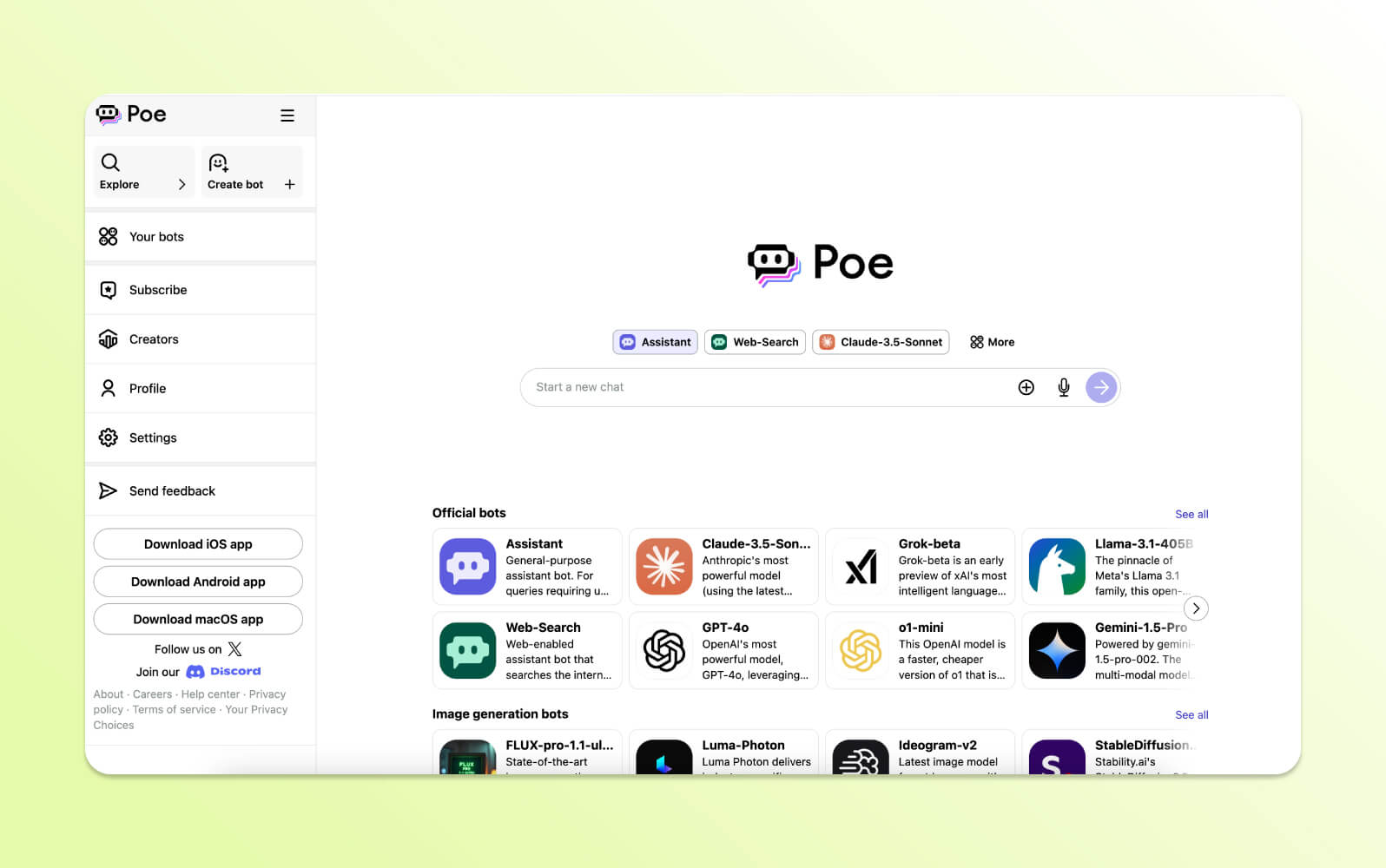
Poe, developed by Quora, aggregates multiple AI models—including GPT-4 Turbo, Claude, and Stable Diffusion—into a single interface. Users can switch between models to compare output quality and suitability for different tasks. It supports the creation of custom chatbots via drag-and-drop tools or API integration. Poe also enables monetization through a creator program, allowing developers to earn revenue from user interactions.
Poe is aimed at users who want access to top AI chatbots without managing separate accounts, subscriptions, or platforms. Some customization requires technical skill, but basic chatbot functionality is easy to use.
|
Pros |
Cons |
|
|
What people are saying:
- “I can use lots of different AI tools and chatbots without buying 100 subscriptions.” – Verified user, Trustpilot review.
- “Poe can sometimes be limited by model restrictions, which affects response variety.” – Verified user, Trustpilot review.
17. Chatsonic
Best for content creation, marketing, SEO, and real-time data integration
Models: GPT-4o, Claude 3.5, Stable Diffusion, DALL·E 3
|
Starting price |
Free trial |
Key features |
|
$16 per user/month (billed annually) |
Unavailable |
|
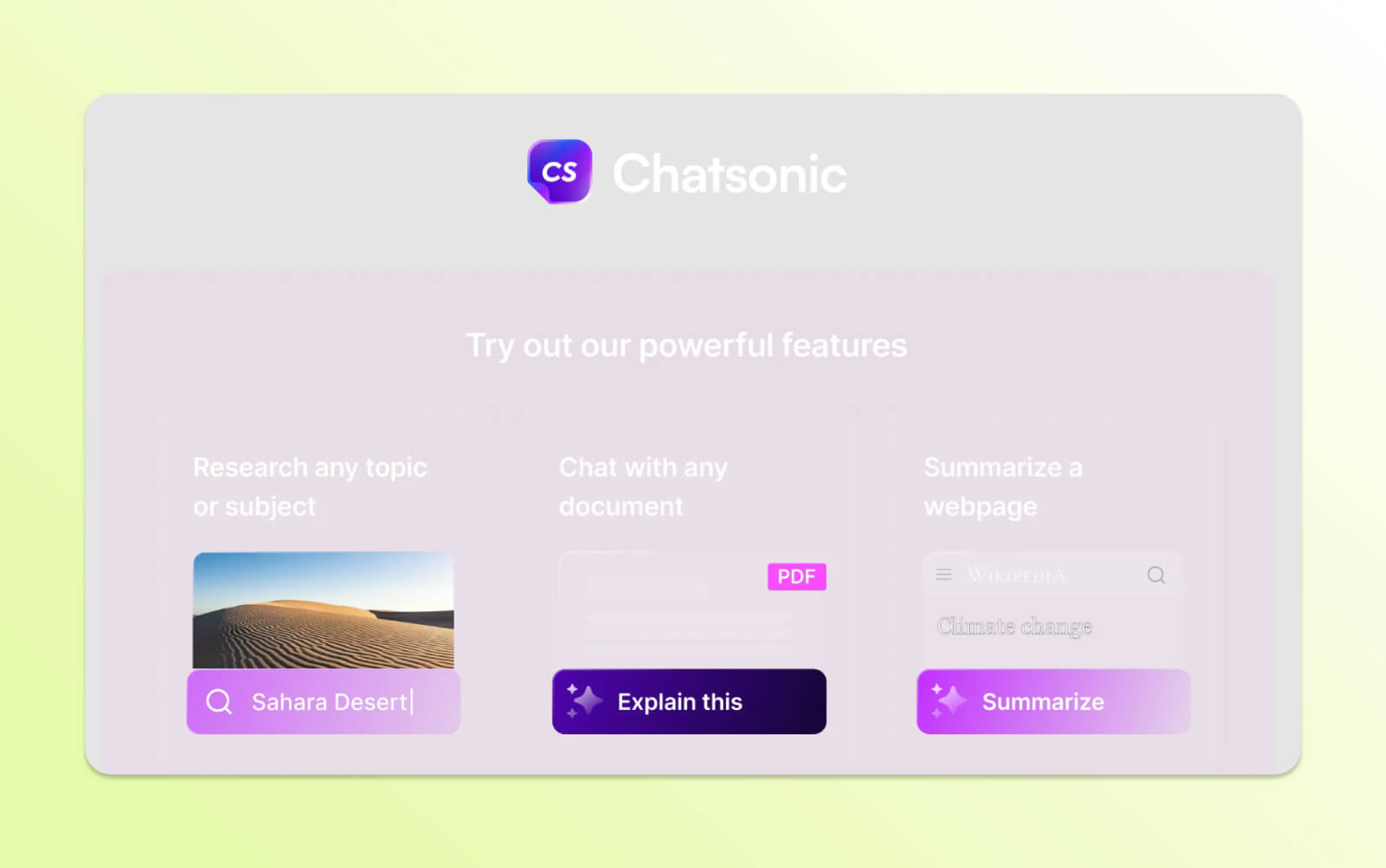
Chatsonic is a generative AI tool that integrates several advanced models, such as GPT-4o, Claude, Gemini, and Flux. Designed for content creation, it offers features like SEO integration, brand voice settings, and compatibility with Ahrefs and Google Search Console.
Agent Mode enables research with citation support, and voice-to-text/text-to-voice options allow spoken interaction. Users can upload files like PDFs and images for analysis, and browser extensions improve accessibility across web platforms. Marketers and creative teams use this conversational AI bot for tasks like blog writing, ad generation, and live data research.
|
Pros |
Cons |
|
|
What people are saying:
- "Customer service is very helpful and respond fast if I face any problem." – Verified user, G2 review.
- “So, the only problem I face while using Chatsonic is hallucination after having lots of conversations with the AI.” – Verified user, G2 review.
18. Copy.ai
Best for go-to-market system integration and automating marketing and sales content workflows.
Models: GPT-3.5, GPT-4, Perplexity, Claude 3, and more
|
Starting price |
Free trial |
Key features |
|
$36 per seat/month (billed annually) |
Unavailable |
|
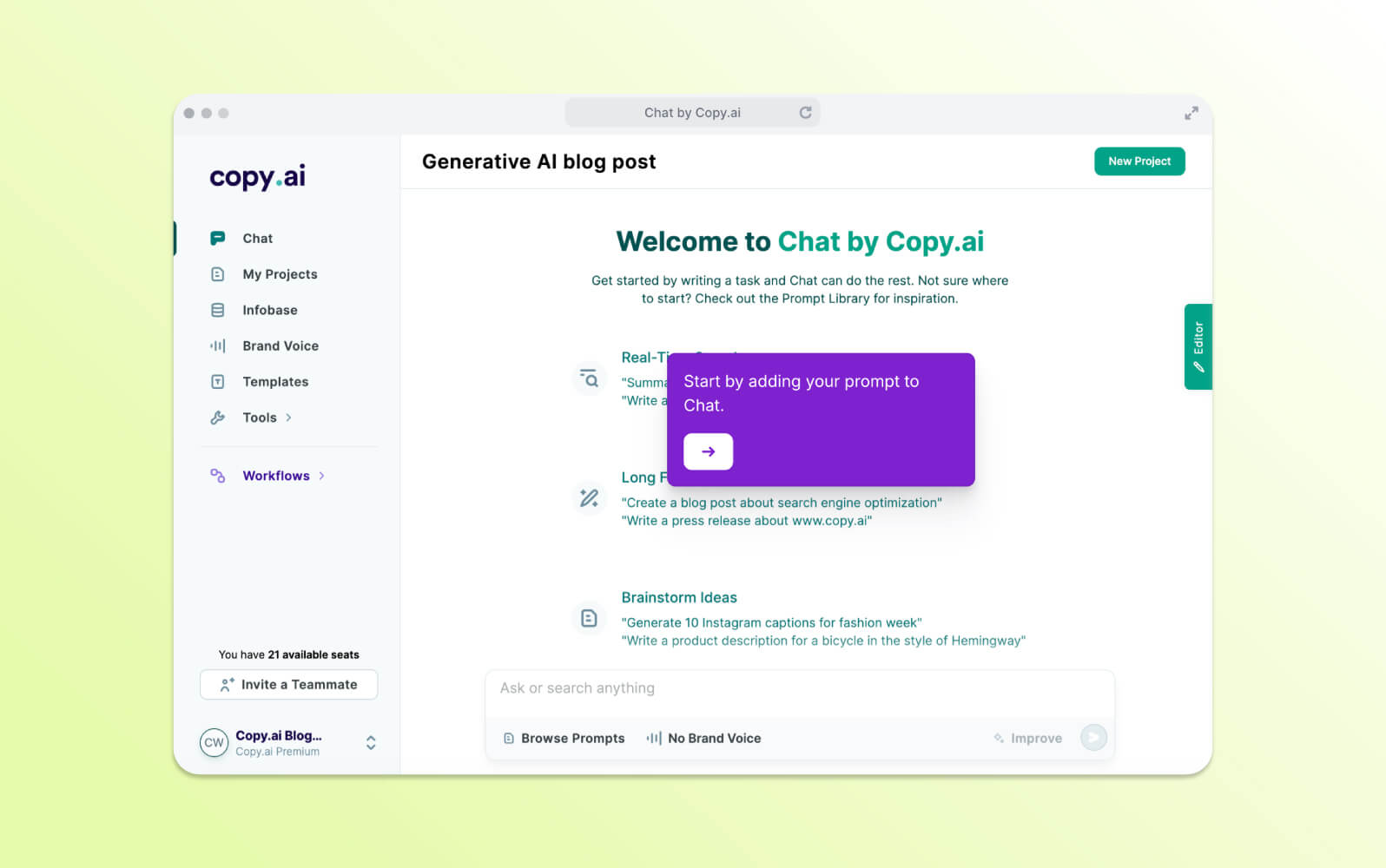
Copy.ai is designed for marketing and sales professionals who need scalable AI tools for writing emails, social media posts, landing pages, and campaign materials. It supports multiple AI models, including ChatGPT 3.5 and Claude 3.
The AI chatbot features Copy Agents for outbound outreach, integration with CRM and communication platforms like Slack, and centralized knowledge management via the Infobase. Brand Voice tools maintain a consistent tone across all content.
This AI bot is positioned as a high-output content generation system for sales and marketing workflows, especially for teams producing large volumes of copy in multiple languages.
|
Pros |
Cons |
|
|
What people are saying:
- “Copy.AI is time-saving and accelerates content creation by generating high-quality copy quickly, saving my daily valuable time and effort.” – Verified user, G2 review.
- "The free AI tools still do not work. It's been a week.” – Verified user, Trustpilot review.
19. ZenoChat
Best for: AI writing assistance and content creation
Models: Claude, ChatGPT-4, DeepSeek R1, OpenAI o3-mini, o1-mini, o1
|
Starting price |
Free trial |
Key features |
|
$5.59 per month, for 150 creations and 100 MB storage (billed annually) |
Unavailable |
|
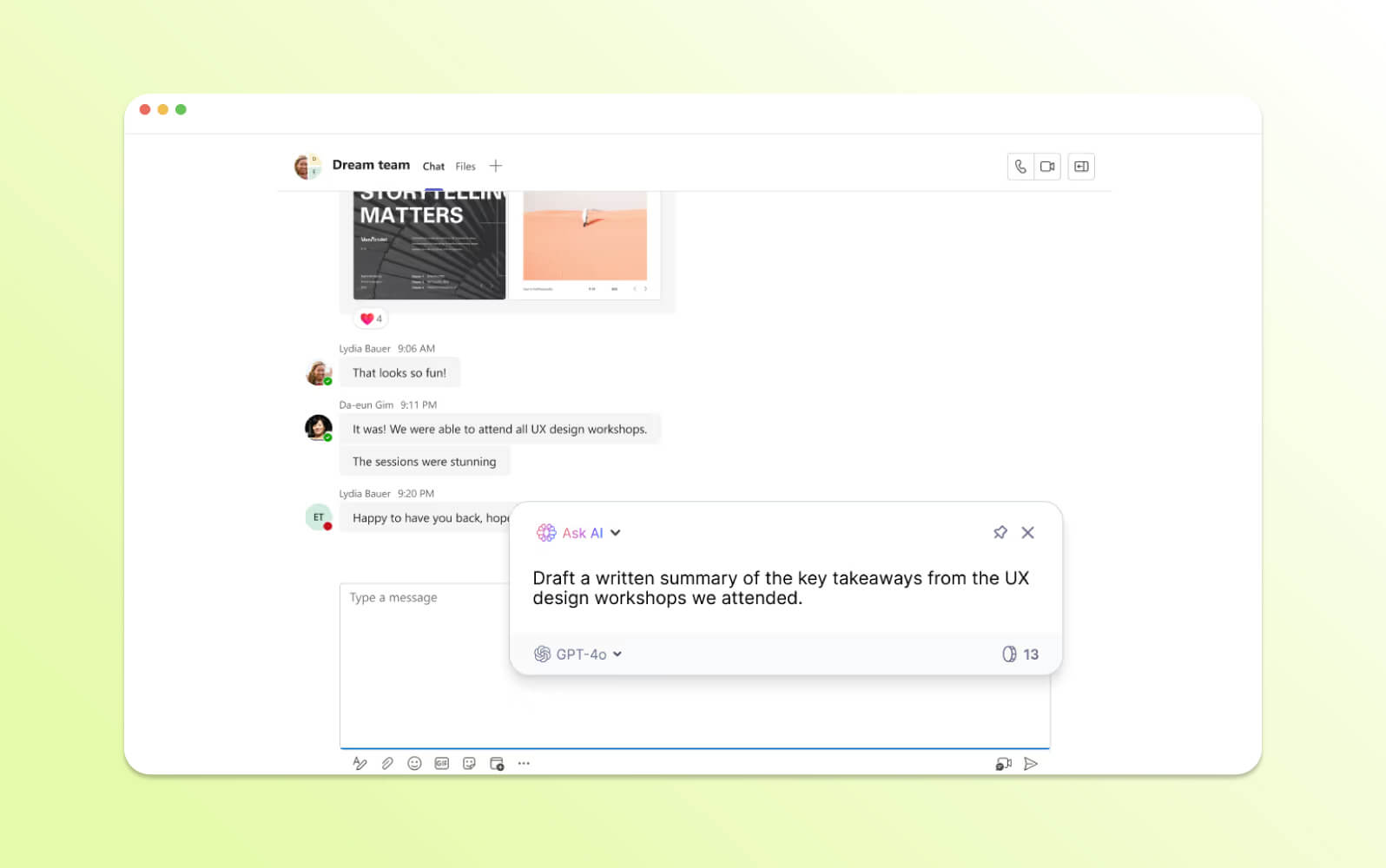
ZenoChat, developed by TextCortex, is a browser-based AI chatbot that supports over 25 languages and is trained on more than 3 billion sentences. It is focused on writing assistance, content creation, and plagiarism avoidance. Users can create and customize AI personas, toggle web search sources like Google Scholar, Reddit, or custom URLs.
ZenoChat offers a browser extension for seamless integration with other websites. They can also browse a prompt template marketplace. The AI chatbot operates on a freemium model and is frequently used by content creators, students, and professionals needing tailored, multilingual writing support.
|
Pros |
Cons |
|
|
What people are saying:
20. You.com
Best for: AI-powered search, conversational AI, and access to various AI models and agents.
Models: GPT-4o, Claude 3.5 Sonnet, Gemini 2.5 Pro (Preview), Gemini 2.0 Flash, Grok 3 Beta, Llama 4 (Maverick, Scout), Qwen2.5, Mistral Large 2, DeepSeek R1, DeepSeek V3, and more
|
Starting price |
Free trial |
Key features |
|
$15 per agent/month (billed annually) |
Unavailable |
|
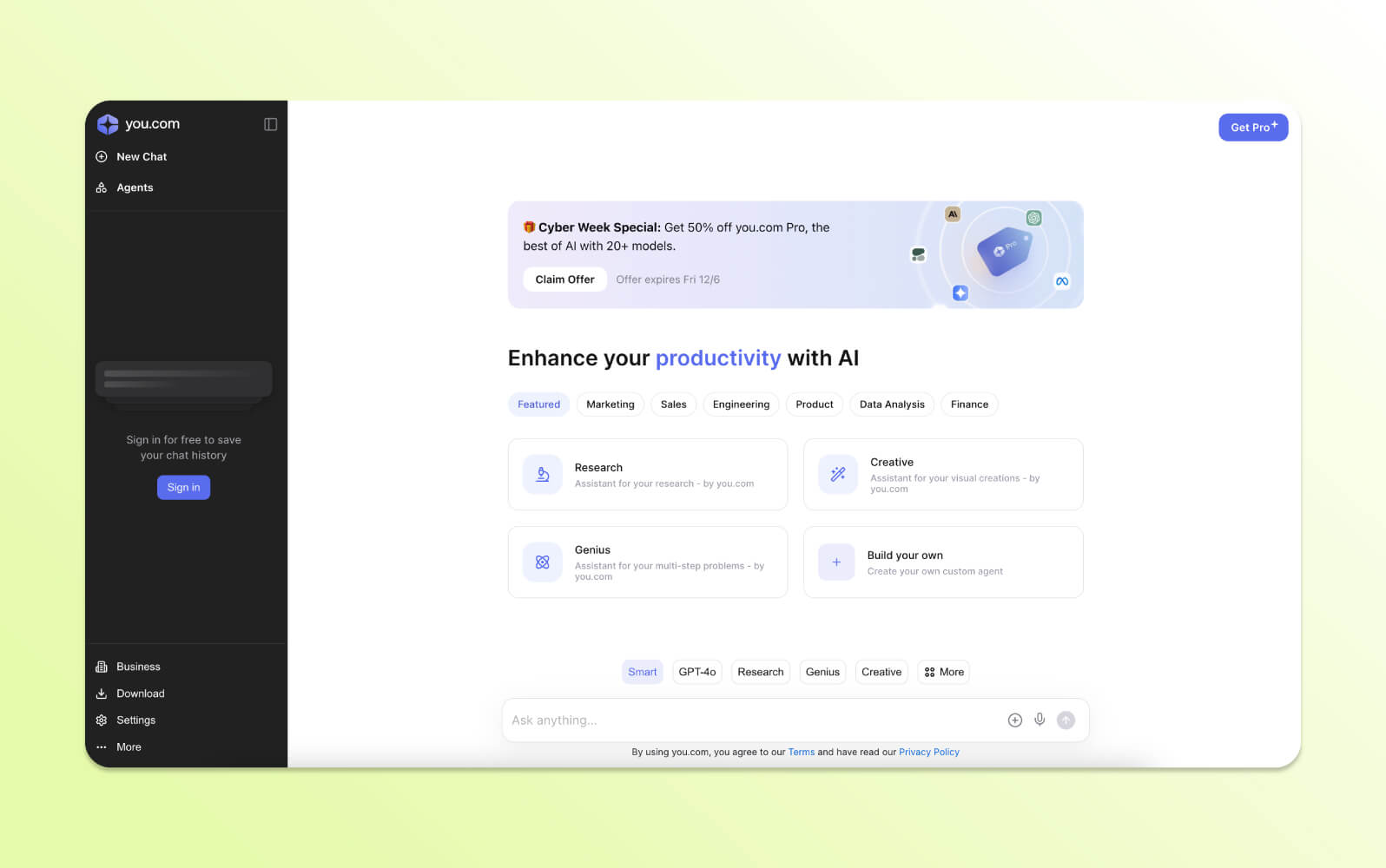
You.com combines AI search with conversational AI tools to deliver summarized, real-time results. Positioned as a hybrid between a search engine and chatbot AI, You.com is often used by users who want more interactive and personalized search experiences while preserving control over their data.
You.com offers three modes:
- Genius mode that handles complex problems like equation solving and data visualization
- Research mode that generates articles with citations
- Create mode, which provides AI art generation, and custom AI agents can be developed for specialized tasks.
You integrates models like GPT-4o and Claude 3.5 Sonnet to support different use cases, including research, coding, and creative generation. Users can upload files, summarize web pages, and build custom AI agents for specialized tasks. Team and Enterprise plans include zero data retention policies, while Pro and Team paid plans offer increased query limits and extended context windows.
|
Pros |
Cons |
|
|
What people are saying:
- “The interface is clean, intuitive, and easy to use, and everything just works seamlessly.” – Verified user, Trustpilot review.
- “I was on a pro subscription, with access to all the models, and I kept on getting error messages to say I was overusing it. It wasn't working, so I obviously wasn't overusing it.”– Verified user, Trustpilot review.
21. Zapier Agents
Best for workflow automation with AI assistants
Models: Multiple third-party AI models (including GPT-4–class and Gemini variants)
|
Starting price |
Free trial |
Key features |
|
$19.99 per month (billed annually) |
14 days |
|
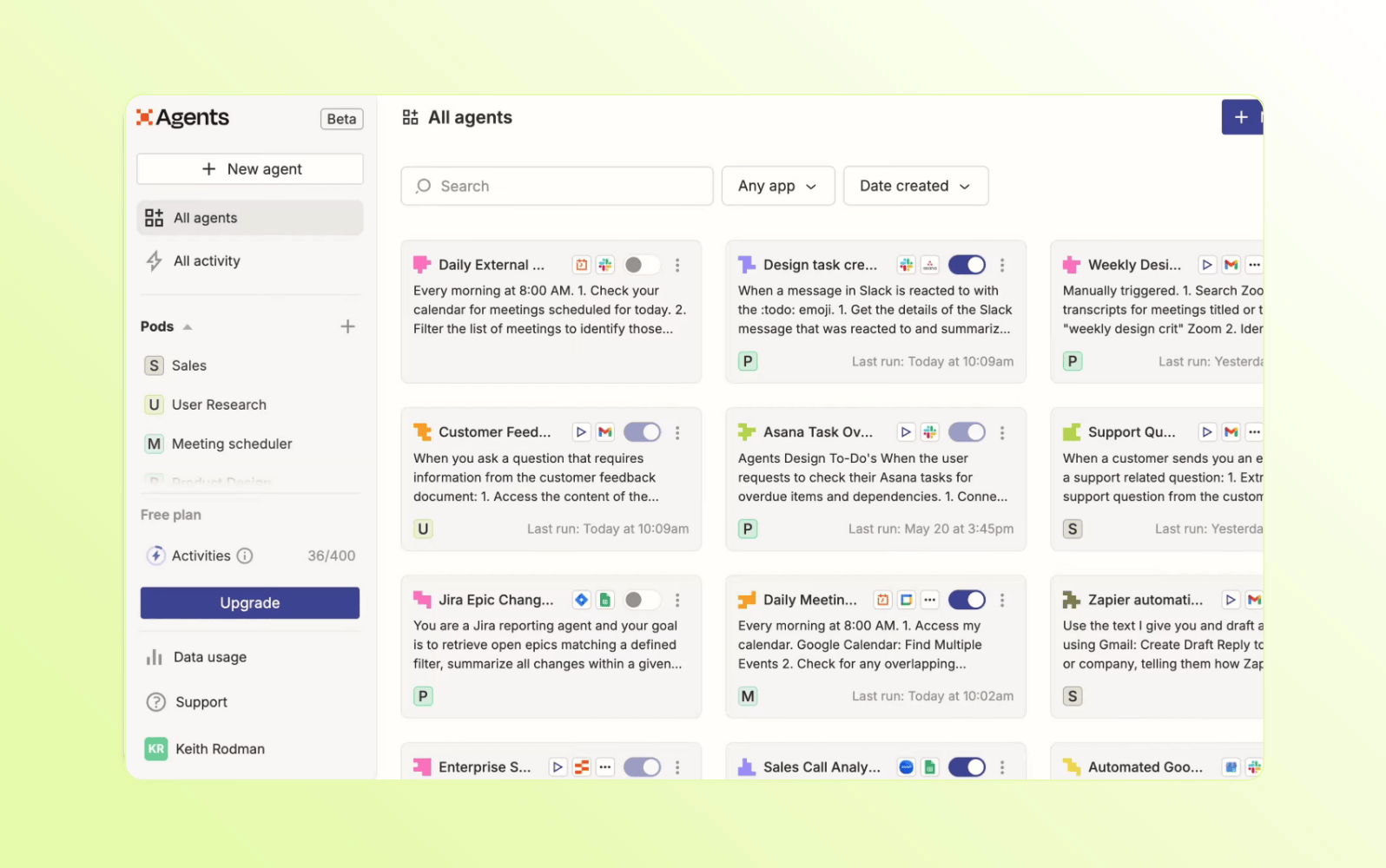
Zapier enables teams to leverage AI-powered automation to create agents that perform tasks across connected business applications. Agents are configured using plain-language instructions and operate within predefined workflows, allowing them to access data and carry out actions across integrated tools.
Rather than functioning as a conversational chatbot, the platform is designed for internal automation use cases. Typical capabilities include updating records, routing information, and coordinating tasks across systems. The platform augments existing automation workflows with AI-driven decision-making. It’s most commonly used by operations or technically oriented teams experimenting with no-code, agent-based automation.
|
Pros |
Cons |
|
|
What people are saying:
- “Zapier was great for allowing our teams to create additional functionality and value for our customers around our product” – Verified user, G2 review.
- “Sometimes, unexpected behavior can occur when different applications communicate with one another.” – Verified user, G2 review.
- “I appreciate Zapier for its ability to handle webhooks and pull data. I don't like Zapier's pricing because it's based on the number of tasks executed.” – Verified user, G2 review.
Learn more:Discover how Zapier integrates with Zendesk.
22. Le Chat Mistral
Best for general conversation AI with multilingual support
Models: Mistral Large 3, Mistral 3, Ministral 3
|
Starting price |
Free trial |
Key features |
|
$14.99 per month (billed annually) |
Free access with feature limitations and usage cap |
|
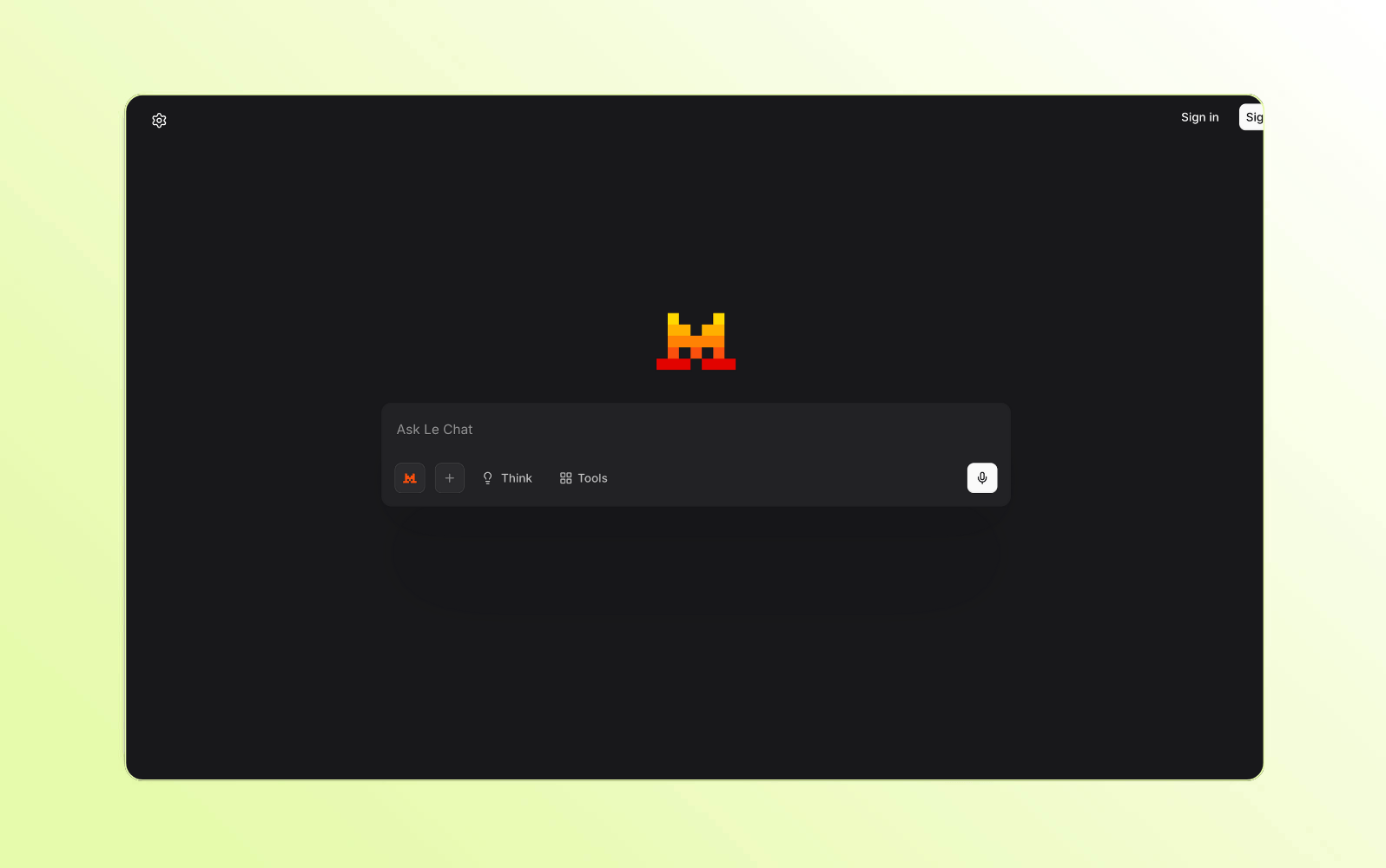
Le Chat is a conversational AI assistant developed by Mistral AI with both web and mobile chat interfaces. Users can interact with Mistral’s LLMs to answer questions and assist with everyday knowledge-based tasks. The platform is a general-purpose AI chatbot rather than a specialized business or workflow tool.
It supports multilingual conversations and can handle tasks such as summarization, content drafting, and question answering. Le Chat also includes premium features like web search and document handling. Usage limits and available capabilities depend on whether you’re on a free or paid tier, with higher limits offered through subscription plans.
|
Pros |
Cons |
|
|
What people are saying:
- Mistral gives responses as a real conversation partner, also in European languages except English. – Verified user, G2 review.
23. Duck.ai
Best for privacy-focused AI chat
Models: Multiple third-party AI modes including GPT, Claude, Mistral, and Llama
|
Starting price |
Free trial |
Key features |
|
$9.99 per month |
Free access to basic models |
|
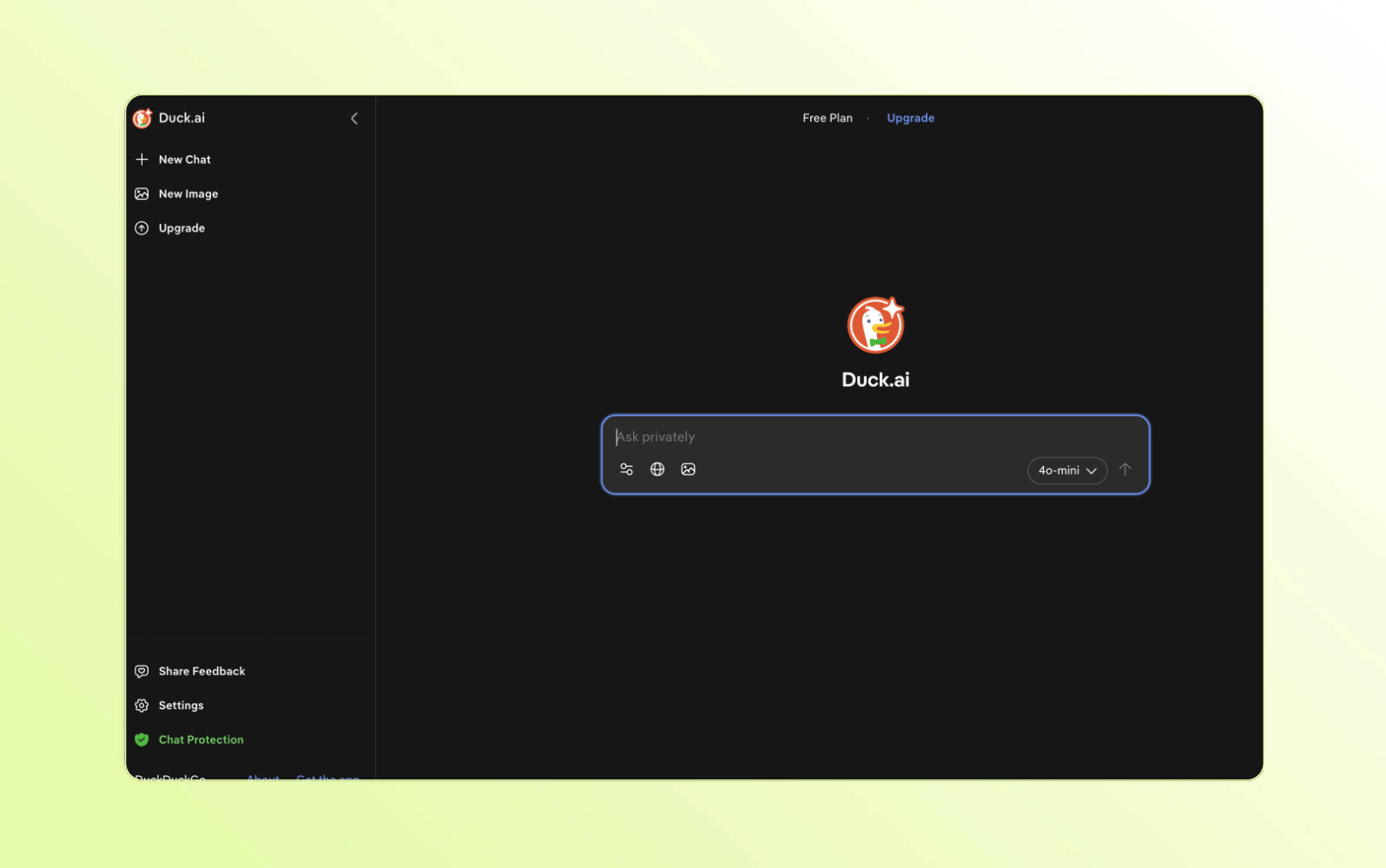
Developed by DuckDuckGo, Duck.ai enables users to interact with LLMs via a browser-based chat without creating an account. The tool prioritizes user privacy, as conversations are detached from personal identifiers and aren’t used for model training. This approach aligns directly with DuckDuckGo’s search engine, which emphasizes privacy and online anonymity.
The platform supports common conversational AI tasks such as answering questions, summarizing information, and generating text. Users can select from different underlying AI models, though availability may vary over time. It is an intentionally minimal AI chatbot, offering limited customization and no workflow or integration capabilities beyond the core chat experience.
|
Pros |
Cons |
|
|
Understanding how AI chatbots work
AI chatbots use natural language processing (NLP), machine learning (ML) algorithms, and large language models (LLMs) to understand what people are saying and respond in ways that feel natural. Here's how the process works:
- Natural language understanding (NLU): Interprets the user’s message by identifying intent (“I want to reset my password”) and extracting key details (“password”).
- Dialogue management: Maintains the flow of the conversation, keeping track of context across messages so interactions feel connected and not robotic.
- Language generation: Uses pre-trained LLMs (like GPT) to craft thoughtful, human-like replies based on the user’s intent and conversation history.
- Knowledge retrieval: For real-time or business-specific info, chatbots tap into internal databases or knowledge bases or external sources (using Retrieval-Augmented Generation, or RAG) to give accurate, relevant answers
Over time, artificial intelligence chatbots improve their understanding and performance, making them more effective in addressing queries and engaging in dynamic conversations.
How to choose the best AI chatbot software
Choosing the right AI chatbot comes down to finding a solution that aligns with your goals, fits your workflows, and delivers real value to your customers or team. Whether you're aiming to improve customer support, scale conversations, or reduce operational load, here's what to consider as you evaluate your options:

- Start with clear use cases: Define what you need the chatbot to handle — like automating support or driving leads — and choose accordingly. For example, an AI chatbot for sales will differ from customer service chatbots.
- Assess integration capabilities: Check that it connects with your existing messaging software, website, and CRM systems to keep data and conversations in sync. Look for platforms with open chatbot APIs that facilitate connections with third-party applications to keep information flowing smoothly.
- Ensure it has a fast and easy setup: Look for chatbots with pre-trained models that work right out of the box or can be configured quickly without heavy developer involvement. Quick and easy deployment adds to their total cost of ownership.
- Look for scalability and flexibility: Make sure the chatbot can handle more conversations as you grow, and that you can update or customize it as your needs evolve.
- Prioritize security: The AI chatbot should comply with customer data protection regulations like GDPR or CCPA and offer encryption, privacy controls, and compliance with industry standards.
- Understand the AI model quality: Dig into how the bot was trained and what powers it. Look for chatbots powered by advanced language models trained on high-quality, relevant data, with generative AI and customer sentiment analysis.
- Evaluate support and long-term maintenance: A strong AI as a Service (AIaaS) provider should offer solid documentation, responsive help, and regular improvements that keep the chatbot current.
- Use analytics for improvement: Look for built-in reporting tools to track performance, monitor usage patterns, and fine-tune conversations over time.
- Look for customization and multilingual support: Choose a chatbot that can match your brand’s tone and appearance, and support multiple languages if needed.
- Prioritize AI-to-human handoff: For complex queries, your chatbot should be able to transfer the conversation to a live agent with full context.
These considerations will help you narrow in on an AI chatbot that meets your current needs and grows with your business. The key is that it delivers a better customer experience with every interaction.
Frequently asked questions
See why our AI agents are the best AI chatbots for CX
Don’t settle for inadequate AI chatbots. Zendesk AI agents were trained on billions of customer service data points to help businesses improve productivity and customer satisfaction through intelligent automation. Plus, they set up in minutes, so you can provide AI-powered support from day one. If you need more than a generic chatbot, start building the best AI agent for CX today with a free trial.
Candace Marshall
Vice President, Product Marketing, AI and Automation
Candace Marshall is a seasoned product marketing leader with a passion for solving complex problems and driving innovation in fast-paced environments. Her career began in operations and research, but her love for understanding customers and translating insights into impactful strategies led her to product marketing. Currently, Candace leads product marketing for Zendesk AI including AI agents and Copilot, driving growth across AI-powered solutions and the core service offerings. Her team delivers end-to-end product marketing strategies, from market validation and messaging to go-to-market execution and customer adoption. Before joining Zendesk, Candace spent nearly a decade at LinkedIn, where she built and led the product marketing team for the rapidly scaling Marketing Solutions division, overseeing key advertising products in the multi-billion-dollar business.
Related AI chatbot guides
Learn more about using chatbots and messaging to enhance the customer experience.