GrowthDot Suite Pro
Zendesk Power Pack: one price, three leading apps.
About this app
Proactive Campaigns - Email Tracking - GDPR Compliance: All-in-One Suite for Your Support Needs
Get the most out of Zendesk with the remarkable GrowthDot Suite Pro at an exceptionally low price!
💡 Start your 7-day free trial today — install with one click.
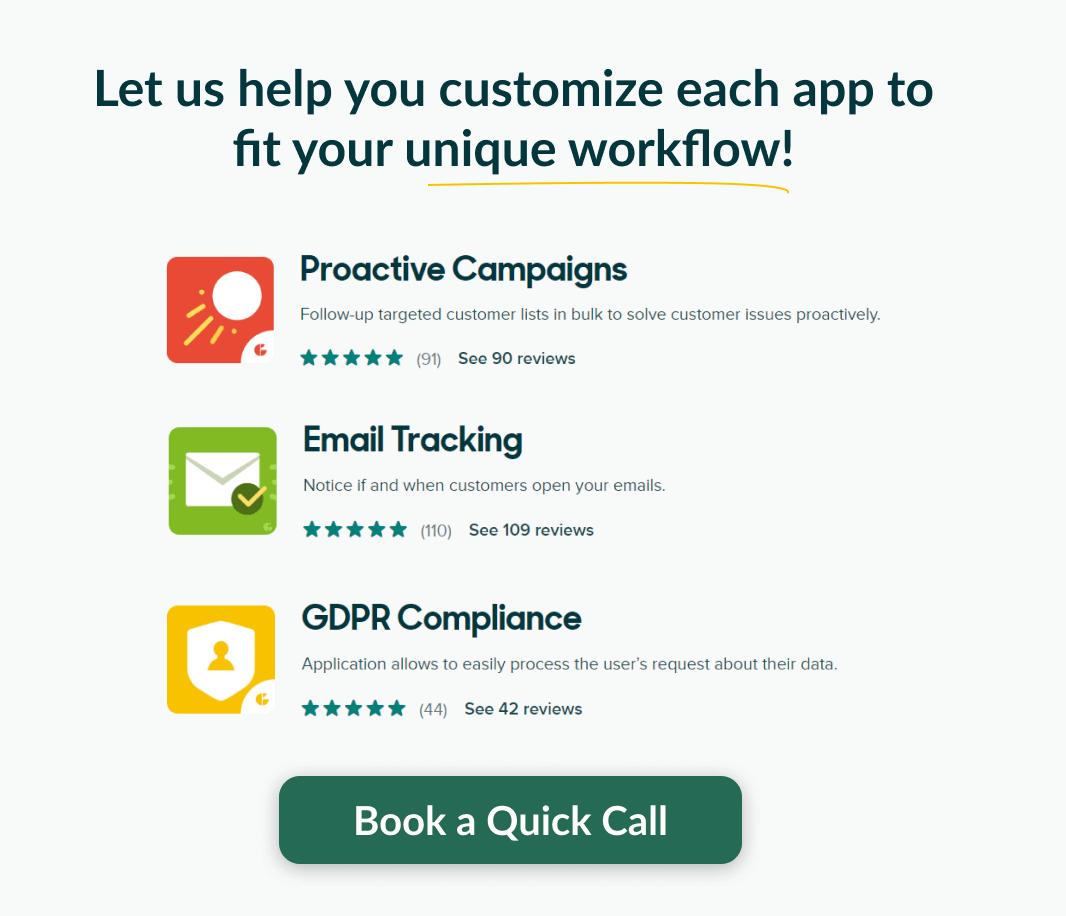
Three powerful apps bundled for the best customer support:
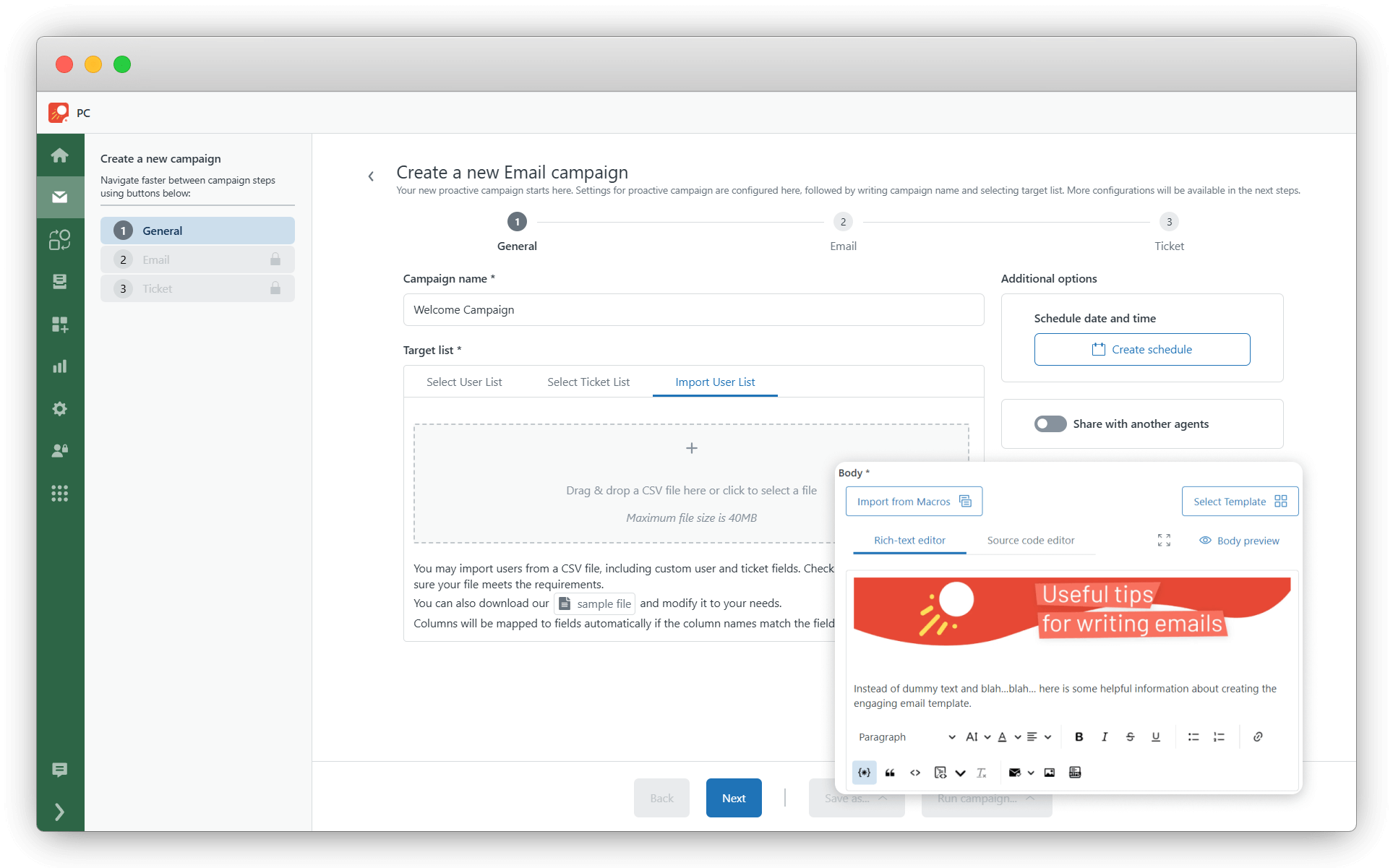
Proactive Campaigns
Boost your email marketing efforts with the Proactive Campaigns app. Send emails in bulk, track their opens, and gain insights about customer engagement.
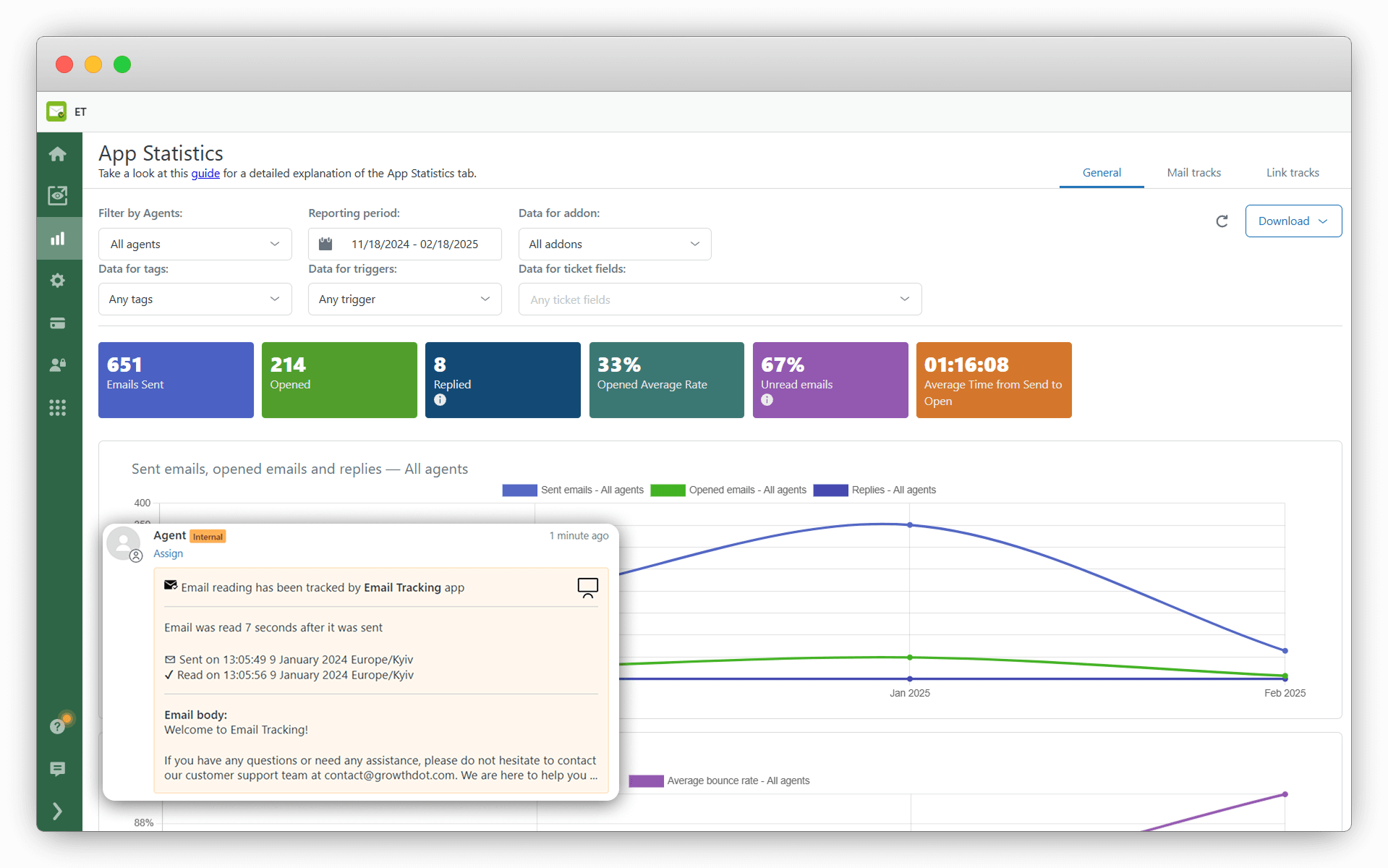
Email Tracking
Monitor email opens, discover optimal response times, and track link clicks. Receive read receipts promptly and elevate your team's performance with the Email Tracking app for Zendesk.
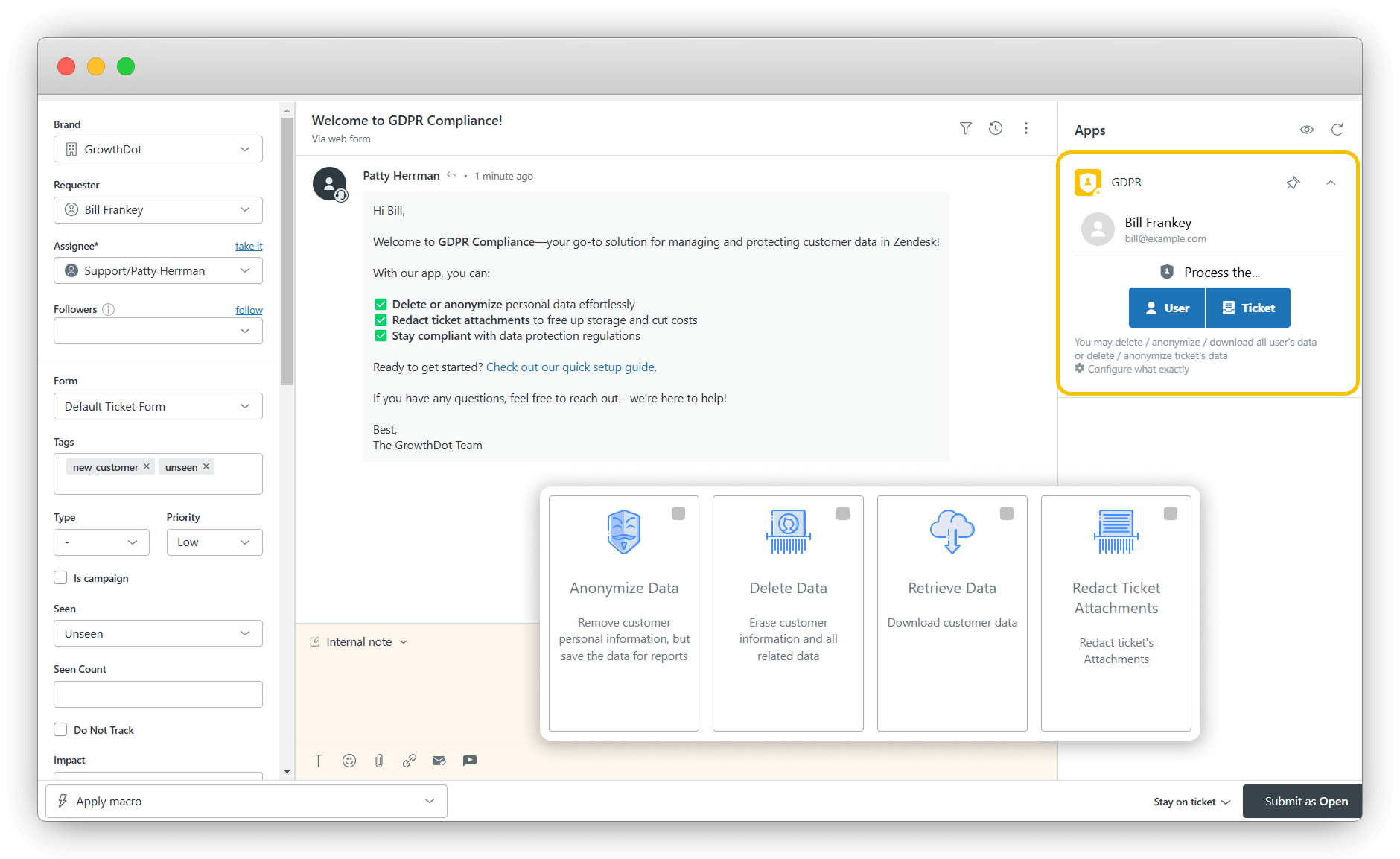
GDPR Compliance
Simplify GDPR adherence by swiftly handling user data in Zendesk with our GDPR Compliance app. Filter contacts by specific criteria, schedule processes, and easily delete, anonymize or modify data.
You can get all these apps for one incredible price: just $9.99 per agent per month!
Enhance your Zendesk experience with the GrowthDot Suite Pro. It's your all-in-one solution for email marketing and privacy compliance. Provide exceptional customer support and engage with your customers more effectively with the combined power of these apps.
Data handling and privacy
GrowthDot Suite Pro apps access only the data required to deliver their features, fully aligned with Zendesk guidelines. All actions are performed within your Zendesk account. Your data is processed securely, stored on AWS, and is never shared with third parties.
Ready to begin your journey? Try the GrowthDot Suite Pro today and boost your Zendesk experience.
應用程式詳情
如何安裝
Step 1: Install the GrowthDot Suite Pro from the Zendesk marketplace.
Step 2: Select your Zendesk Support instance.
Step 4: Enable the plugin in Admin -> Admin Center -> Apps and integrations.
Step 4: Open Zendesk Support and install all four apps directly from GrowthDot Suite to start using them.
留下評論
與其他Zendesk社群分享你的經驗