Zendesk vs. NICE
Compare the modern Zendesk CX software with the traditional NICE CCaaS solution. Or sign up for a free Zendesk trial and see the difference yourself.
最後更新: September 12, 2025
Zendesk vs. NICE: Which is better?
A debate on Zendesk or NICE for customer support is ultimately a comparison between modern customer service software and a contact center solution where customers must stitch in external tools – especially for case management and knowledge – creating cost and complexity. Zendesk resolves both simple and complex issues at scale through native ticketing, self‑service, and AI‑driven automation to help teams automate more than 80 percent of customer interactions.
NICE (and specifically, NICE CXone), on the other hand, is your traditional CCaaS solution with no native ticketing solution. Customers rely on a CRM integration for multi‑step issues. Zendesk delivers full ticket lifecycle management in‑platform.
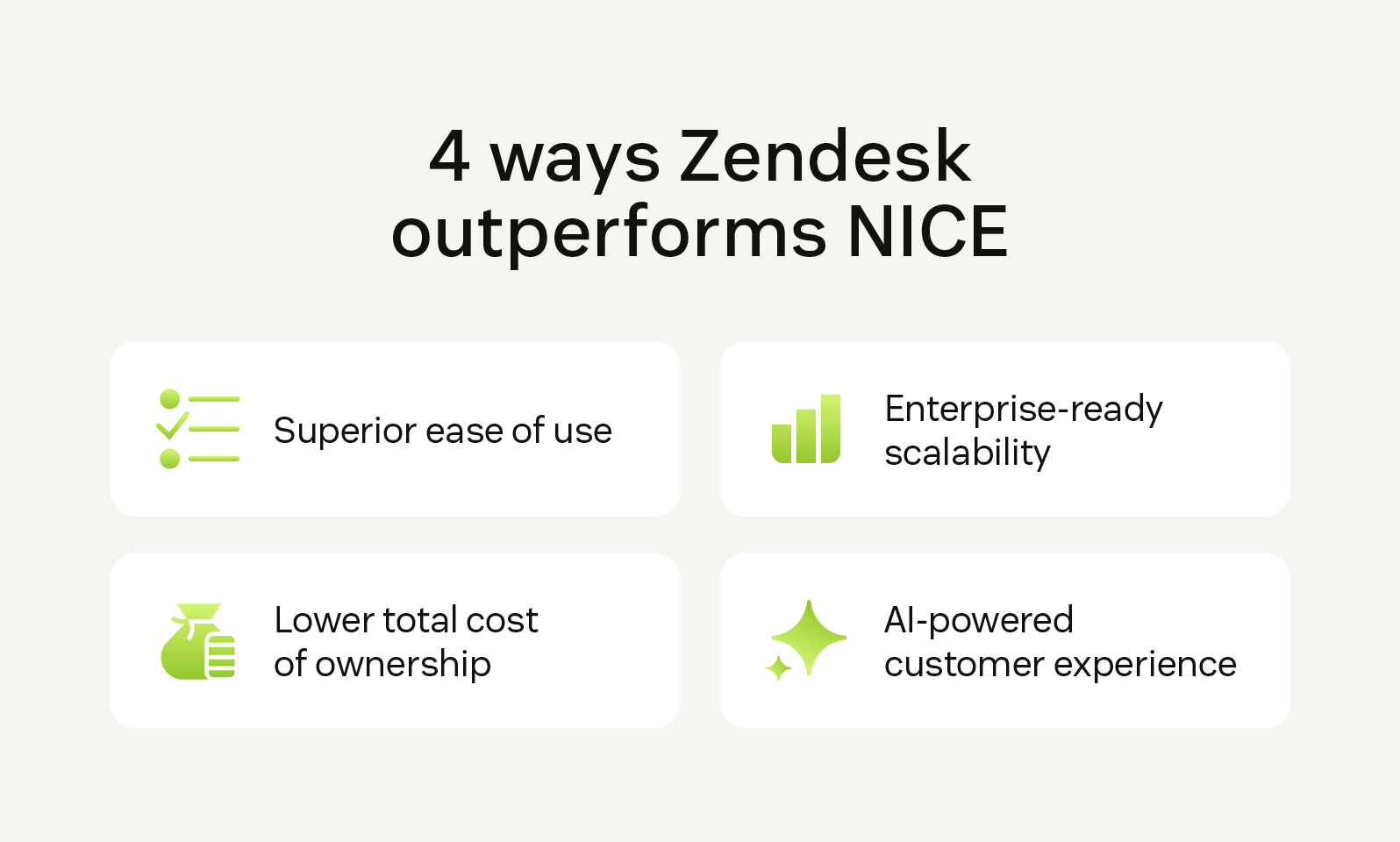
Below are four reasons businesses prefer the modern Zendesk customer service software over the traditional NICE contact center solution.
Superior ease of use
Zendesk is a unified, all-in-one AI-powered platform with native ticketing and case management, knowledge base software, and workforce engagement management. Strong pillars like native case and knowledge management problem resolution with workflows, automations, and collaboration. Long term, inbound volume is reduced with self-service and automations as an alternative to expensive, live conversations.
In comparison, NICE CXone requires external integrations for core functions like case management or community forums. Its architecture is also split between separate systems—admin and automatic call distributor (ACD)—that can cause data sync issues.
Lower total cost of ownership (TCO)
Zendesk is designed to keep total cost of ownership low with tiered pricing, quick, no-code setup, and an intuitive interface that requires no formal training. In comparison, NICE starts at over two times the price ($55 vs. $135) and often charges extra for basics like AI summarization and knowledge management. Moreover, the steep learning curve and complex customization needs can further increase costs down the line.
Enterprise-ready scalability
Most enterprises don’t just have high ticket counts—they have sub-issues within sub-issues, hyper-specific SLAs, and siloed regional teams. Zendesk helps you bring it all together, so you can scale with confidence.
While NICE CXone is built to handle volume, Zendesk addresses both volume and complexity and offers platform flexibility thanks to omnichannel support. Additionally, Zendesk even lowers inquiry volume via self‑service, bots, and AI. NICE focuses on staffing live channels and sophisticated WFM.
AI-powered customer experience
Zendesk AI is built for immediate impact. AI agents are pre-trained and ready to deploy immediately. Copilot boosts productivity by proactively guiding agents in real time with relevant suggestions and insights, helping deliver faster, high‑quality support. 24/7 AI agents adapt, reason, and solve complex inquiries across channels, while AutoQA analyzes and scores 100% of interactions to improve self‑service and agent coaching. AI‑powered analytics optimize scheduling, staffing, and demand forecasting to keep teams agile, and a connected knowledge base ensures accurate, consistent answers are always at hand.
While NICE also integrates AI into its channels, its voice‑first AI development can mean email and chat are often treated secondarily. Moreover, AI and self-service features are add‑ons, making them relatively expensive.
More in this guide:
- At-a-glance comparison: NICE vs. Zendesk
- Zendesk vs. NICE: Features comparison
- Pricing plans: Zendesk vs. NICE
- Zendesk customer stories
- Frequently asked questions
- Get started with a free trial of Zendesk today
At-a-glance comparison: NICE vs. Zendesk
Let’s first do a quick review of NICE vs. Zendesk when it comes to key capabilities.
|
Critical capabilities |
Zendesk |
NICE |
|
Bots and AI |
|
|
|
Deep knowledge management |
|
|
|
Omnichannel support |
|
|
|
Advanced ticketing |
|
|
|
AI-driven workforce engagement management |
Native Zendesk WFM
|
Legacy add-on WFM
|
|
Agent workspace |
|
|
|
Quality assurance |
|
|
Zendesk vs. NICE features: Comparing AI capabilities, scalability, and customer experience tools
Let’s take the Zendesk or NICE comparison deeper by comparing their features and the associated nuances in more detail.
Bots and AI
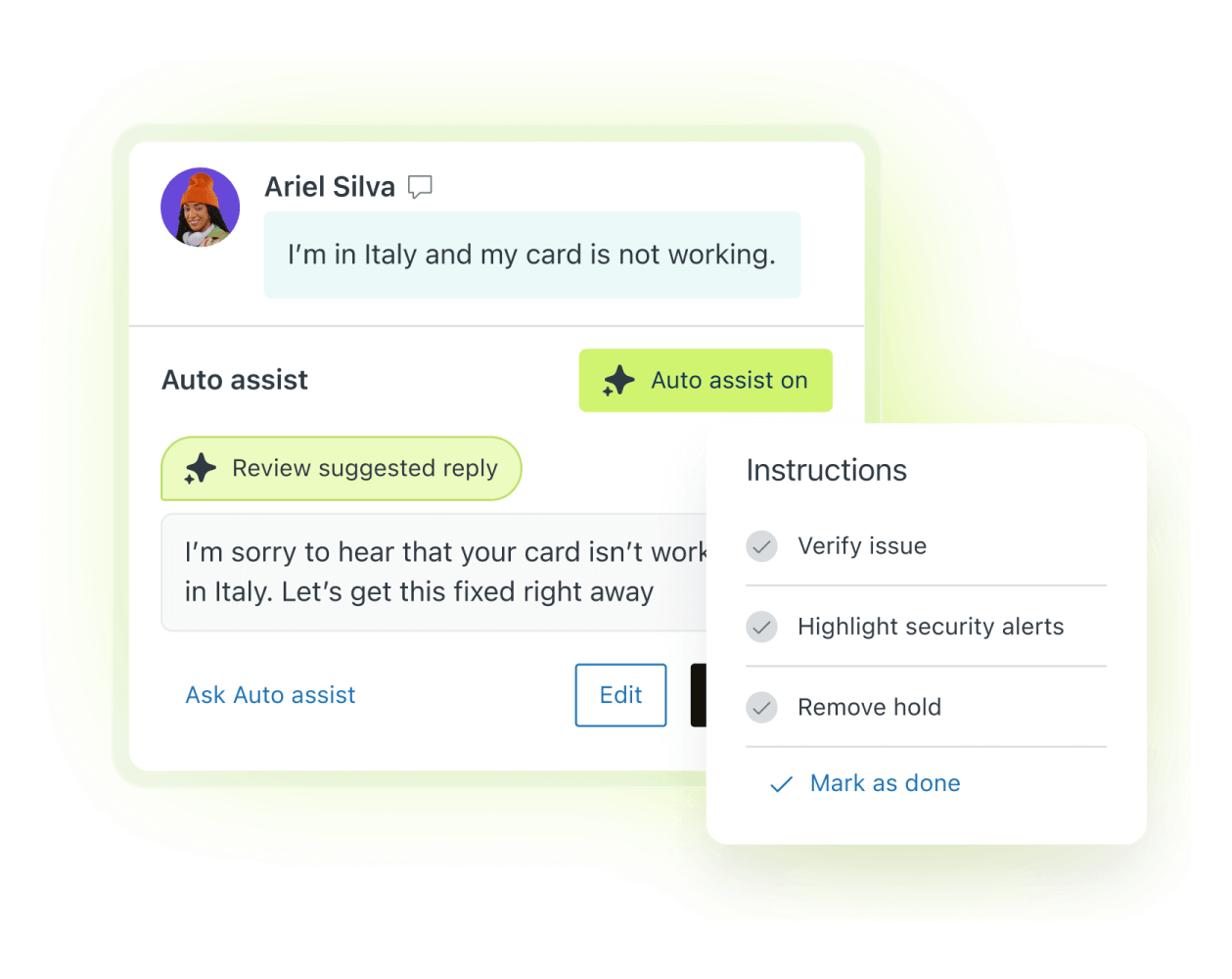
Automate customer interactions with Zendesk AI. |
Zendesk provides AI and automation tools to support the entire customer and agent journey. This includes ready-to-use Zendesk AI agents and agent copilots. Features like macro suggestions, hybrid workflow automations, smart triage, and dialog builders give you further control over the experience. This is backed by AI-powered analytics that provide actionable agent performance and customer satisfaction insights. NICE’s AI features—though powerful—are increasingly complex. This means technical support to set up workflow automations or build custom reports. Also, while it has a bot builder, there’s no ready-to-deploy bot. |
Deep knowledge management
|
Zendesk includes a built-in knowledge base—with access controls, six levels, and generative AI search—to help humans and AI agents find answers fast. You also get an integrated community forum, self-service customer portal, and support for 43+ languages. If you have multiple help centers, the “federated search” feature allows AI agents to read all of them. NICE also provides an add-on knowledge management feature that supports 13 languages. However, there’s no community forum or customer portal, which limits the sources from which an AI agent can surface insights, especially for edge cases. |
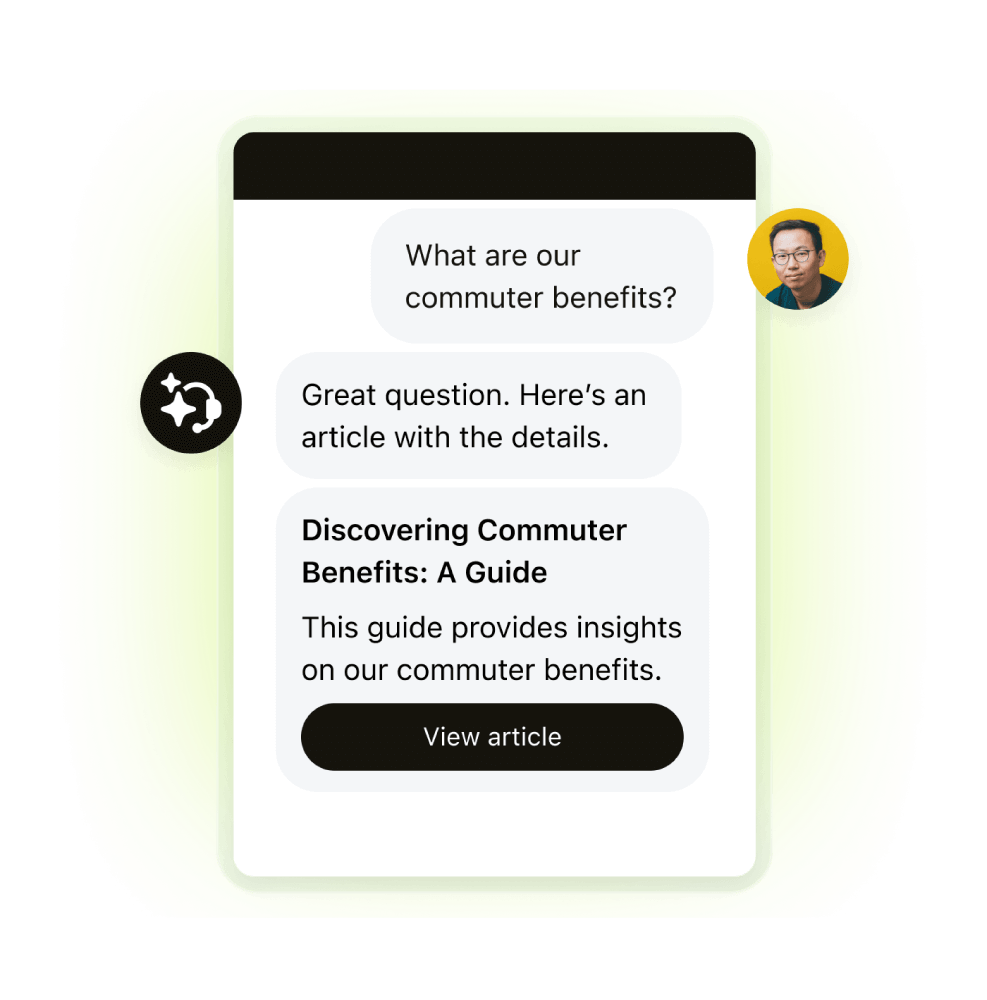
Make support AI-ready with Zendesk knowledge base software. |
Omnichannel support
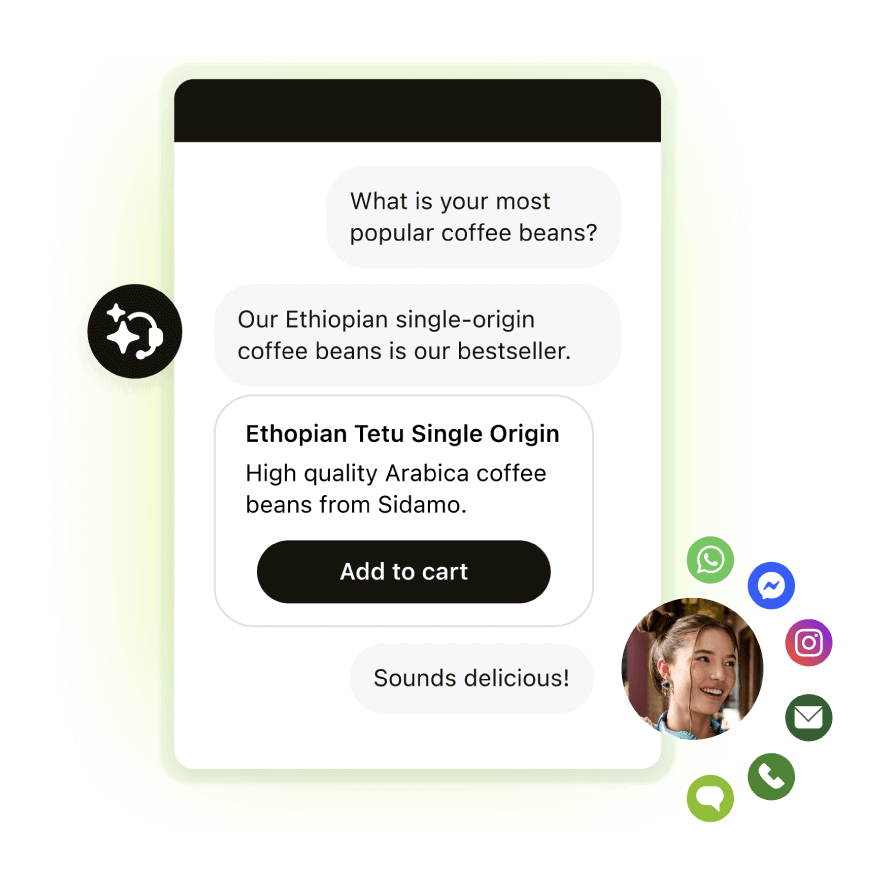
Meet customers where they are with Zendesk messaging software. |
Zendesk brings more than 30 channels—including email, chat, social, voice, and messaging apps—into one unified interface. Agents can also set their preferred language, and all customer inquiries from all channels will appear in their workspace. Once they reply, it’s again auto-translated into the customer’s language. Zendesk also supports omnichannel routing (voice included) with multiple push and pull models, including capacity, priority, and skills. NICE also supports 30+ channels. However, each channel will be opened in a separate tab, leading to a fragmented experience. Its routing workflow also prioritizes only skill. |
Advanced ticketing
|
Zendesk has a built-in help desk for managing support tickets across email, chat, voice, and social channels. You can use parent-child tickets to link related issues, set up service level agreements to manage response times, and set up routing workflows to assign tickets. There’s also a guided mode that automatically brings up the next ticket in an agent’s queue to avoid cherry-picking. NICE doesn’t have native case management features. To handle tickets, you’ll need to integrate with a help desk, like Zendesk. |
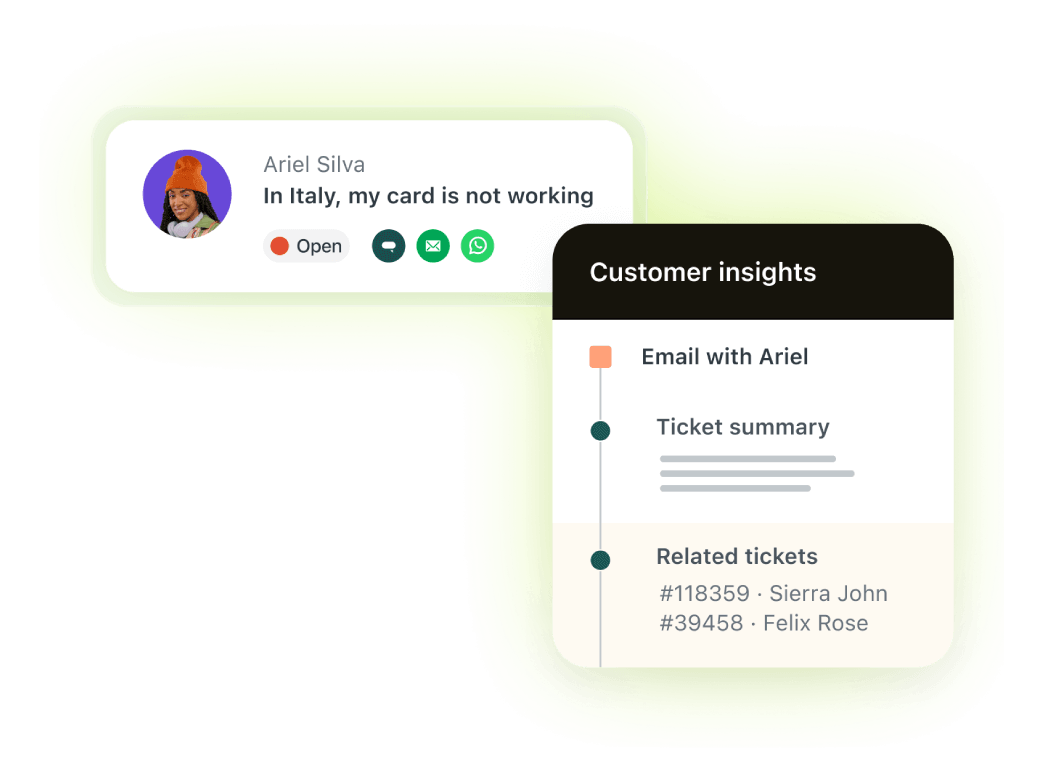
Learn more about the Zendesk ticketing software. |
AI-driven workforce management
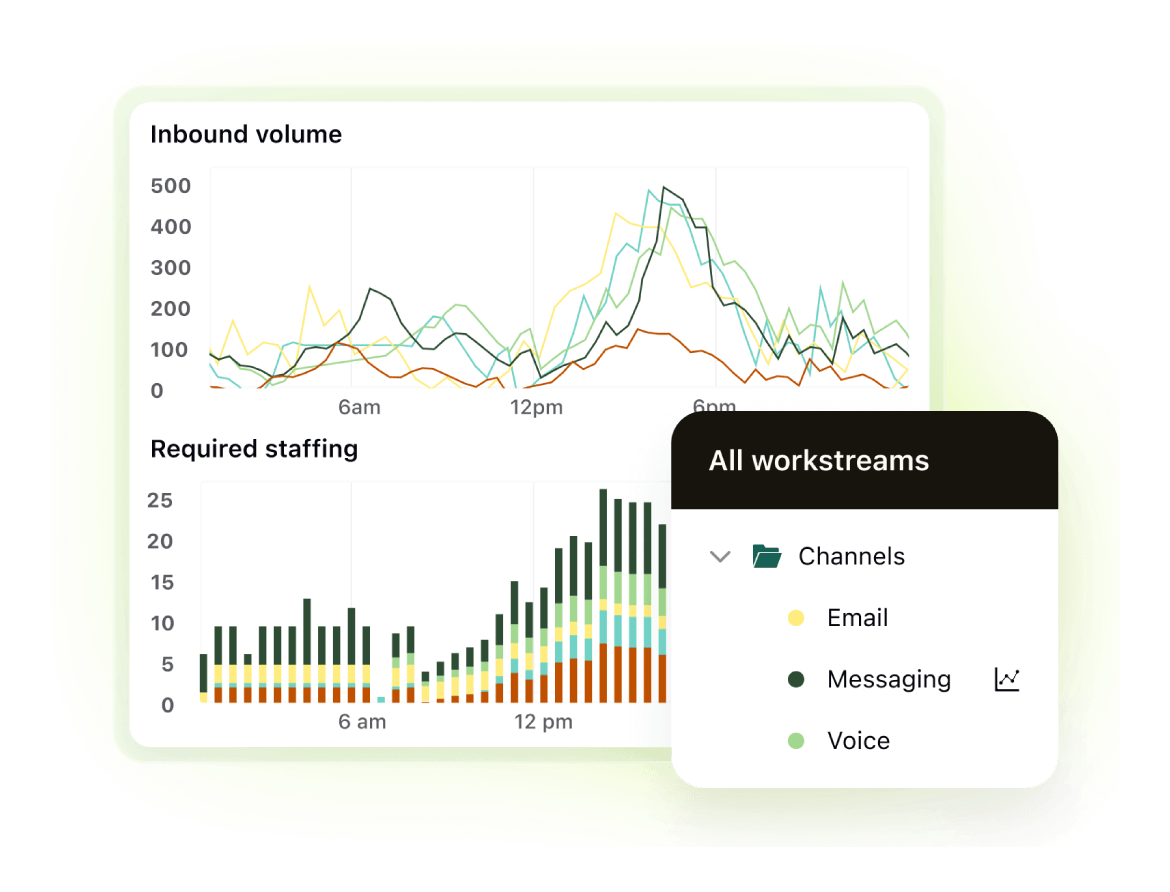
See the Zendesk workforce management solution in action. |
Zendesk provides a native workforce management solution built right into the software. Built for modern teams, it’s easy to set up and includes features like automatic employee scheduling to match staffing with demand and AI-powered forecasting to predict staffing requirements based on historical ticket volume. You also get in-depth, real-time agent activity dashboards for better visibility and control. NICE’s workforce optimization software is a complex legacy solution geared toward highly structured contact centers with traditional supervisors. They do, however, provide an agent-specific mobile app for performance tracking. |
Agent workspace
|
Zendesk givesagents a workspace that supports their workflows, not just team-wide settings. They can customize their own layouts, choosing from over 500 view options. They can also start internal conversations directly within tickets using Whisper Mode. This is great for looping in non-support teammates for added support. NICE, by contrast, prioritizes access privileges over agent experience. Admins design the setup with three default views—agents can’t set up their own workspace. |
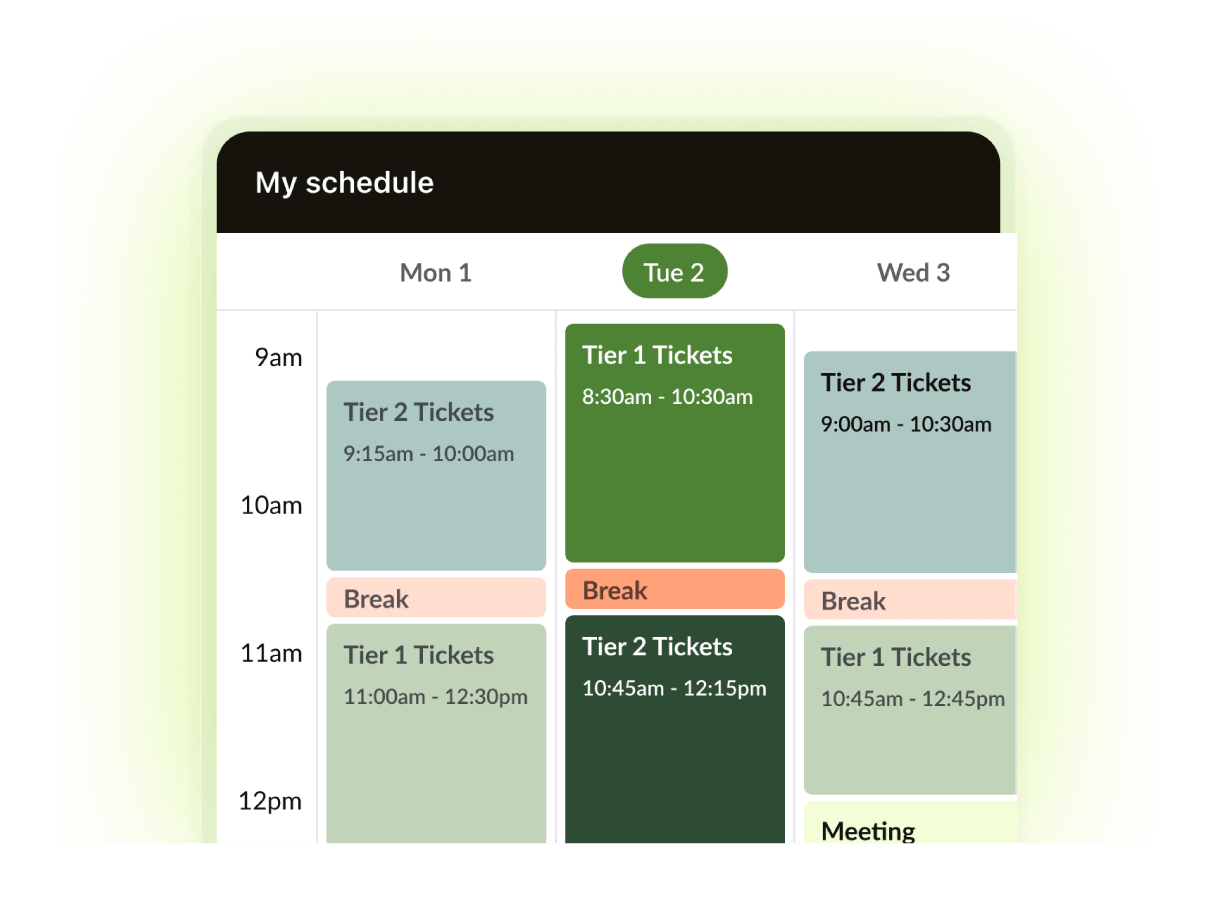
Centralize customer conversations with the Zendesk customer service solution. |
Quality assurance
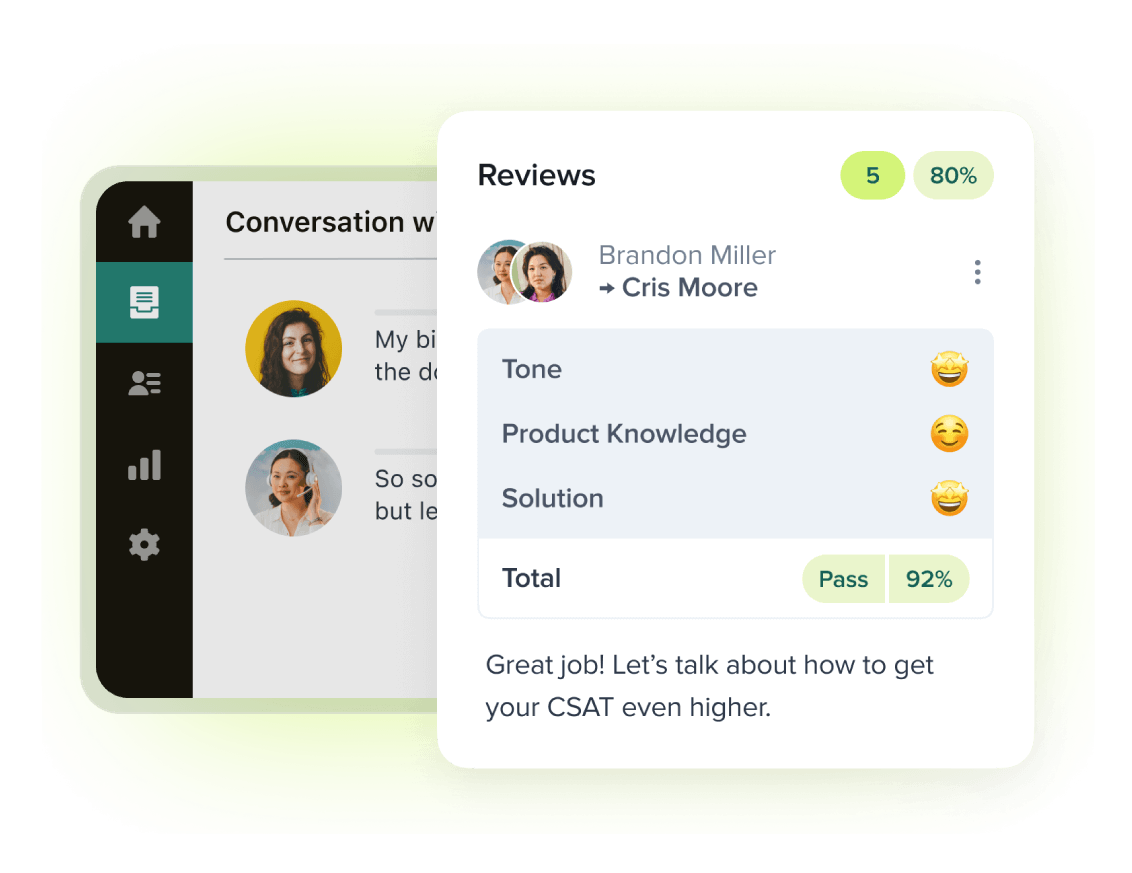
Review interactions and surface intent patterns withZendesk QA. |
Zendesk has AI-powered quality assurance features that analyze all interactions, allowing you to score them across agents (both human and AI agents), channels, and languages. It also has built-in calibration tools and Reviewer QA, and Coaching to train agents and improve overall customer experience. Teams can use natural language prompts to spotlight issues and create custom evaluation categories and track quality trends over time through dashboards. NICE QA also analyzes all conversations—AI, agent, and voice. However, setting up custom frameworks or integrating with third-party tools like help desks for sharing data is difficult. |
Pricing plans: Zendesk vs. NICE
|
Zendesk |
NICE |
|
|
|
*Plans are billed annually. |
Zendesk provides enterprise-level features at a fraction of NICE's cost. The base plan includes core modules like AI agents, conversation summarization, and a knowledge base. Advanced features, such as workforce management and quality assurance, can be added for just $35 and $25 per agent ($50 if bought as a bundle).
NICE, on the other hand, inverts the model: Everyday tools like summarization, conversation analysis, AI agents, and knowledge management are add-ons. Advanced features are bundled into tiered plans.
Not only do you pay upwards of $135 per agent, but you also end up paying more for complex features you may not need. Finally, you’ll still need a ticketing software or CRM to manage incoming tickets, which will add to your total cost of ownership.
Zendesk customer stories
If you’re weighing NICE vs. Zendesk for AI-powered customer service, here’s why 200,000+ businesses are choosing Zendesk.
Unity + Zendesk: Investing in self-service

“Last year, we deflected almost 8,000 tickets due to self-service enabled by Zendesk. That amounts to about $1.3M saved due to the reduction in tickets.”
—DAVID SCHROEDER, Senior manager of services support at Unity
Degreed + Zendesk: Finding efficiency gains in automation

“Zendesk has really helped us solve a challenge in terms of data visibility and having all the communication in one place. It makes sense that we’d partner with Zendesk to offer the most complete, integrated customer experience.”
—KEVIN BARRY, VP of global technical services and support at Degreed
CoreLogic + Zendesk: Unifying communication channels
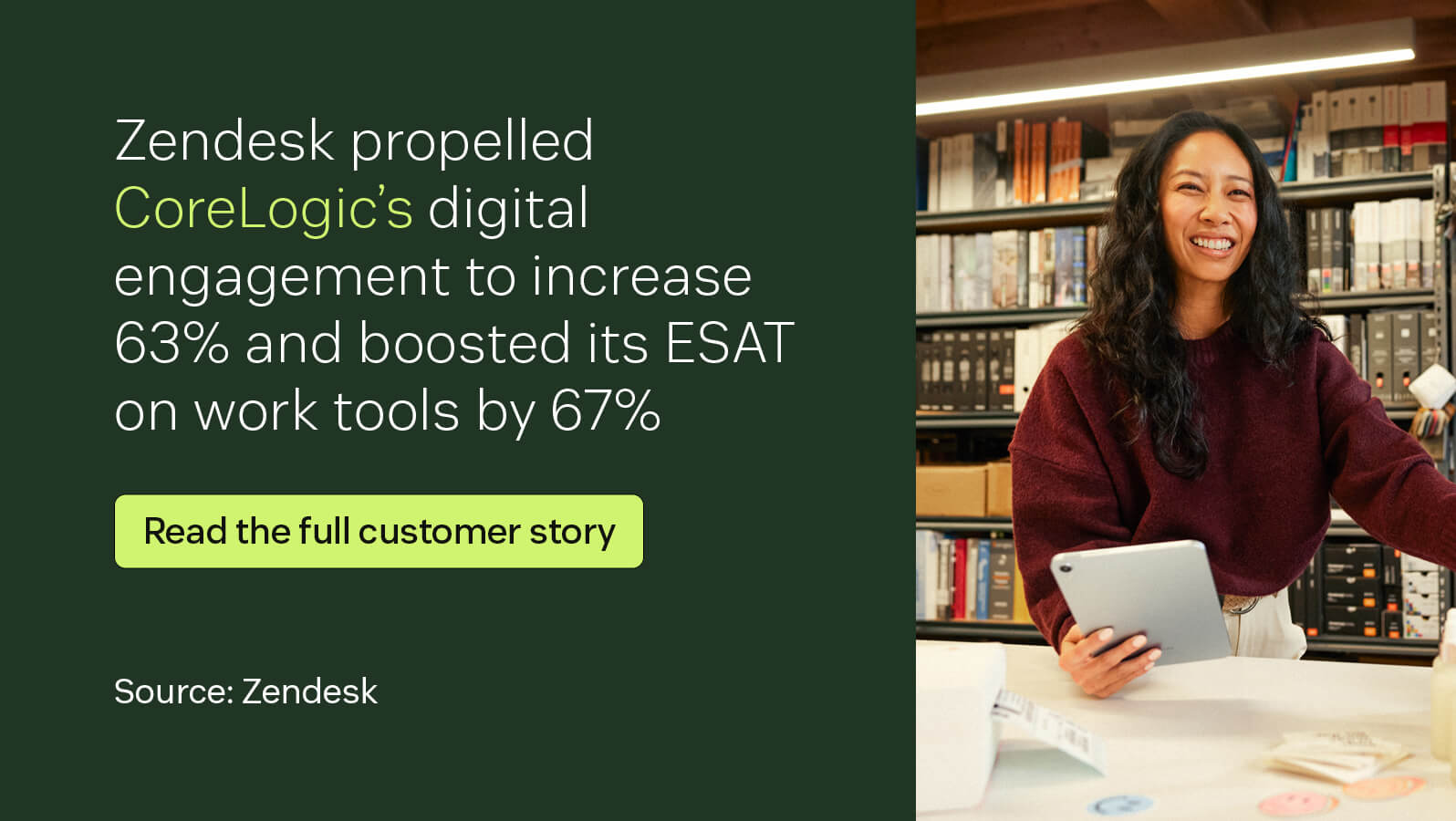
“We were using technology that wasn’t fit for our purpose. It wasn’t designed to improve the customer and employee experience in a service center environment. In contrast, Zendesk was created to do exactly that.”
—SARAH EDWARDS, Executive, Client experience at CoreLogic
Frequently asked questions
Ready to try Zendesk?
Unlike legacy contact center solutions like NICE, Zendesk is easy to launch, delivers faster time to value, and requires minimal resources to manage and maintain. Its modern UI and intuitive design create a better experience for employees and customers. Sign up for a free trial and experience the Zendesk suite and its powerful AI firsthand.
Zendesk vs. the rest: Compare the software
Read our side-by-side customer experience software comparisons to see how Zendesk stacks up against other leading solutions.