16 best customer and client portals for 2026
Boost efficiency and reduce costs with a client portal. Explore the advantages of an AI-powered, user-friendly portal—and try one for free below.



Lauren Hakim
Director, Product Marketing
最後更新: March 4, 2026
Enhancing customer experience: A guide to choosing the right client portal software
Clients and customers who can't find the information they need often flood your support team with questions. This leads to long wait times and inefficient operations. Client portal software gives customers a secure, centralized place to find answers, submit questions, and track progress. It reduces repetitive questions and frees your team to focus on complex issues that require a human touch.
However, these benefits depend on choosing software that’s user-friendly, secure, and scalable with your business and customer base. In this guide, we've compiled a list of the best client portals that will transform your customer experience (CX).
More in this guide:
- What are client portals?
- What should a customer portal include?
- Top 8 benefits of client portal software
- Client portal software comparison chart
- The 16 best client portal software
- What to look for in client portal software
- Frequently asked questions
- Build an AI-powered customer portal with Zendesk
What are client portals?A client portal—also called a customer service portal—is the customer-facing side of a broader service platform. It gives customers a secure, personalized hub to submit and track support requests, access documents, and use AI-powered self-service tools. Within the connected service platform, agents use the portal to manage conversations, track activity, and resolve issues. Businesses can also pair client portals with advanced chatbots like AI agents that automatically resolve customer requests and surface relevant resources. |
What should a customer portal include?
Client portals are only effective when they create value for both customers and the agents who support them. To drive adoption and real results, your portal should include the following core capabilities:
Customization and flexibility
A flexible portal allows you to customize it to customer and business needs. Look for no-code customization options, prebuilt integrations, and APIs that let you adapt the portal without relying heavily on IT support. This ensures your portal can evolve as your business grows.
Reporting and analytics
Customer portals should provide visibility into performance. Built-in reporting helps you track metrics such as ticket volume, self-service usage, deflection rate, and customer satisfaction (CSAT). With clear data, you can measure impact and continuously improve your service strategy.
Knowledge base and knowledge management tools
A client portal should include searchable knowledge base software that enables self-service. Strong knowledge management systems help you create, organize, update, and govern content at scale.
An AI knowledge base can identify content gaps based on ticket trends, helping you create new articles that reduce repeat requests. This keeps information accurate and relevant, encouraging consistent use.
Live support and omnichannel request management
Self-service alone isn’t enough. You should incorporate request management software and allow customers to reach your support team via a ticketing system.
An omnichannel service platform ensures portal requests flow into the same system as email, messaging, chat, and voice. This prevents silos and supports seamless follow-up.
Generative search
Modern portals use AI to improve search accuracy. Generative search scans related knowledge articles and delivers direct answers instead of a list of links. This reduces friction and helps clients find information faster.
AI agents
AI agents can resolve questions directly within the portal. They understand customer needs, reason across multiple steps, and complete requests end to end. For example, Zendesk AI agents are purpose-built for CX and trained on billions of real customer interactions. This ensures clients receive the best and most accurate support possible.
AI agents can pull from your knowledge base, follow defined workflows, and escalate to a human when needed. This enables 24/7 service without increasing headcount.
Top 8 benefits of client portal software
Client portals have substantial business benefits, from lowering operational costs to enhancing security. Below are the eight most impactful benefits.
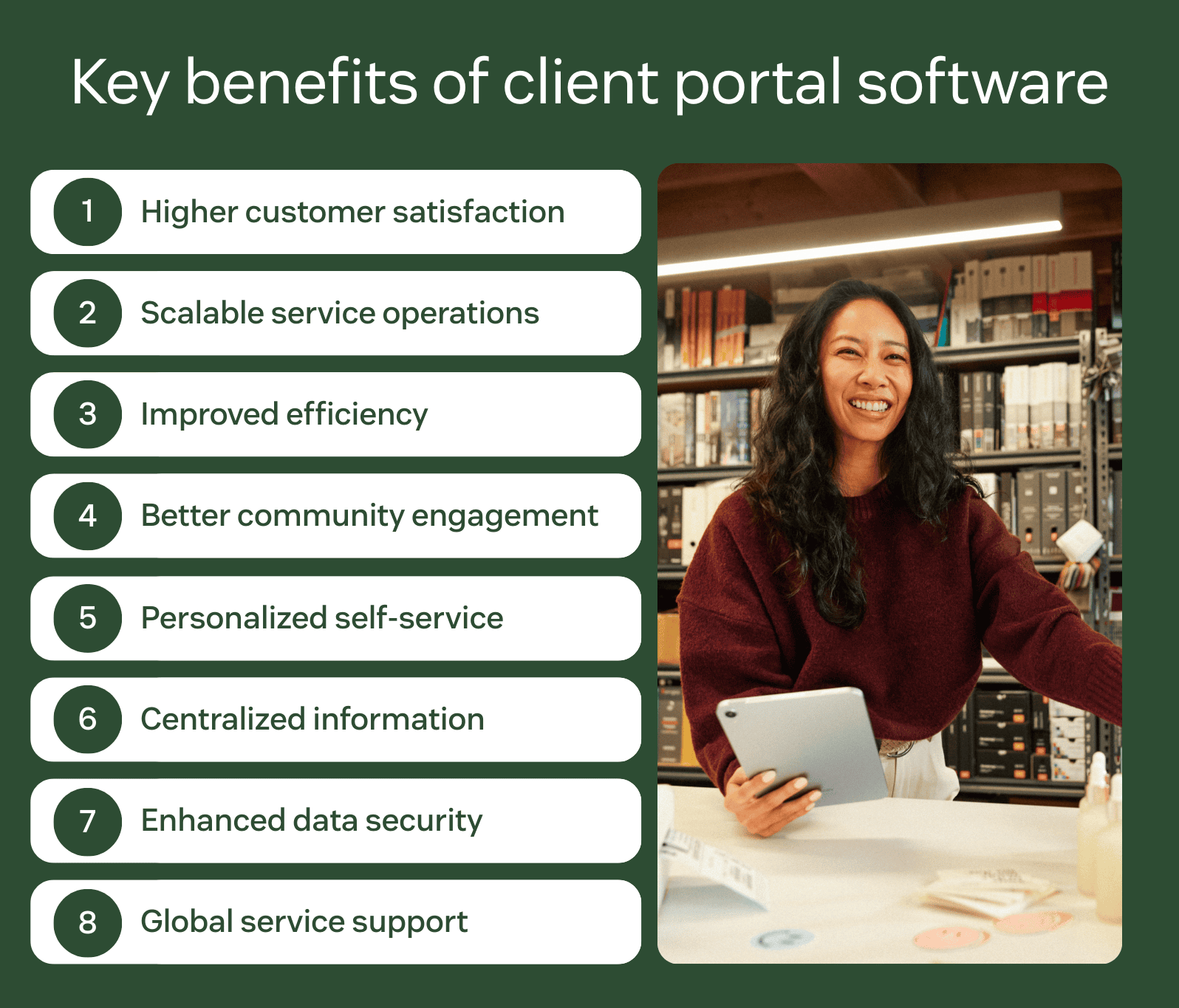
1. Higher customer satisfaction
Many customers prefer finding answers on their own instead of waiting for support. A client portal provides 24/7 access to help articles, ticket updates, and request forms. By resolving issues faster and reducing wait times, portals help improve customer satisfaction while freeing agents to focus on complex cases.
2. Scalable service operations with AI and automation
AI-powered client portal software helps you support more clients without increasing headcount. When clients submit a request, automation can suggest relevant knowledge base articles, route tickets intelligently, or resolve simple issues instantly. This reduces manual work and lowers operational costs.
3. Improved efficiency with ticket deflection
Self-service tools reduce repetitive questions before they reach your team. Features like AI search, FAQ software, and automated article recommendations support ticket deflection and lower overall ticket volume. With fewer routine requests, agents can work more efficiently.
4. Better community engagement
Community forum software allows clients to connect, share solutions, and answer each other’s questions. User-generated content expands your knowledge base and often resolves issues faster than traditional support channels.
5. Personalized self-service experience
Client portals allow customers to track request history, view account details, and manage contributions in one place. You can also configure different portal views for different audiences, creating tailored experiences based on roles or regions.
6. Centralized information
A portal brings knowledge base articles, documentation, ticket updates, and support forms into a single interface. Centralized information reduces confusion and eliminates the need to search across multiple systems.
7. Enhanced data security
Clients expect their information to be protected. A secure portal with role-based access, encryption, and two-factor authentication (2FA) protects sensitive data and builds trust. Strong security is especially critical in regulated industries.
8. Global service support
Client portal software allows you to create multilingual experiences across regions. Localized content and language support make self-service accessible to a broader audience while improving global consistency.
The right client portal software helps you scale service operations, resolve issues faster, centralize information, and protect client data. It supports sustainable growth while delivering a more seamless client experience.
Client portal software comparison chart
Use this comparison chart to evaluate each client portal software provider against the criteria that matter most to your business. Consider factors such as customization, automation, security, reporting, and scalability before making your decision.
|
Software |
Best for |
Starting price |
Free trial |
|
Zendesk |
AI-powered customer and client service |
$55 per agent/month (billed annually) |
14 days |
|
SuperOkay |
Agencies and freelancers |
$9 per 3 agents/month (billed annually) |
Available |
|
Ideagen Huddle |
Regulated industries |
Custom pricing |
Unavailable |
|
Zoho Creator |
Vendor apps and information |
$8 per user/month (billed annually) |
15 days |
|
Assembly |
Mobile device capabilities |
$39 per user/month (billed annually) |
14 days |
|
HappyFox |
Streamlined workflows |
$21 per agent/month (billed annually) |
Unavailable |
|
Freshdesk |
Budget-conscious support teams |
$19 per agent/month (billed annually) |
14 days |
|
MyDocSafe |
Secure client onboarding |
$25 per user/month (billed annually) |
30 days |
|
SupportBee |
Web-based accessibility |
$20 per user/month (billed annually) |
14 days |
|
Clinked |
File sharing |
$95 per month (billed annually) |
10 days |
|
Content Snare |
Client document collection |
$35 per month (billed annually) |
14 days |
|
Kahootz |
Cross-departmental organization |
$19 per month (billed annually) |
30 days |
|
Onehub |
Secure file storage |
$12.50 per user/month (billed annually) |
14 days |
|
FuseBase |
Sales and marketing teams |
$32 per month (billed annually) |
7 days |
|
Moxo |
Project management |
Custom pricing |
Unavailable |
|
HoneyBook |
Independent service providers |
$29 per month (billed annually) |
7 days |
The 16 best client portal software
The right client portal software should support secure collaboration, seamless self-service, and scalable service operations. Below, we compare the best client portal software options to help you find the right fit for your business.
- Zendesk: Best for AI-powered customer and client service
- SuperOkay: Best for agencies and freelancers
- Ideagen Huddle: Best for regulated industries
- Zoho Creator: Best for vendor apps and information
- Assembly: Best for mobile device capabilities
- HappyFox: Best for streamlined workflows
- Freshdesk: Best for budget-conscious support teams
- MyDocSafe: Best for secure client onboarding
- SupportBee: Best for web-based accessibility
- Clinked: Best for file sharing
- Content Snare: Best for client document collection
- Kahootz: Best for cross-departmental organization
- Onehub: Best for secure file storage
- FuseBase: Best for sales and marketing teams
- Moxo: Best for project management
- HoneyBook: Best for independent service providers
1. Zendesk
Best for AI-powered customer and client service
|
Starting price |
Free trial |
Key features |
|
$19 per agent/month billed annually Explore more Zendesk pricing plans. |
14 days |
|
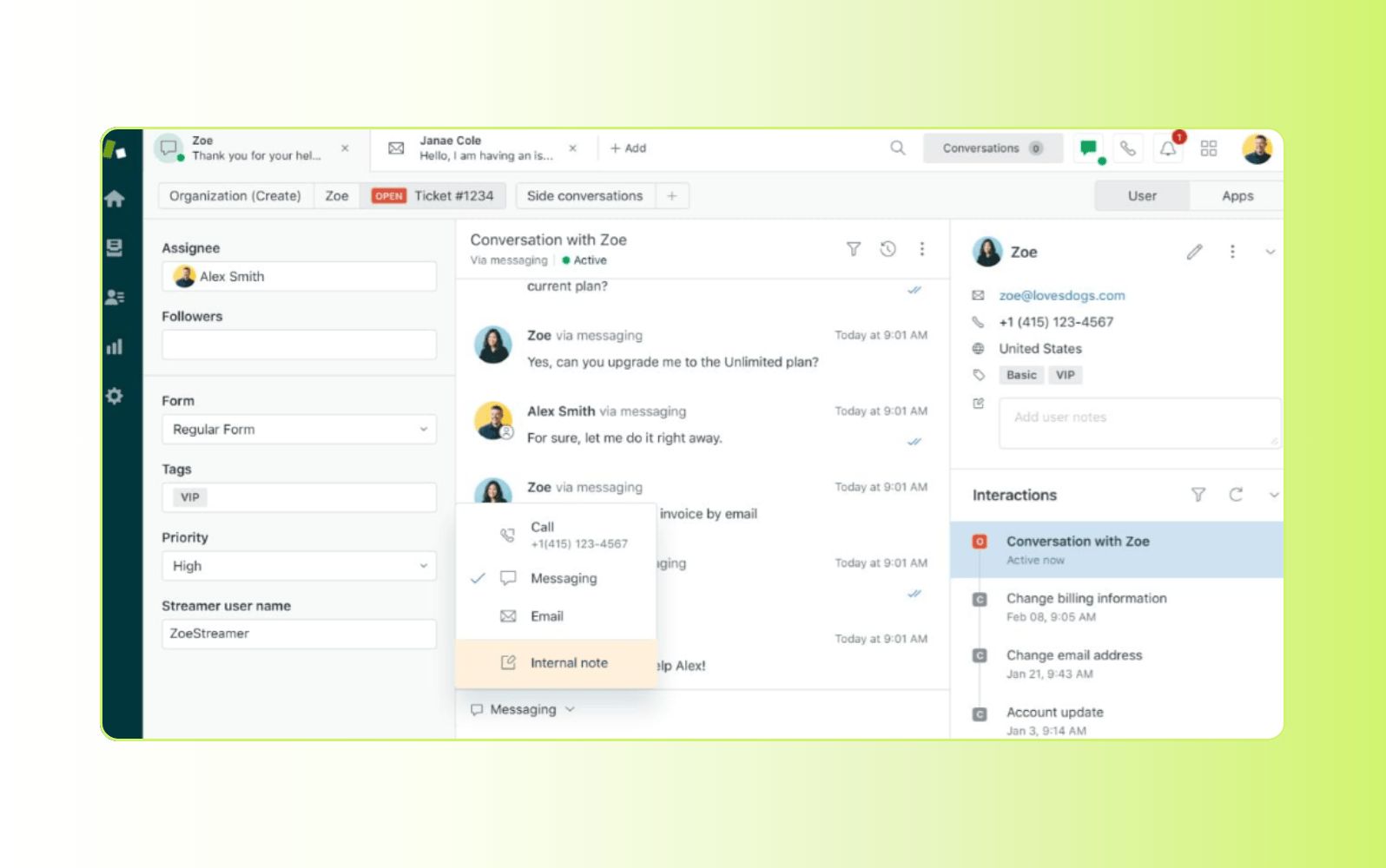
Zendesk delivers AI-powered client portal software built on the Zendesk Resolution Platform. Built specifically for service, it unifies self-service, ticketing, automation, analytics, and the agent workspace in one connected system. Clients can securely access support resources, submit requests, and track progress, while teams manage every interaction from a centralized workspace.
Flexible customization allows you to tailor your portal by brand, product, region, or service tier. No-code apps, integrations, and templates make it easy to adapt and adjust the experience without heavy IT involvement. Built-in knowledge base and knowledge management tools help you create, govern, and optimize content at scale. Generative AI and semantic search deliver faster, more accurate answers.
Resolution-first AI agents can autonomously resolve issues using your knowledge base and workflows, reducing ticket volume and delivering 24/7 support. All portal requests flow into Zendesk’s omnichannel ticketing system, giving agents full context across messaging, chat, email, social media, and voice. Advanced analytics and reporting provide visibility into performance and self-service impact, helping you drive measurable results within Zendesk’s customer experience software.
|
Pros |
Cons |
|
|
What people are saying:
- “Zendesk is by far the best platform for customer support companies.” – Verified user, G2 review.
- “Zendesk makes handling customer support feel organized and manageable, even when ticket volume is high.” – Verified user, G2 review.
- “Zendesk Makes Customer Service Effortless and Organized.” – Verified user, G2 review.
2. SuperOkay
Best for agencies and freelancers
|
Starting price |
Free trial |
Key features |
|
$9 per 3 agents/month (billed annually) |
Available |
|
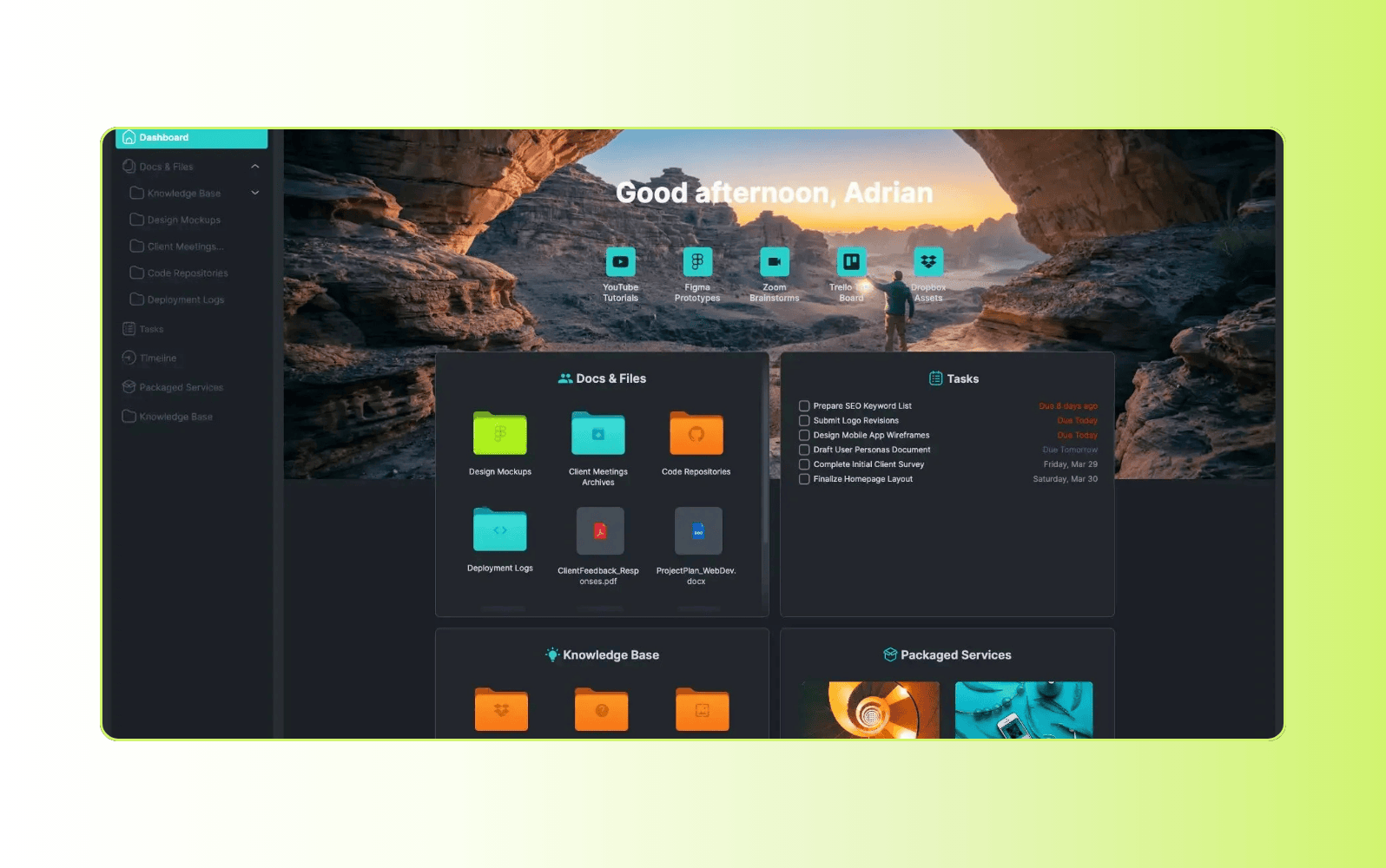
Designed for freelancers and creative agencies, SuperOkay provides a branded client portal for sharing project information and assets. Users can customize the interface with their own logo, colors, fonts, images, and login page to align with brand guidelines.
The platform acts as a centralized hub for documents, tasks, links, and embedded apps. It integrates with third-party tools such as design platforms, analytics software, and project management systems. SuperOkay also includes an interactive document editor with reusable templates that allows clients and teams to collaborate in real time. Storage capacity varies by plan, with lower-tier plans offering limited space.
|
Pros |
Cons |
|
|
What people are saying:
- “It's a good tool for collaborating with clients.” – Verified user, G2 review.
- “Lacks two-factor authentication (2FA), which is an important security feature for me.” – Verified user, G2 review.
- “SuperOK's platform is incredibly responsive and designed for productivity.” – Verified user, G2 review.
3. Ideagen Huddle
Best for regulated industries
|
Starting price |
Free trial |
Key features |
|
Custom pricing |
Unavailable |
|
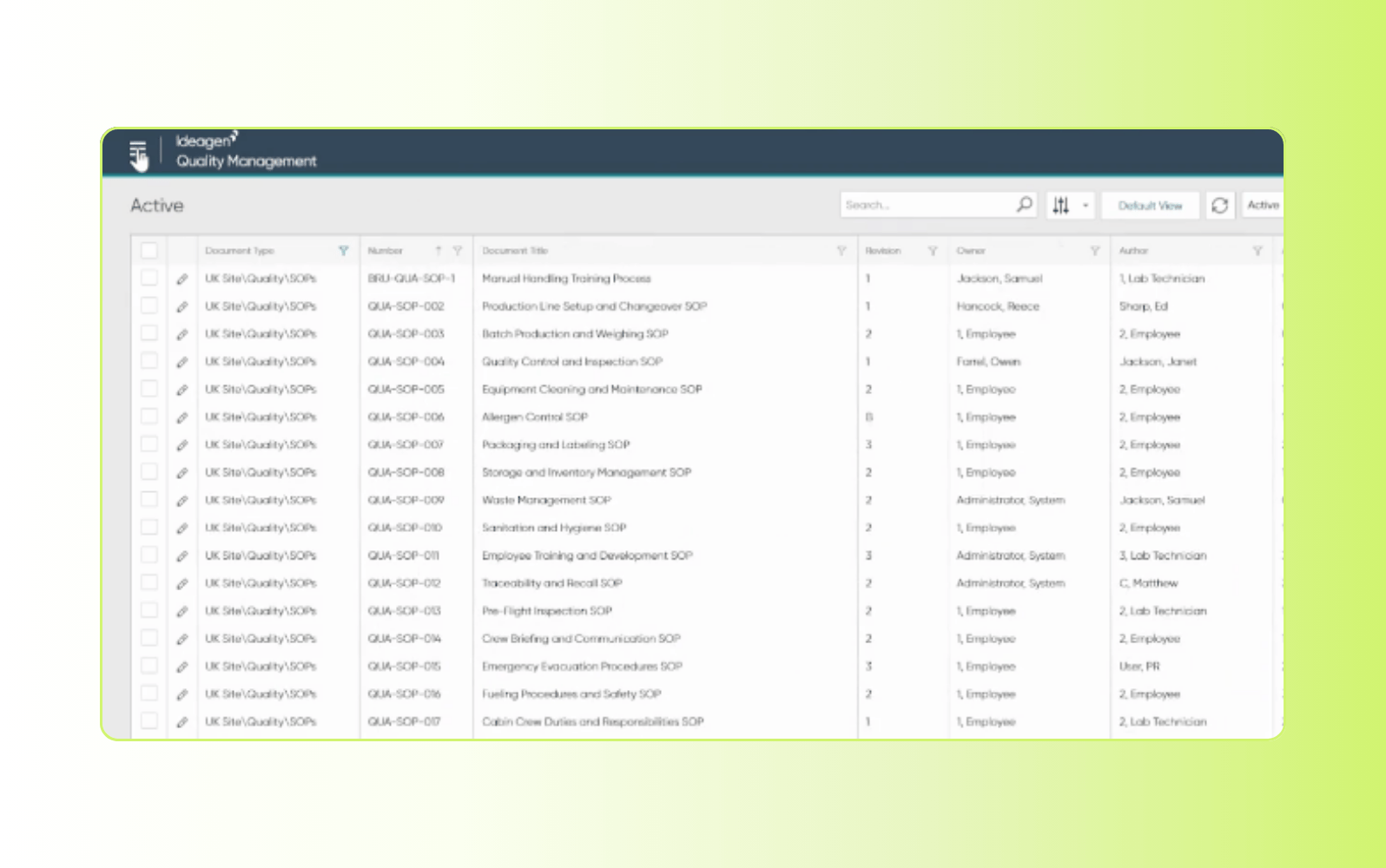
Built for organizations operating in regulated environments, Ideagen Huddle provides a secure client portal for document collaboration and controlled information sharing. The cloud-based platform enables teams and clients to work together on shared files while maintaining strict access controls.
Huddle emphasizes compliance and auditability. The platform includes advanced encryption and detailed activity tracking, with time-stamped logs that create clear audit trails. These features make it suited for industries such as government, healthcare, financial services, and legal organizations that require higher levels of oversight.
|
Pros |
Cons |
|
|
What people are saying:
- “User interface probably needs a review. Experienced users will not find any issues but for someone new, it is not intuitive.” – Verified user, G2 review.
- “Huddle makes it relatively easy to collaborate with partners across various organisations.” – Verified user, G2 review.
- “It is difficult to manage multiple teams and external accounts. It would be useful to have an admin interface to monitor activity” – Verified user, G2 review.
4. Zoho Creator
Best for vendor apps and information
|
Starting price |
Free trial |
Key features |
|
$8 per user/month (billed annually) |
15 days |
|
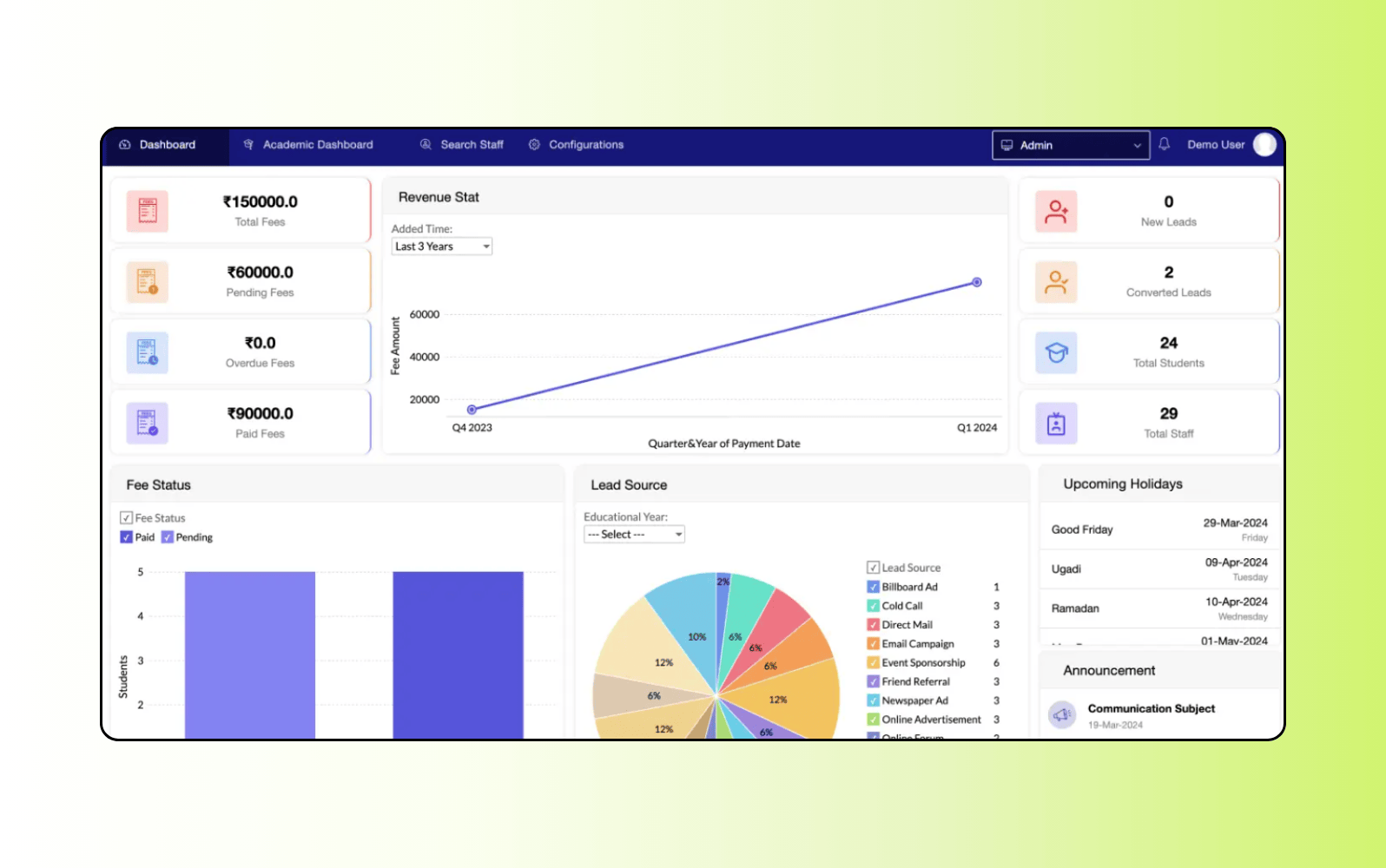
Zoho Creator is a low-code application development platform that allows businesses to build custom portals and internal applications. Organizations can create portals for help desks, vendor communication, HR processes, project management, and order tracking.
The platform includes drag-and-drop tools for designing branded interfaces with custom logos, colors, and layouts. Beyond this, users are able to build workflows, automate processes, and create self-service resources such as knowledge bases, FAQs, and community forums. Zoho Creator also offers reporting tools and an AI assistant to support application development and automation. Just keep in mind that some advanced portal features are exclusive to higher-tier plans.
|
Pros |
Cons |
|
|
What people are saying:
- “It's a perfect solution for small and medium businesses” – Verified user, G2 review.
- “There's room for improvement in the interface and there should be more flexibility when choosing viewing options.” – Verified user, G2 review.
- “The software is clunky and takes some getting used to, and the dashboards need major customization to be effective.” – Verified user, G2 review.
5. Assembly
Best for mobile device capabilities
|
Starting price |
Free trial |
Key features |
|
$39 per user/month (billed annually) |
14 days |
|
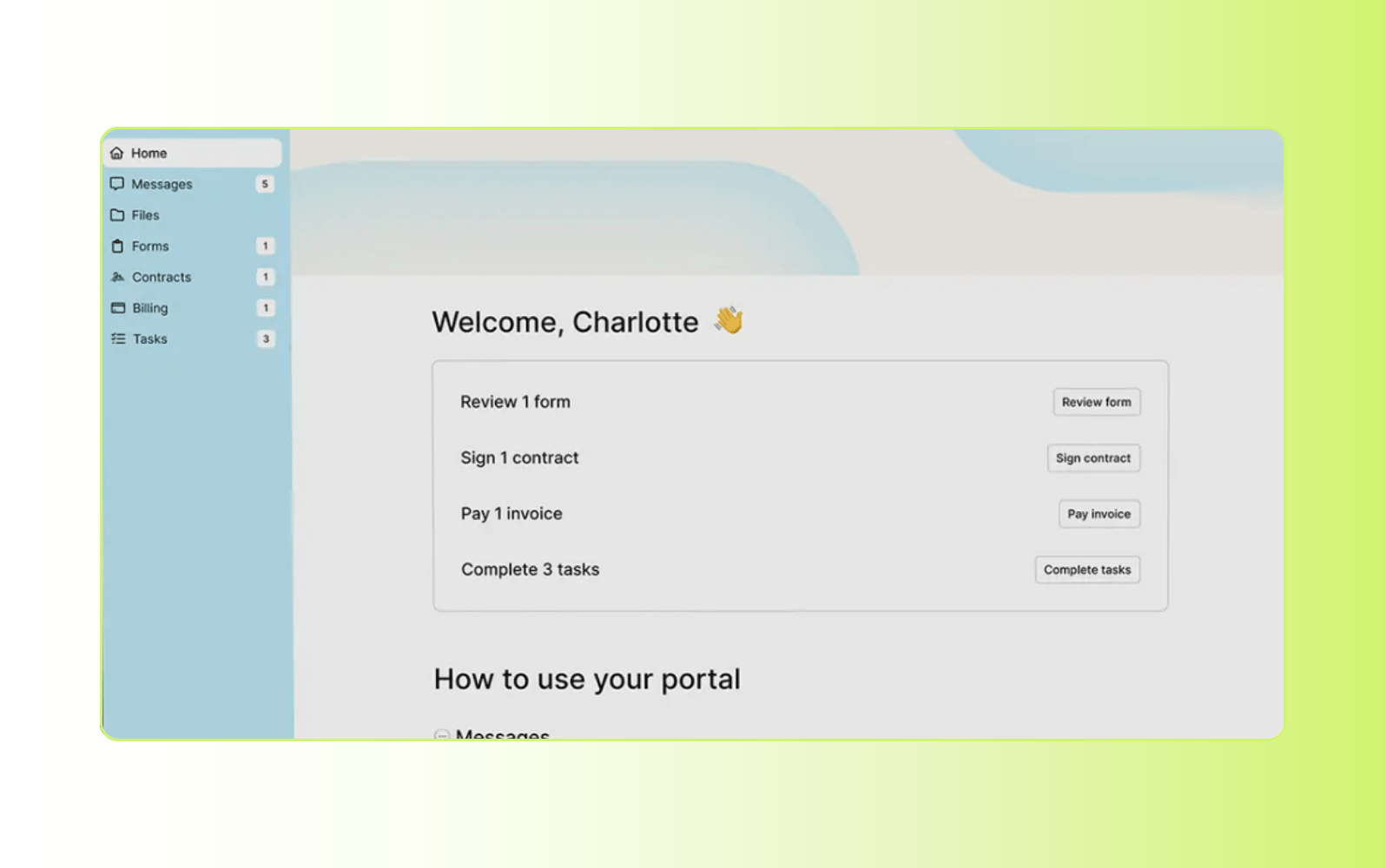
Assembly is a client portal software and CRM platform designed for professional service firms. It centralizes client communication, billing, contract management, file sharing, forms, and more within a branded, secure portal.
Clients can access information and take action on mobile devices, improving access for on-the-go collaboration. The platform supports third-party integrations, enabling connections with tools like Zapier, Airtable, and calendars.
Assembly also includes automation capabilities for workflows, such as messaging, intake forms, and payment reminders—just keep in mind that these are more basic compared to dedicated service platforms. Branding options let businesses customize the portal’s appearance to align with their identity and enhance the client experience.
|
Pros |
Cons |
|
|
What people are saying:
- “The UI is modern, clean, and well-designed, which makes daily work much smoother.” – Verified user, G2 review.
- “The document set-up is a little clunky compared to something like PandaDoc” – Verified user, G2 review.
- “The client facing side feels personal to my business” – Verified user, G2 review.
6. HappyFox
Best for streamlined workflows
|
Starting price |
Free trial |
Key features |
|
$21 per agent/month (billed annually) |
Unavailable |
|
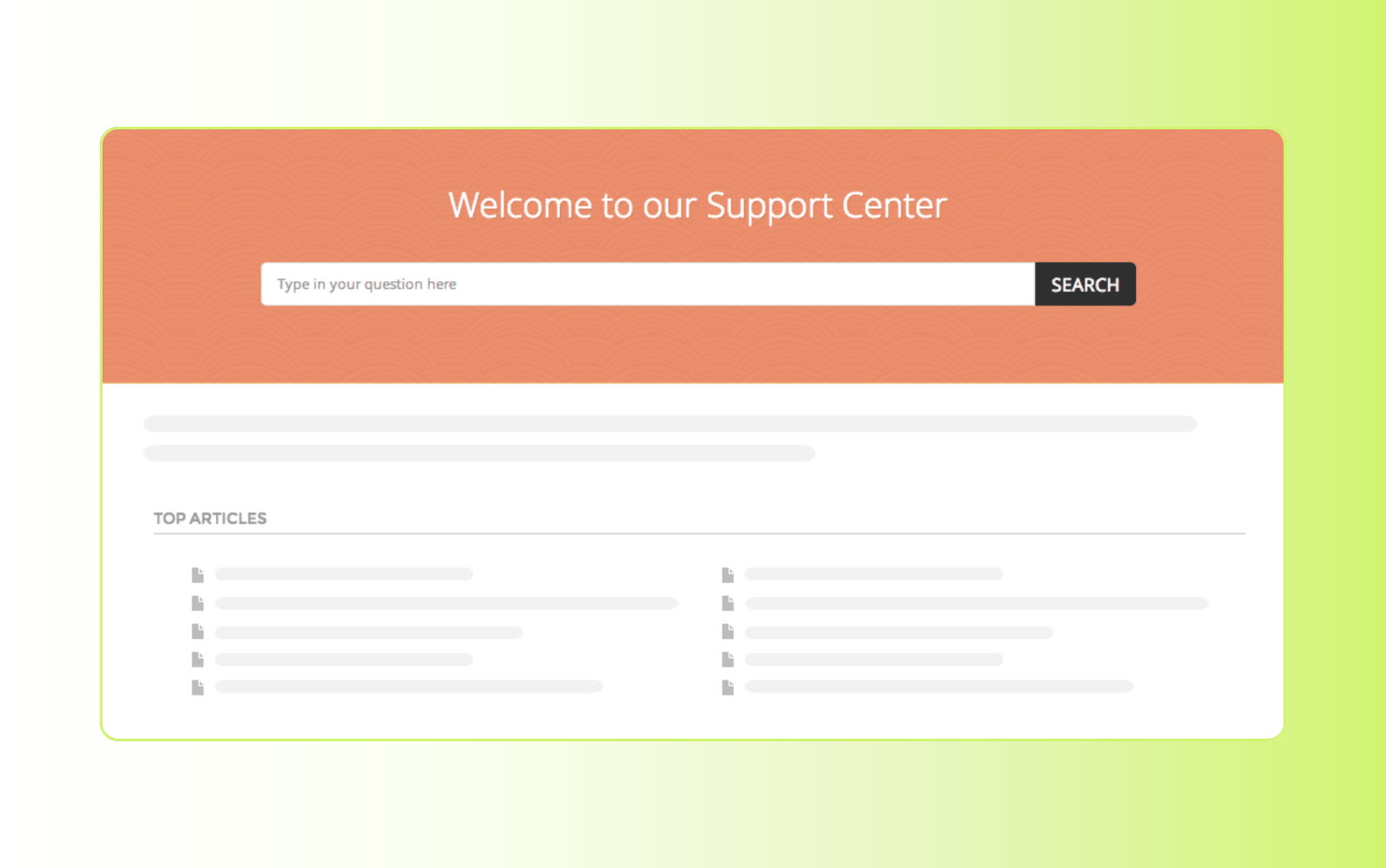
HappyFox is a cloud-based help desk and support platform that includes a self-service portal for clients. Its support center brings together a searchable knowledge base, ticket tracking, and community forums where clients can engage with content and each other.
The platform’s knowledge base supports rich articles, auto-suggested content, and multilingual access. Additionally, AI-assisted search and smart recommendations help users find answers without submitting tickets. HappyFox also includes workflow automation, SLA management, and reporting tools to help teams streamline support operations.
HappyFox integrates with third-party tools and offers customizable workflows, routing rules, and analytics to improve agent productivity and service consistency. It’s suited for teams that want a unified help desk with self-service and engagement features built in. Finally, it’s important to note that there’s no free trial available and organizations need to invest in higher-tier plans to unlock various branding, customization, support, and automation features.
|
Pros |
Cons |
|
|
What people are saying:
- “Very easy to setup work flows and make changes quickly.” – Verified user, G2 review.
- “The actual configuration and setup is a bit clunky.” – Verified user, G2 review.
- “HappyFox is simple and easy to use.” – Verified user, G2 review.
7. Freshdesk
Best for budget-conscious support teams
|
Starting price |
Free trial |
Key features |
|
$19 per agent/month (billed annually) |
14 days |
|
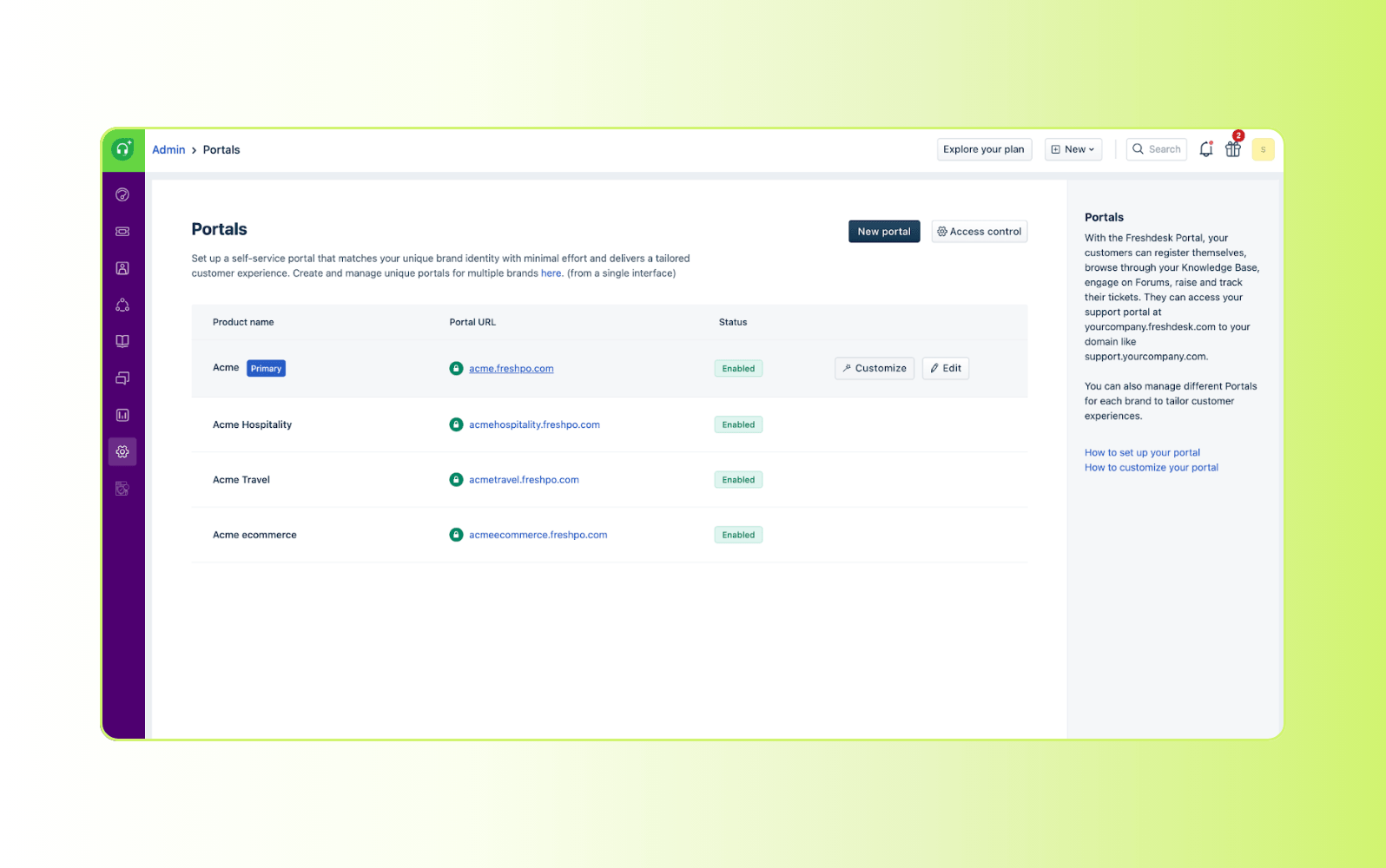
Freshdesk is a cloud-based customer support platform that includes a client-facing support portal. The portal allows businesses to publish knowledge base articles, track tickets, and provide community forums for peer-to-peer support. It’s part of the broader Freshworks ecosystem.
The platform supports automation rules, SLA management, and ticket routing to help teams manage support workflows efficiently. Freshdesk also offers AI-powered capabilities, including chatbot support and article suggestions, depending on the plan. Reporting and analytics tools provide visibility into ticket trends, agent performance, and customer satisfaction metrics.
|
Pros |
Cons |
|
|
What people are saying:
- “When I wanted to fine tune reports or customize workflows, I had to spend time exploring menus and documentation” – Verified user, G2 review.
- “It’s very easy to use, I think it needs more AI tools for automation.” – Verified user, G2 review.
- “Freshdesk has been a great fit for our small team.” – Verified user, G2 review.
Learn more: Compare Zendesk vs. Freshdesk.
8. MyDocSafe
Best for secure client onboarding
|
Starting price |
Free trial |
Key features |
|
$25 per user/month (billed annually) |
30 days |
|
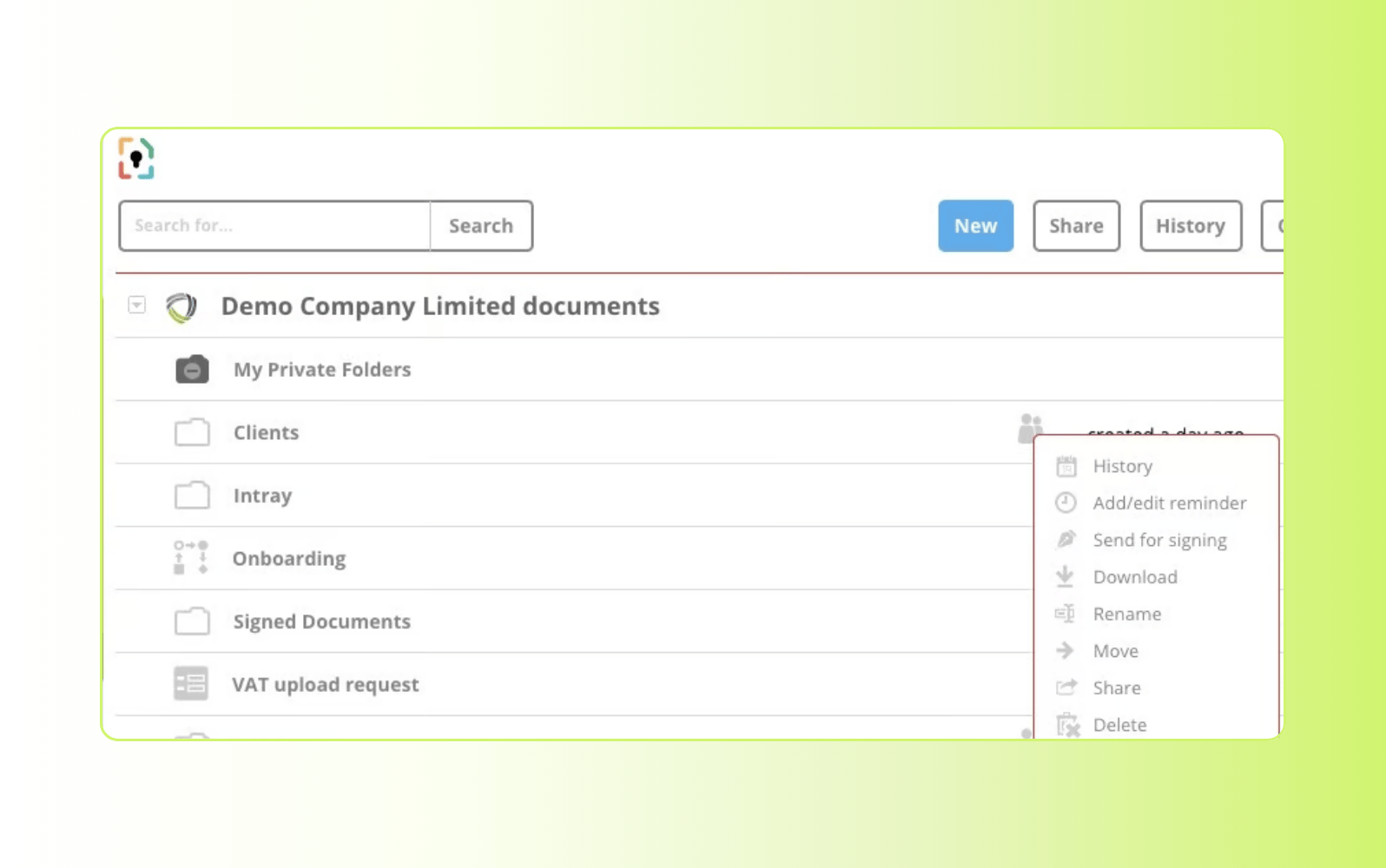
Focused on secure document exchange and structured onboarding, MyDocSafe provides a client portal designed for businesses that handle sensitive information. The platform supports document management, billing, encrypted email, e-forms, and identity verification within a controlled environment. It also enables collaboration on Microsoft Office files.
Customizable workflows help guide clients through onboarding steps, from submitting forms to signing documents. Businesses can automate reminders, trigger notifications, and build processes that move clients through required actions. This approach makes the platform suited for financial services, legal firms, and other compliance-driven industries. Just bear in mind that some security and workflow features are only available in higher-tier plans.
|
Pros |
Cons |
|
|
What people are saying:
- “The software does what I needed to do, get signatures and forms filled out” – Verified user, G2 review.
- “Easy to sign multiple documents. I can do numerous documents in one shot.” – Verified user, G2 review.
- “At the moment, the tool is quite on point and satisfactory.” – Verified user, G2 review.
9. SupportBee
Best for web-based accessibility
|
Starting price |
Free trial |
Key features |
|
$20 per user/month (billed annually) |
14 days |
|
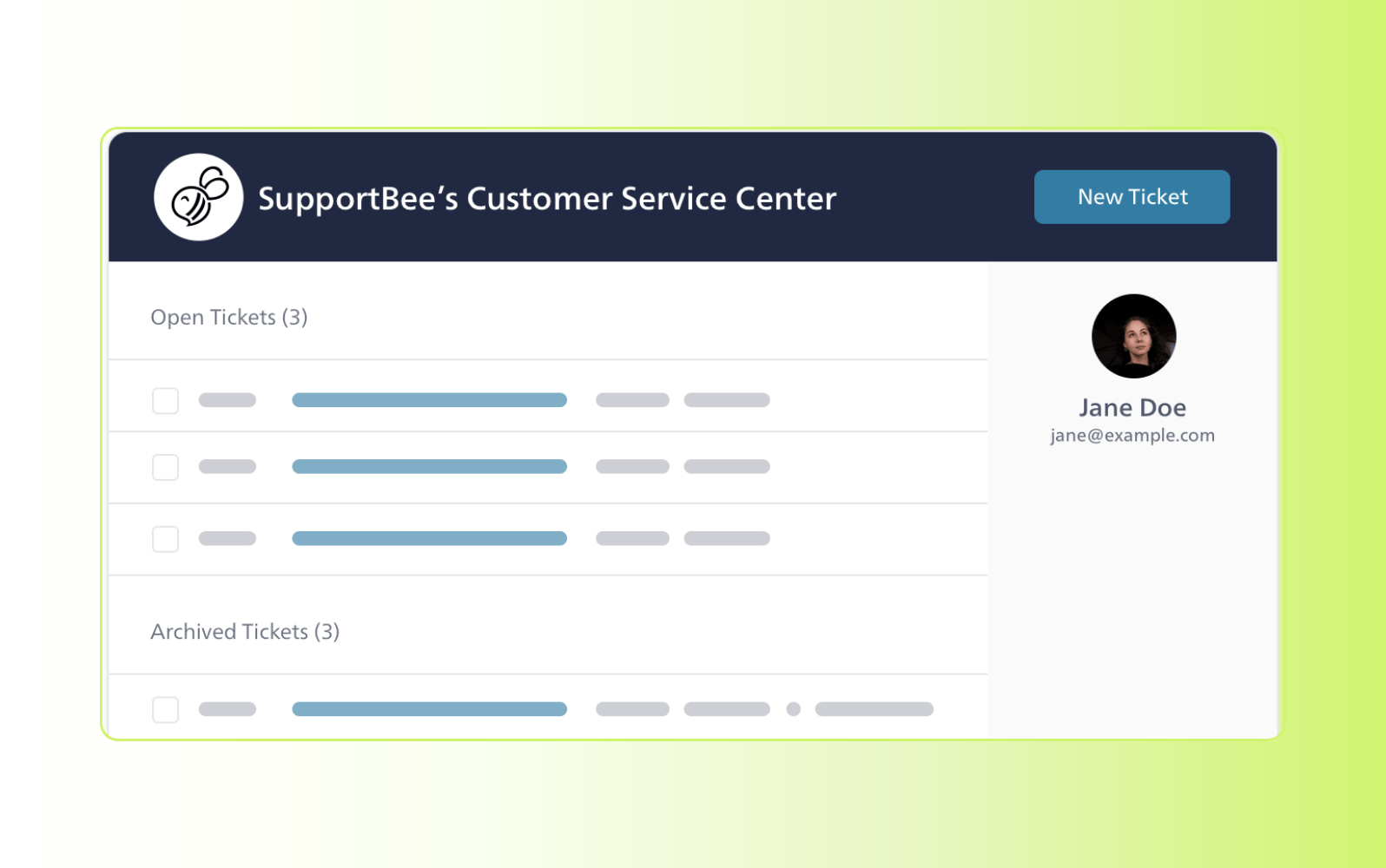
Designed as a lightweight, web-based help desk, SupportBee includes a customer portal that allows clients to submit tickets and track request status online. Customers can review conversation history, reference past issues, and follow updates without relying on email threads. But keep in mind that the customer portal isn’t available in all plans.
The platform supports secure ticket collaboration, enabling clients to comment, upload files, and participate in threaded discussions directly within their requests. SupportBee also allows agents to share secure, access-based links so customers can view specific conversations. Additional capabilities include a knowledge base, reporting tools, and shared inbox functionality for team collaboration.
|
Pros |
Cons |
|
|
What people are saying:
- “It is simple yet effective software. Easy to use and understand.” – Verified user, G2 review.
- “Knowledge base could use much (much!) better organizational tools.” – Verified user, G2 review.
- “Nice help desk - easy to start and use, but with simple functionality.” – Verified user, G2 review.
10. Clinked
Best for file sharing
|
Starting price |
Free trial |
Key features |
|
$95 per month (billed annually) |
10 days |
|
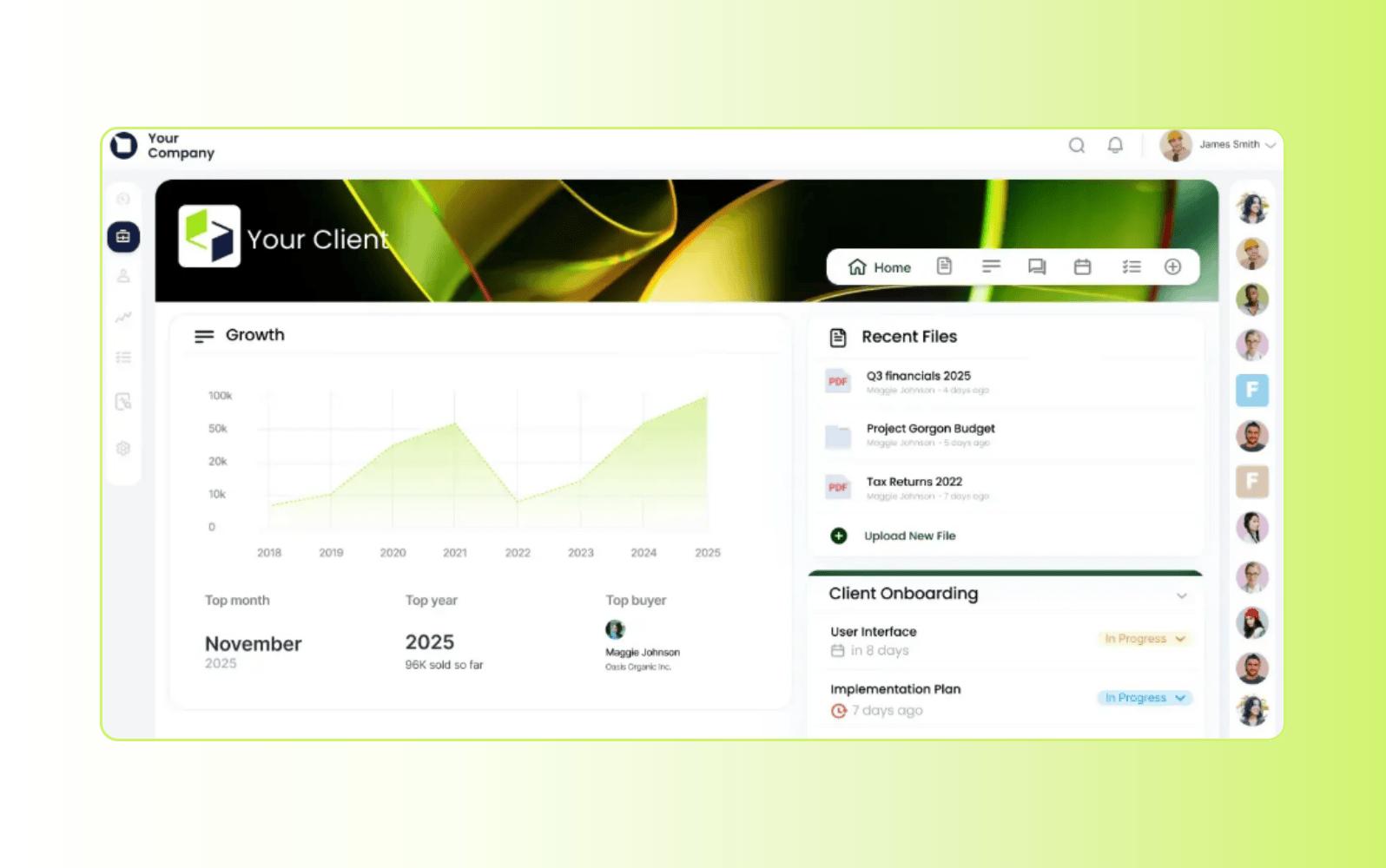
Built as a secure collaboration and file-sharing portal, Clinked allows businesses to create branded client spaces for sharing documents and updates. Organizations can customize client portal templates or build their own layouts while controlling user permissions for viewing, editing, and downloading content.
The platform centralizes communication through group chats, direct messages, shared folders, and activity feeds. Clients and internal teams can collaborate in one environment, and a mobile app supports access on the go. Clinked also includes integrations and administrative controls such as single sign-on (SSO) and granular access permissions. There’s a free trial available, which is recommended before purchase as this platform is one of the more expensive on the market.
|
Pros |
Cons |
|
|
What people are saying:
- “I appreciate Clinked's white-label branding that allows me to make the portal truly reflect my brand.” – Verified user, G2 review.
- “Some advanced customization options and integrations are more limited compared to larger enterprise platforms.” – Verified user, G2 review.
- “Streamlined Team Collaboration, needs minor improvements.” – Verified user, G2 review.
11. Content Snare
Best for streamlined content and document collection
|
Starting price |
Free trial |
Key features |
|
$35 per month (billed annually) |
14 days |
|
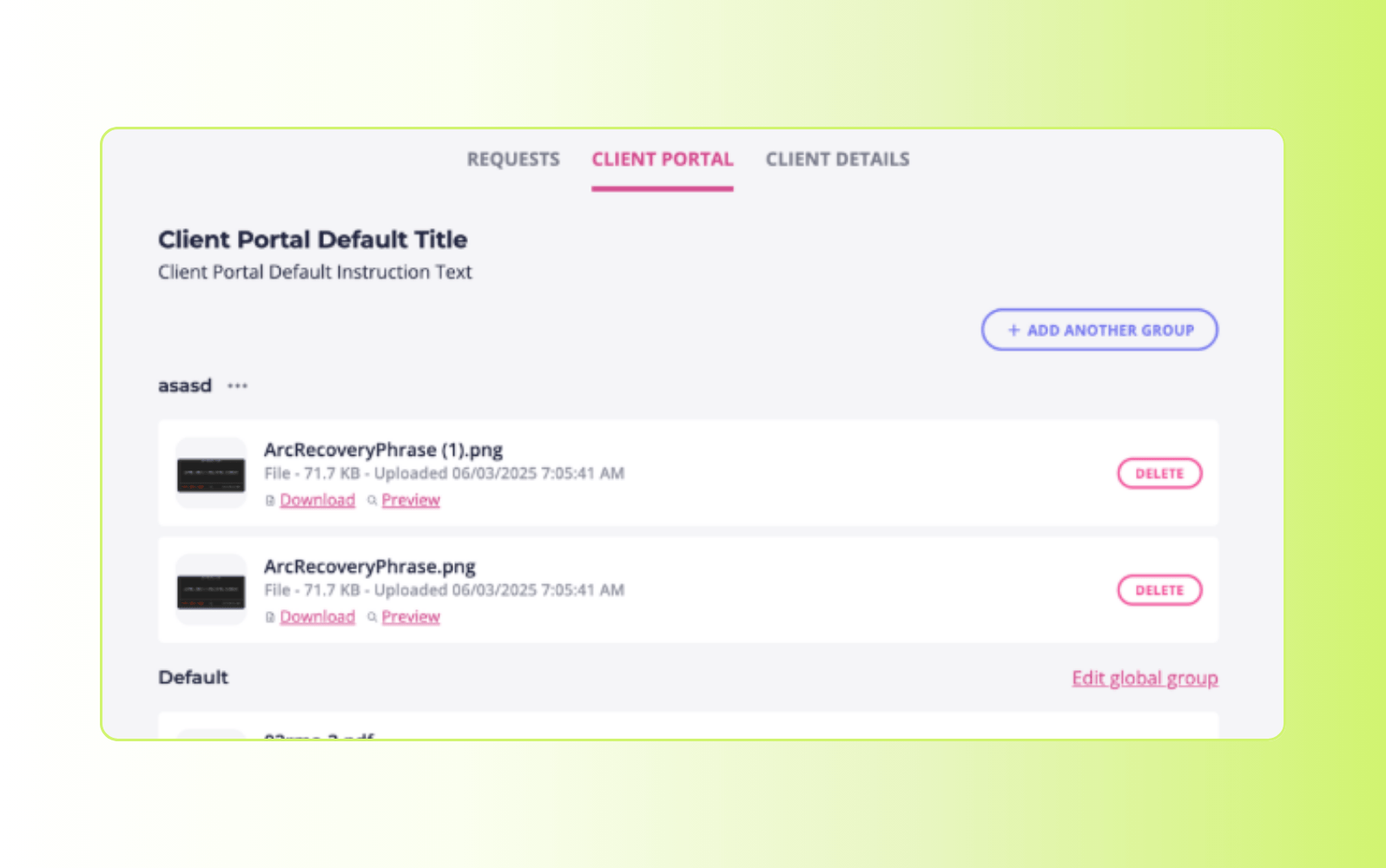
Focused on reducing back-and-forth with clients, Content Snare helps teams gather files, responses, and documentation in a centralized workflow. It provides a simple portal where clients can upload content, complete forms, and submit documents without disjointed emails or shared folders.
The platform supports automated reminders, clear request instructions, and customizable templates to guide clients through what they need to provide. Administrators can track submitted and missing items at a glance and manage client responses with organized lists and progress indicators. Content Snare also includes security and access controls for shared files and integrates with common cloud storage services.
|
Pros |
Cons |
|
|
What people are saying:
- “Contentsnare's competitors have evolved in the recent years, while contentsnare has stayed complacent.” – Verified user, G2 review.
- “Content Snare has been a total game changer for us.” – Verified user, G2 review.
- “It helps me mitigate or avoid tasks that I deeply dislike” – Verified user, G2 review.
12. Kahootz
Best for cross-departmental organization
|
Starting price |
Free trial |
Key features |
|
$19 per month (billed annually) |
30 days |
|
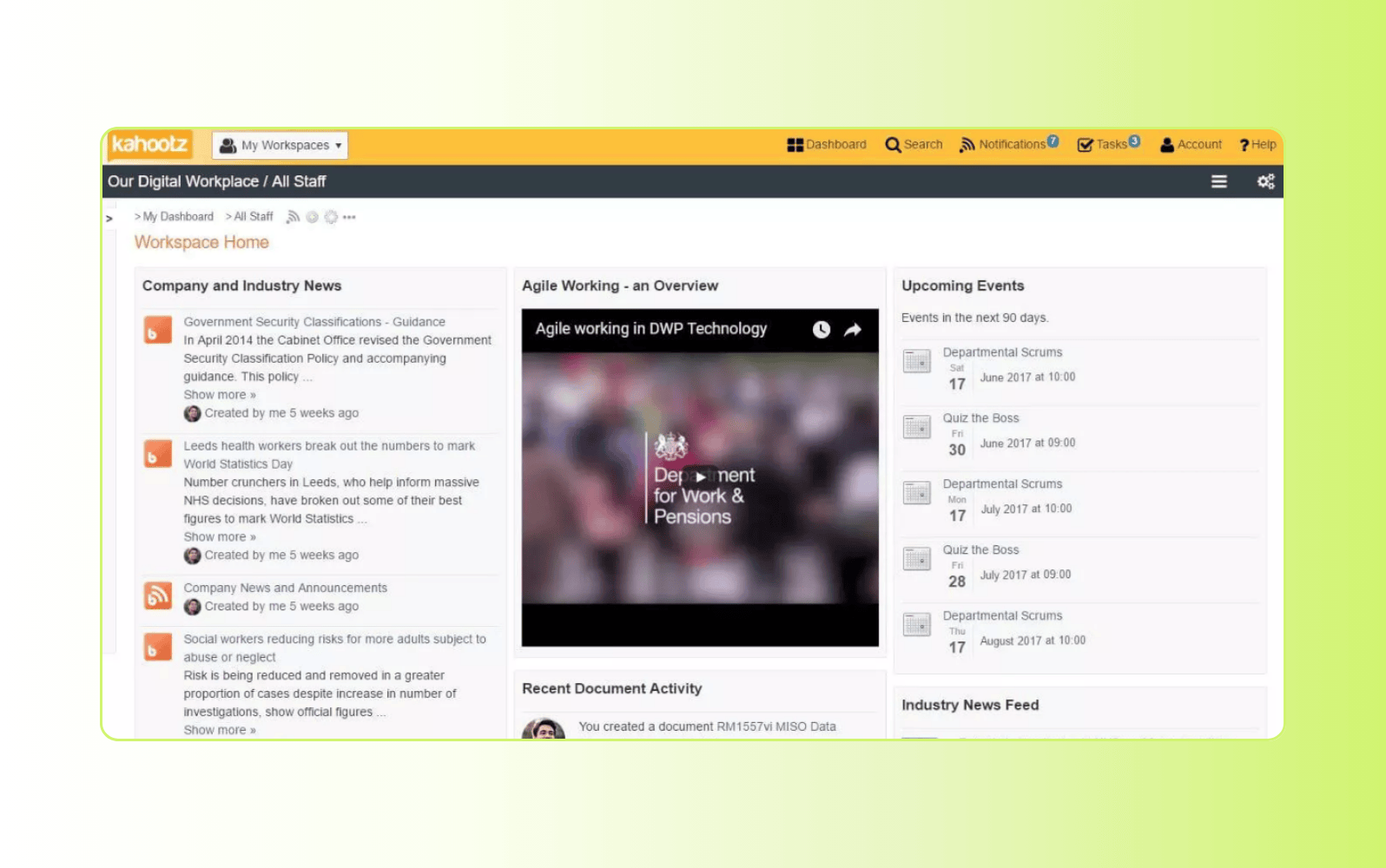
Designed as a secure online collaboration workspace, Kahootz provides a centralized portal for teams and external stakeholders to communicate and manage shared projects. Organizations can create branded workspaces where users access and save documents (although storage limits apply on lower-tier plans), participate in discussions, and collaborate across departments.
The platform includes forums, document management, surveys, and content publishing tools within a controlled environment. Granular permissions and access controls help protect sensitive information, while audit logs provide visibility into user activity. Kahootz also supports secure file sharing and survey distribution, which can be configured for anonymous responses when required.
|
Pros |
Cons |
|
|
What people are saying:
- “Great for team building, ice breakers, fun activities in general to boost team morale!” – Verified user, G2 review.
- “It's is a very fun and interactive way to engage with an audience. The file sharing can be difficult sometimes.” – Verified user, G2 review.
- “The out of the box capabilities is quite impressive for the Project Management module.” – Verified user, G2 review.
13. Onehub
Best for secure file storage
|
Starting price |
Free trial |
Key features |
|
$12.50 per user/month (billed annually) |
14 days |
|
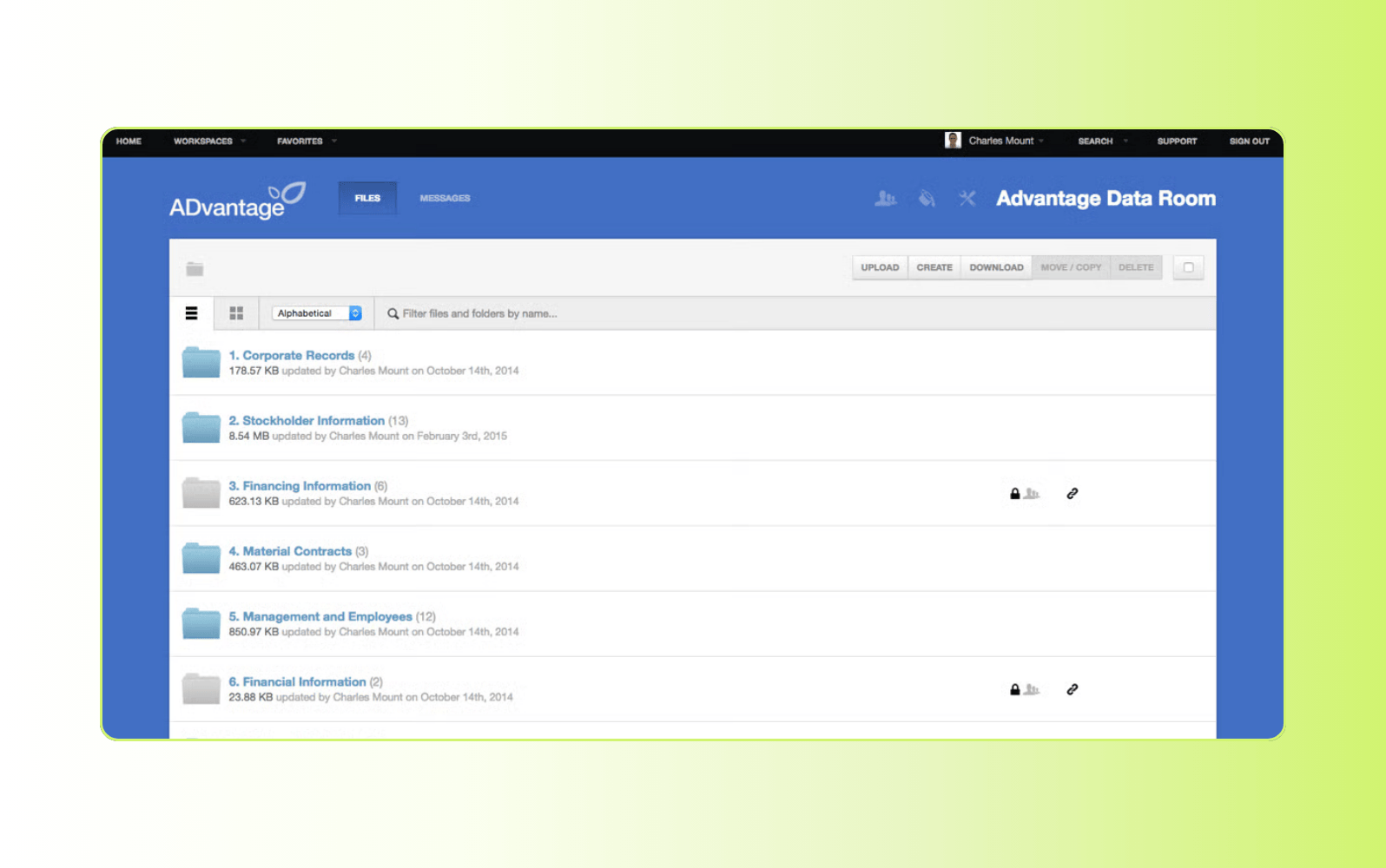
Positioned as a secure cloud storage and client portal solution, Onehub enables businesses to share files and collaborate with clients in controlled online workspaces. Teams can set detailed permissions, generate secure links, and grant time-limited access to specific folders or documents.
The platform supports drag-and-drop uploads, multi-file sharing, and activity tracking across documents. Clients can review files, provide feedback, and access shared resources through the portal. Built-in audit logs track uploads, downloads, previews, and other user activity for added visibility. Finally, if you’re looking for advanced security features, opt for a higher-tier plan.
|
Pros |
Cons |
|
|
What people are saying:
- “One hub is a basic (and not a premier) storage hub. Many other storage portals offer similar features.” – Verified user, G2 review.
- “You can customize your weblink, add in a logo; you have plenty of space to hold your files securely.” – Verified user, G2 review.
- “Onehub is a budget-friendly option to simply share files with our clients in a secure manner.” – Verified user, G2 review.
14. FuseBase
Best for sales and marketing teams
|
Starting price |
Free trial |
Key features |
|
$32 per month (billed annually) |
7 days |
|
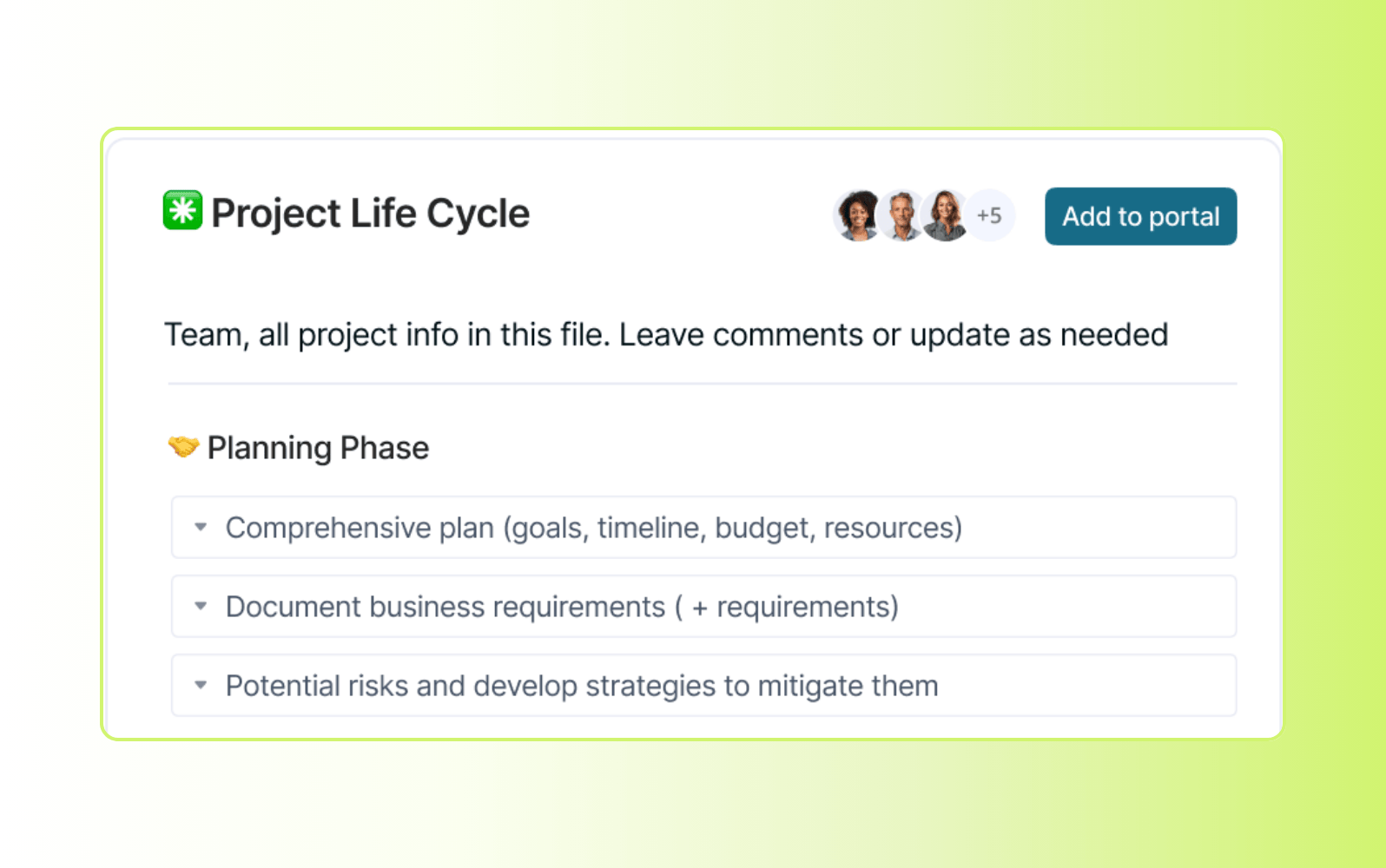
Built as a collaborative client portal and workspace platform, FuseBase helps teams organize content, manage projects, and share information with clients. The platform supports branded portals where external stakeholders can access documents, track deliverables, and collaborate with internal teams.
FuseBase includes AI-powered tools that assist with content creation, meeting summaries, task generation, and knowledge base search. Reporting features provide visibility into content engagement, task progress, and user activity. These insights help sales and marketing teams monitor campaign performance and client interactions.
|
Pros |
Cons |
|
|
What people are saying:
- “The new AI agents are brilliant, but the workflows need more integrations.” – Verified user, G2 review.
- “FuseBase has a powerful document editor combined with website-like portals.” – Verified user, G2 review.
- “It's been great for keeping all client-related documents and communications in one organized place.” – Verified user, G2 review.
15. Moxo
Best for project management
|
Starting price |
Free trial |
Key features |
|
Custom pricing |
Unavailable |
|
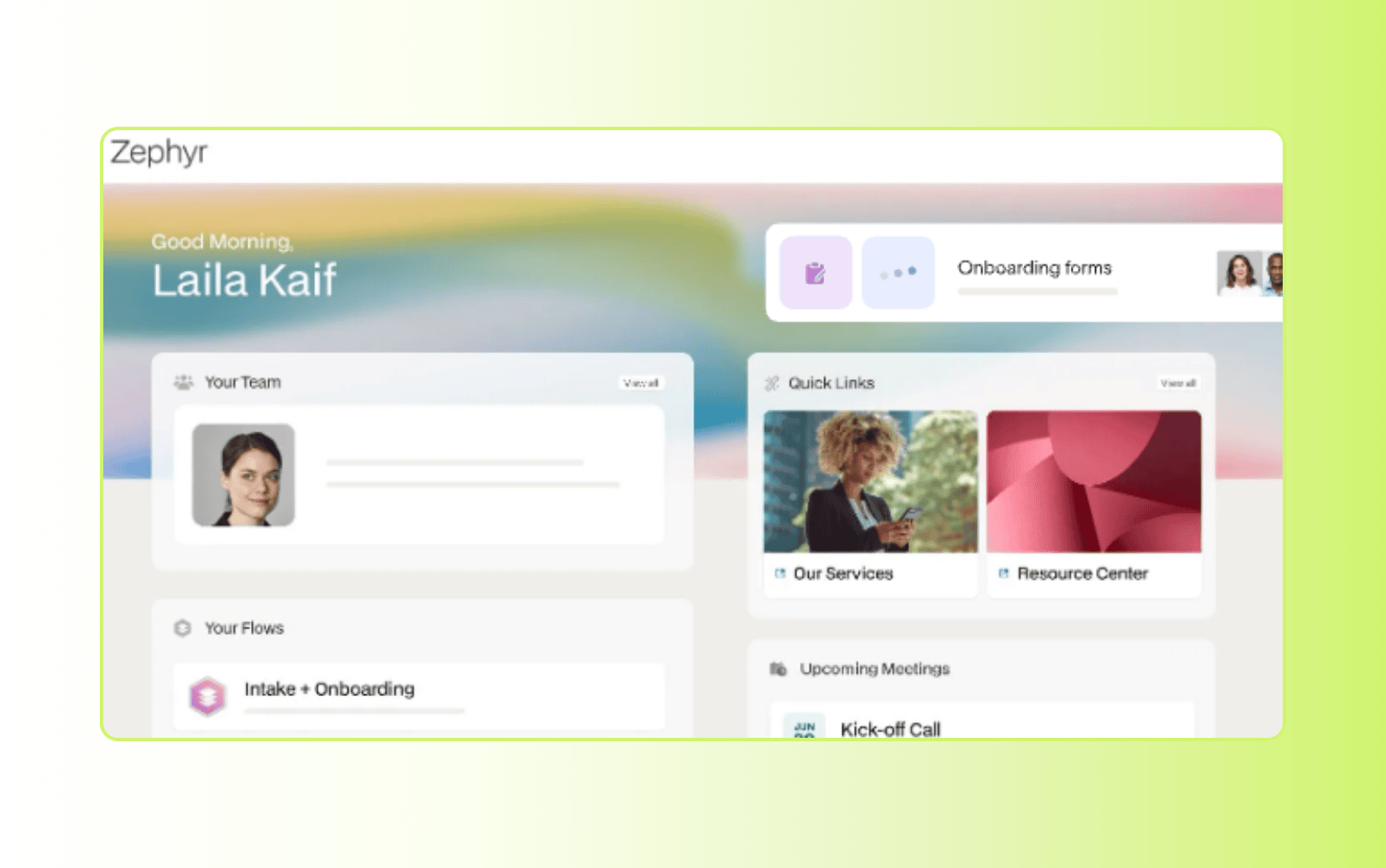
As a client interaction and project management platform, Moxo enables businesses to manage communication, document exchange, and task coordination within a branded portal. Organizations can embed the portal into their website or provide access through a mobile app for clients.
Moxo supports structured onboarding workflows and customizable playbooks to guide different client scenarios. Once active, clients and teams collaborate in a centralized workspace that includes messaging, document sharing, milestone tracking, and progress monitoring. Reporting tools provide visibility into project status and engagement.
|
Pros |
Cons |
|
|
What people are saying:
- “I like how simple it is to create tasks and assign them to people.” – Verified user, G2 review.
- “Moxo has some limitations for permissioning internal users, that I would like to see more customization available." – Verified user, G2 review.
- “Moxo was simple to learn and effective for document creation, sending, and sharing.” – Verified user, G2 review.
16. HoneyBook
Best for independent service providers
|
Starting price |
Free trial |
Key features |
|
$29 per month (billed annually) |
7 days |
|
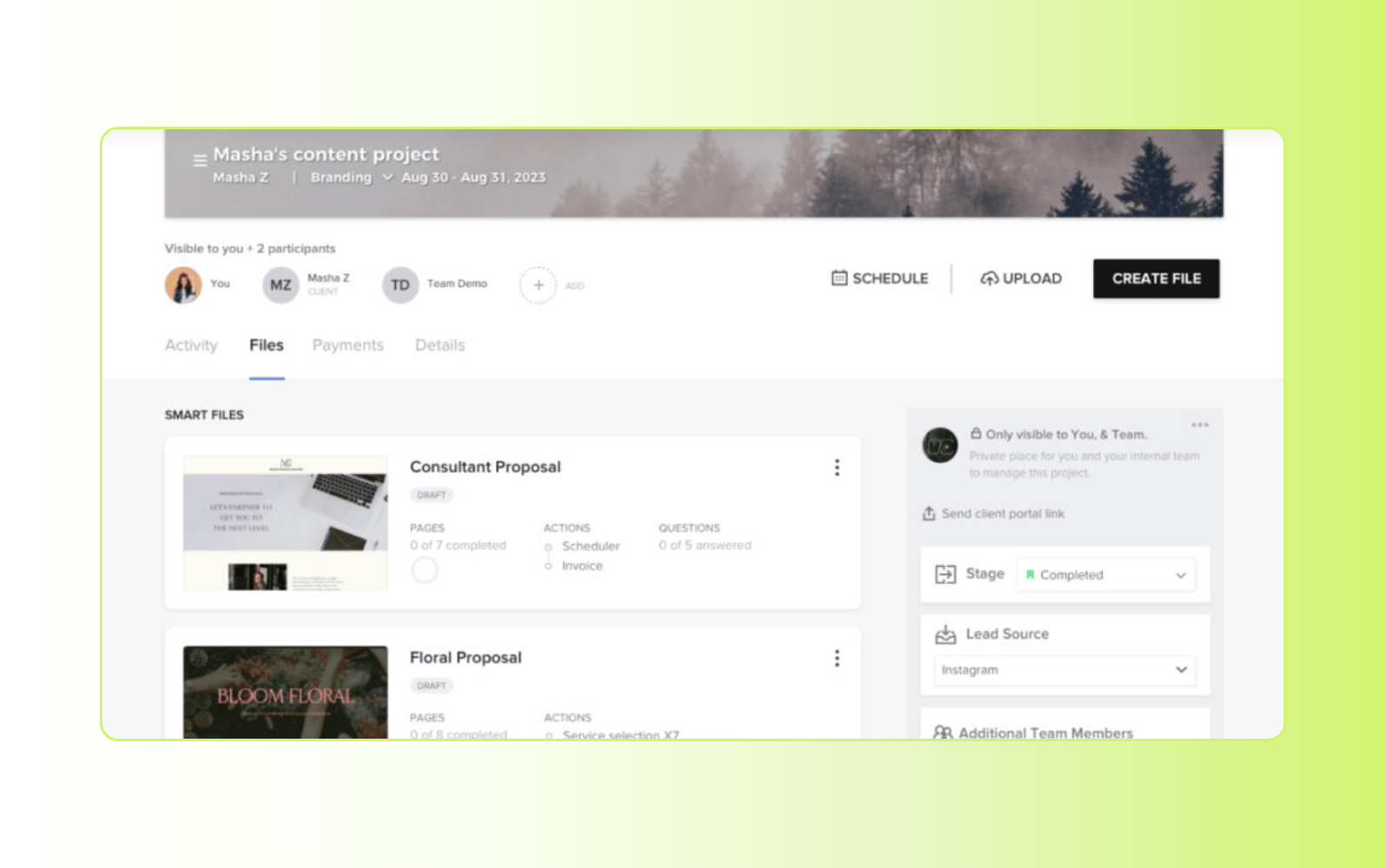
Built for freelancers and small service-based businesses, HoneyBook combines client management, contracts, invoicing, and scheduling within a branded client portal. It allows professionals to manage projects and client communication from inquiry through payment in one workspace.
The platform includes proposal templates, e-signatures, automated workflows, and payment processing tools. Clients can review agreements, submit payments, complete questionnaires, and track project details through a shared portal. HoneyBook also provides reporting dashboards and automation features to streamline client onboarding and follow-up processes.
|
Pros |
Cons |
|
|
What people are saying:
- “I continued to like the service, but the price is too steep.” – Verified user, G2 review.
- “I like the ease of booking and integrating/implementing the forms into my website.” – Verified user, G2 review.
- “Honeybook takes care of contracts, payments and keep my profits organized for quick accounting.” – Verified user, G2 review.
What to look for in client portal software
Not all client portals are created equal. Evaluate these core capabilities to find the right fit for your team and clients:
Fast time to value
Long implementations slow momentum. Look for software that works out of the box and includes built-in best practices. A modern solution should allow you to launch quickly without heavy configuration or custom development.
Example: Zendesk provides a ready-to-use client portal with preconfigured workflows and built-in AI tools, helping teams get started quickly.
Ease of use
Clunky interfaces create friction for clients and agents. Choose a portal that’s intuitive, easy to navigate, and designed for both internal teams and end users. A straightforward user experience increases adoption and reduces unnecessary support requests.
Example: Zendesk offers a unified Resolution Platform that brings tickets, customer context, and AI suggestions into one view.
Scalability
Client portal software should grow with your business. As ticket volume increases or service complexity expands, the platform should support automation and workflow management without requiring additional systems.
Example: Zendesk includes automation, intelligent routing, and AI agents designed to handle higher volumes and more complex service environments.
Reporting and analytics
Visibility into performance is essential. Look for built-in dashboards that track customer service metrics such as ticket volume, resolution time, deflection rate, and customer satisfaction.
Example: Zendesk provides integrated reporting tools that surface real-time insights into self-service and agent performance.
Multibrand and multilingual support
If you serve multiple regions or product lines, your client portal should support separate brands and localized content. This enables consistent service across audiences without managing separate platforms.
Example: Zendesk allows teams to manage multiple brands and publish help center content in more than 40 languages.
Security and access controls
Client data is sensitive. Prioritize features such as role-based permissions, encryption, and single sign-on (SSO). Secure access protects information while keeping the login process simple.
Example: Zendesk includes enterprise-grade security controls and governance features.
Integrations
Your portal should connect seamlessly with the tools your team already uses. Native integrations and APIs reduce manual work and prevent data silos. Some businesses may also benefit from partner relationship management software for external stakeholders.
Example: Zendesk has native integrations with thousands of applications across support, sales, and operations via the Zendesk Marketplace.
Total cost of ownership
Evaluate the full investment beyond licensing fees. Implementation time, add-ons, and maintenance can significantly increase long-term costs. Platforms with built-in automation reduce complexity and help teams realize value faster.
Example: Zendesk’s pricing is transparent and upfront, meaning that organizations won’t become laden with expensive add-ons further down the line.
With the right client portal software in place, you can deliver faster service while improving efficiency and controlling costs.
Frequently asked questions
Build an AI-powered customer portal with Zendesk
The Zendesk AI Resolution Platform contains a customizable, secure, and scalable portal solution that boosts both customer self-service and support team efficiency. With AI-driven features like generative AI for content creation, intelligent search, and automated issue resolution, teams can elevate their self-service offerings to new heights.
Our portal is part of a complete customer service solution that includes everything you need to deliver great support from day one. Start empowering your clients with the right client portal software today.
Lauren Hakim
Director, Product Marketing
As Director of Product Marketing at Zendesk, Lauren leads go-to-market strategy for AI Agents and Knowledge. She focuses on how AI can improve resolution rates and empower support teams through scalable automation and smarter self-service.
Related client portal guides
For more information about secure client portals and self-service options, check out these other resources.