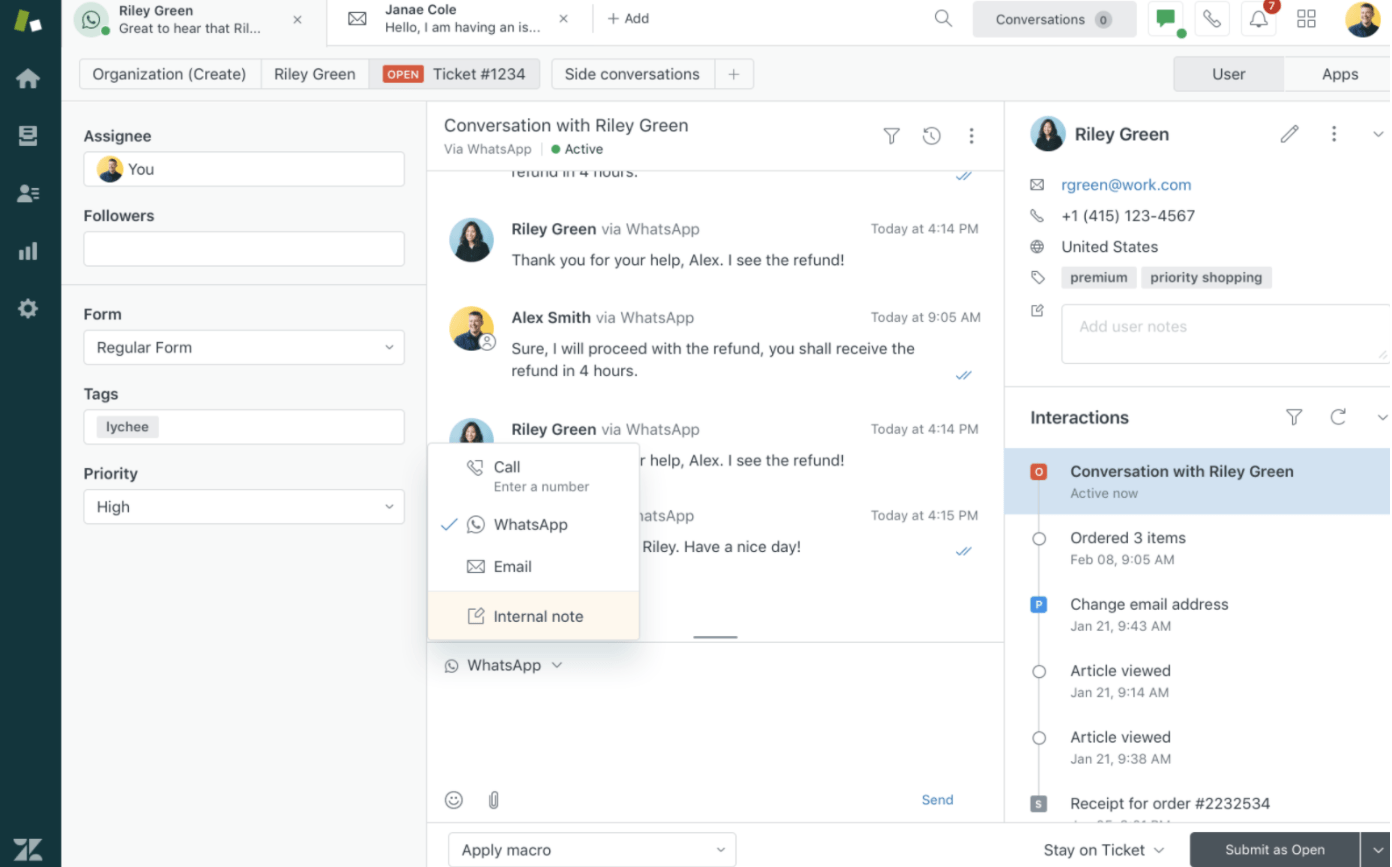
The best thing you can do for your support agents is to give them the convenience of a unified workspace, where every customer interaction is at their fingertips. Your conversations may be happening over phone, email, or chat—or even switching from one to the other. No matter the channel, all interactions need to be easily accessible for your customer service team.
“If you’re offering all these channels, you don’t want your agents switching between different tools or dashboards to support the customer,” Basu says. “To stay efficient, you want your agents in a single unified workspace that lets them have a continuous conversation with the customer, even when it moves across multiple channels.”
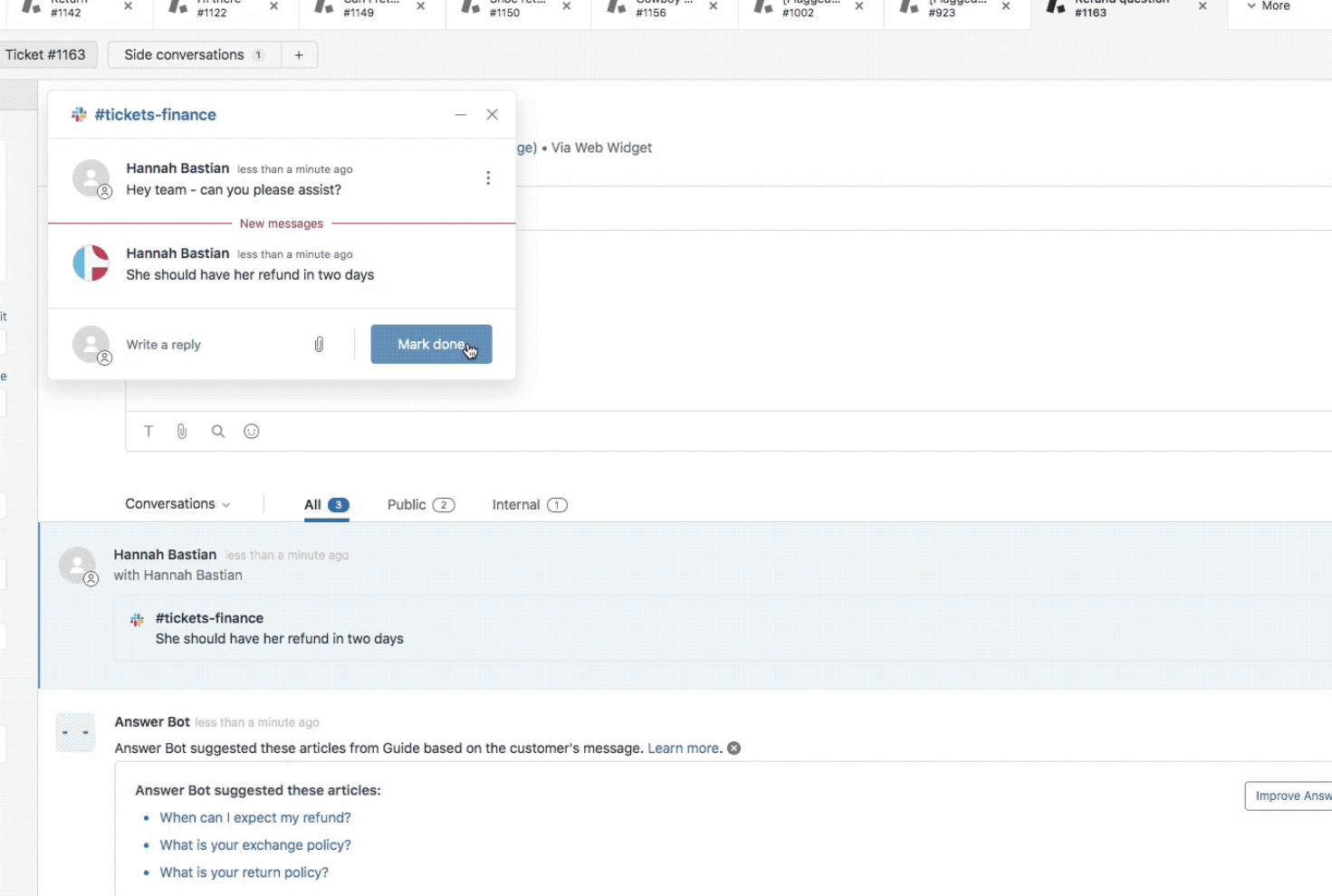
Use customizable tools to build a workspace that will automatically surface the most relevant tools for solving the support ticket in question.
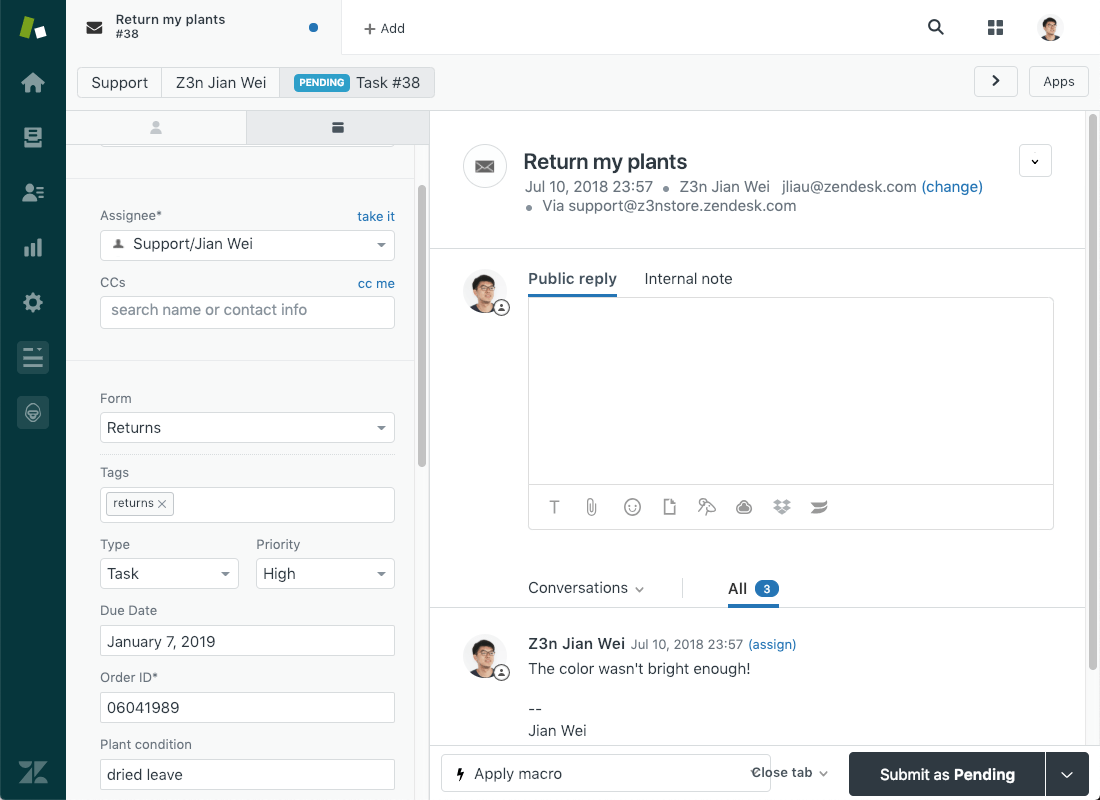
With Zendesk Support’s contextual workspaces, you can set conditions for specific types of support tickets. For example, whenever an agent opens a return request ticket, all the necessary forms, macros, and apps will immediately appear.